
WithPersona.com - humanizing online identity by helping companies verify that their users are who they say they are. You can verify users registered in your community through the service WithPersona.com. You need to access the control panel from the link https://app.withpersona.com/dashboard
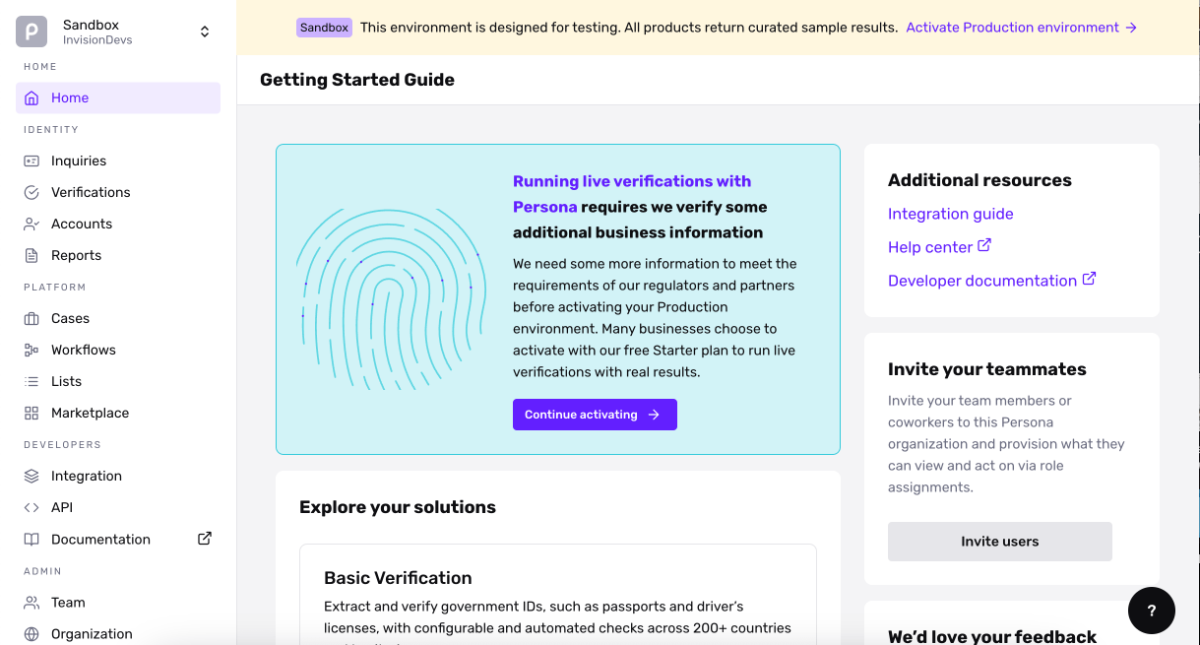
You need to purchase the Verification app for Invision Community, install it and make the following settings:
- Persona API key - this key can be obtained from the link https://app.withpersona.com/dashboard/api-keys
- Inquiry Template ID - you can create various step templates that the user will go through for their verification, specify the ID of such a template here, you can get it from the link https://app.withpersona.com/dashboard/inquiry-templates
- WithPersona Description - Describe the process for the member.
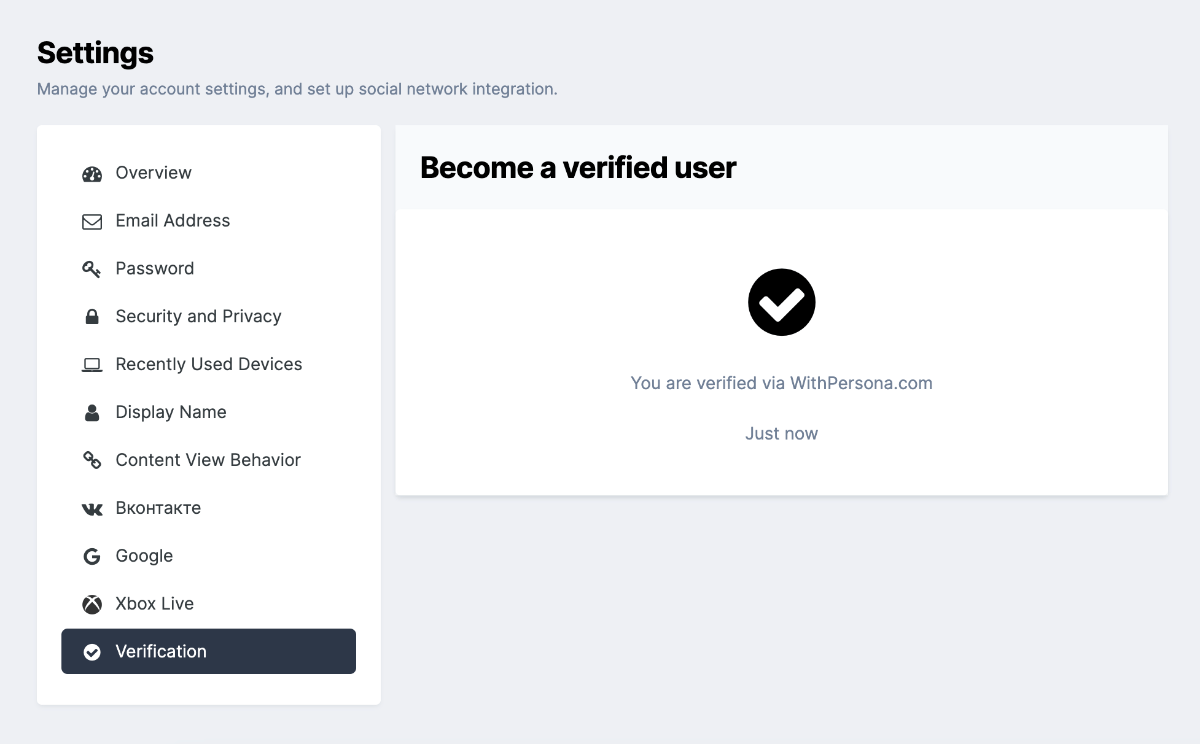
The verification process through WithPersona.com looks like this:
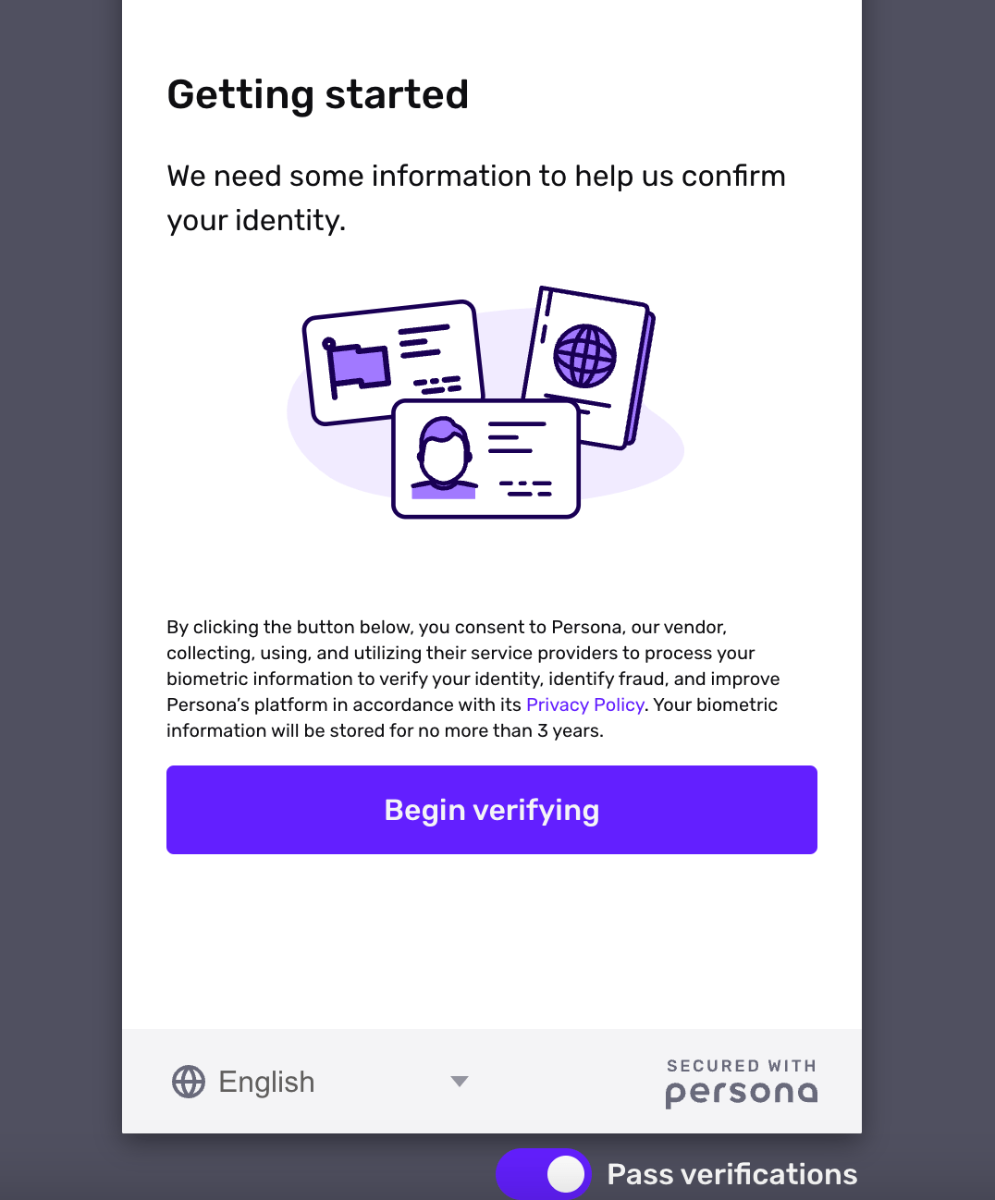
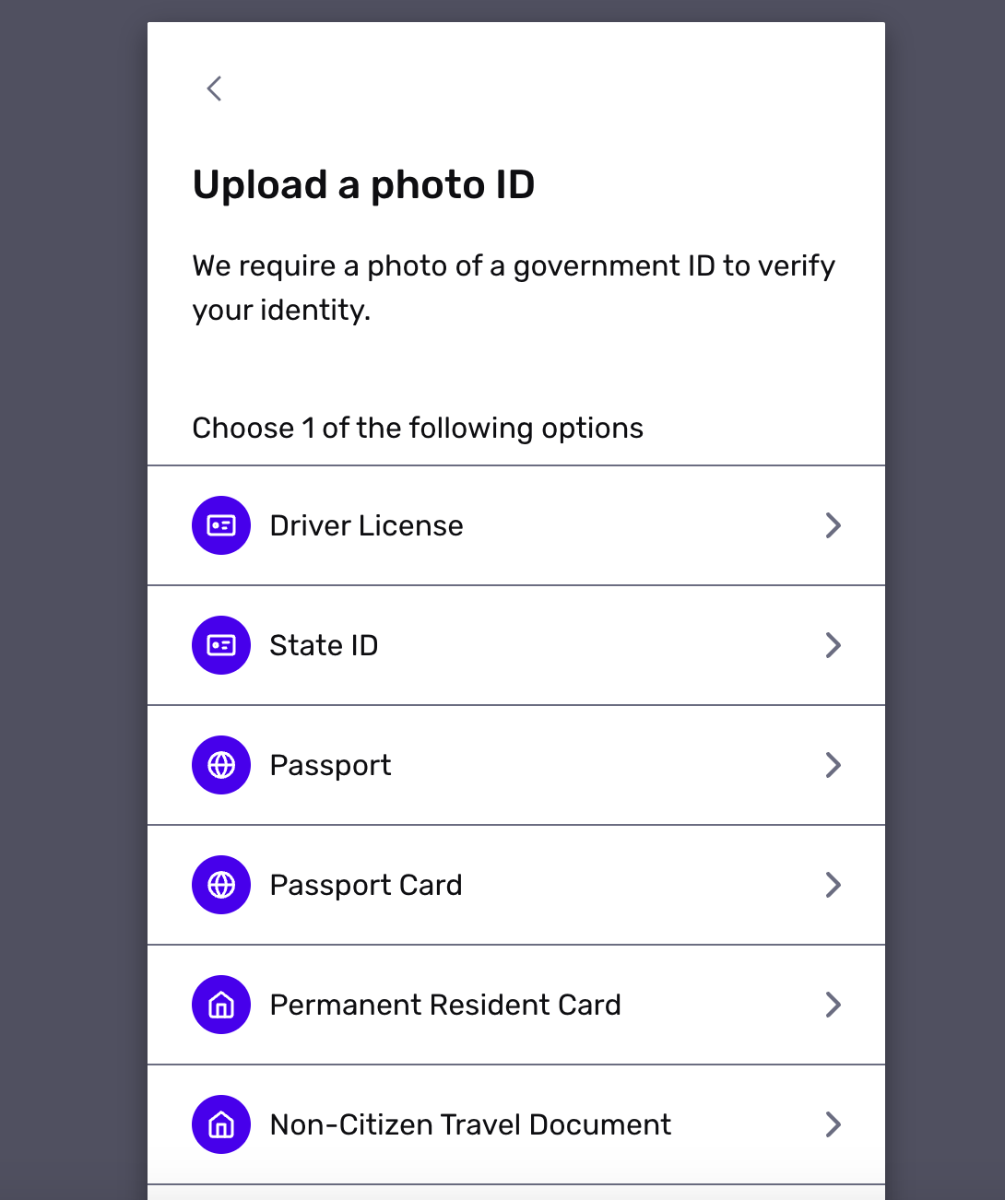
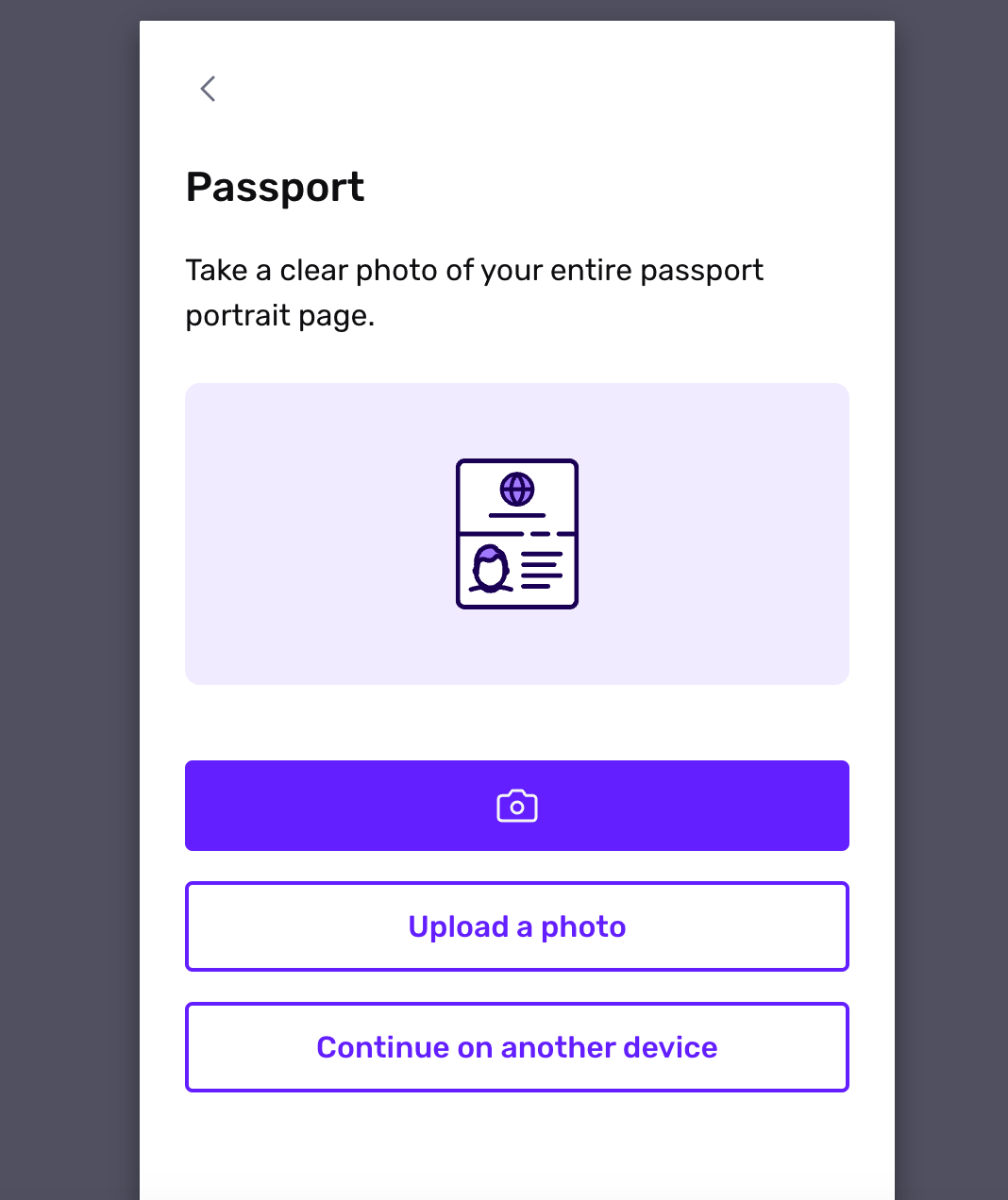
Webhook setting up
Go to page https://app.withpersona.com/dashboard/webhooks and click to the button Create webhook:
- URL: https://YOURCOMMUNITY/?app=verification&module=request&controller=withpersona
-
Enabled events:
- account.created
- inquiry.completed
- verification.passed
- verification.failed
- verification.canceled
- verification.requires-retry
- Key inflection: camel
Save the webhook! Setup completed!
Recommended Comments