

MultiSafepay Payment Gateway for Invision Community 5
Accept secure online payments through MultiSafepay directly in Invision Community Commerce.
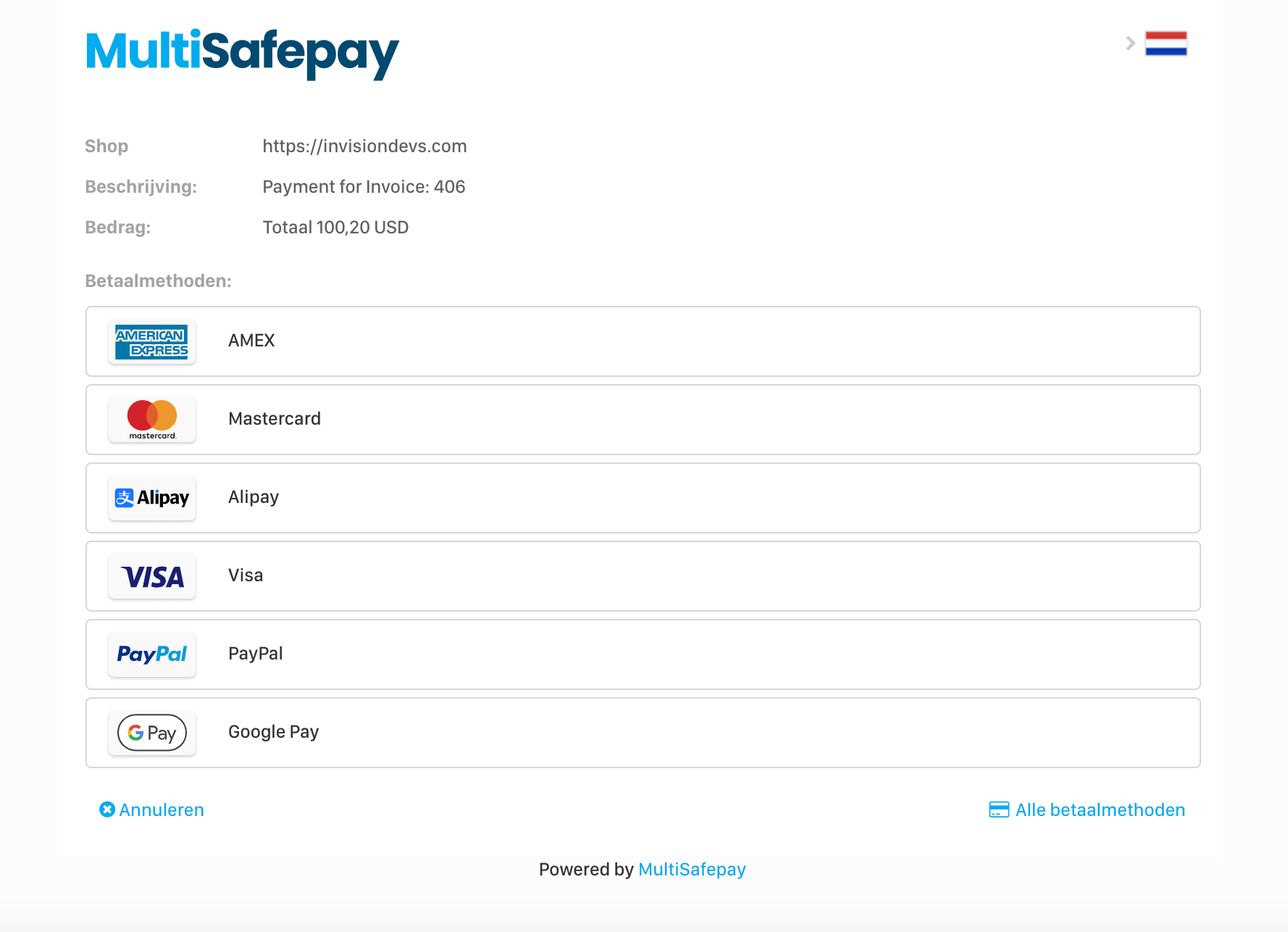
The integration redirects customers to the hosted MultiSafepay payment page, where they can select any compatible payment method enabled for your MultiSafepay account. Payment details are processed by MultiSafepay and are never stored by your community.
Key Features
Separate TEST and LIVE environments
Hosted MultiSafepay checkout
Optional fixed payment method, such as iDEAL or credit card
Secure HMAC-SHA512 webhook verification
Protection against forged and replayed notifications
Server-to-server payment status verification
Automatic handling of completed, pending, declined, cancelled and expired payments
Chargeback and dispute handling
Full and partial refunds from Commerce
Idempotent processing of duplicate notifications
Automatic background reconciliation of pending transactions
Secure customer return URLs
Multi-currency amount handling
Configurable checkout language
Reliable Payment Processing
A transaction is marked as paid only after MultiSafepay confirms that both the order and financial statuses are completed. Pending or unsettled payments remain pending until final confirmation is received.
The integration uses three status-confirmation layers:
Real-time MultiSafepay webhooks
Server-side verification when the customer returns
Scheduled background reconciliation for unresolved transactions
This prevents duplicate fulfilment and reduces the risk of missing delayed payment updates.
Requirements
Invision Community 5
Commerce application
MultiSafepay merchant account
MultiSafepay Website API key
Publicly accessible HTTPS website
Compatibility
This version supports one-time payments through the hosted MultiSafepay payment page. Recurring billing agreements and specialized BNPL shopping-cart or manual-capture workflows are not included.
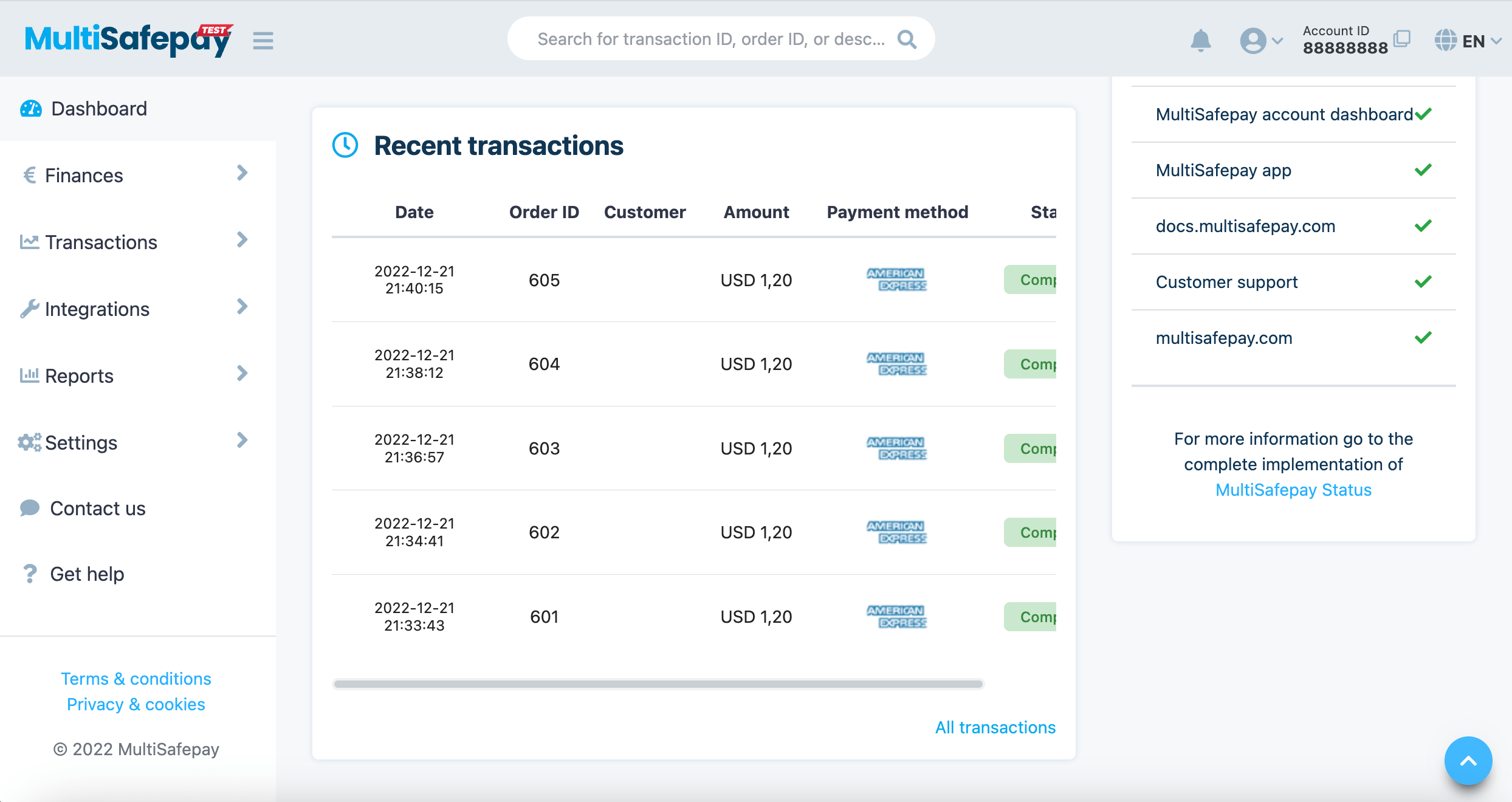
Both TEST and LIVE modes are supported, allowing the complete checkout workflow to be verified before accepting real payments.
You may only provide a review once you have downloaded the file.
There are no reviews to display.