
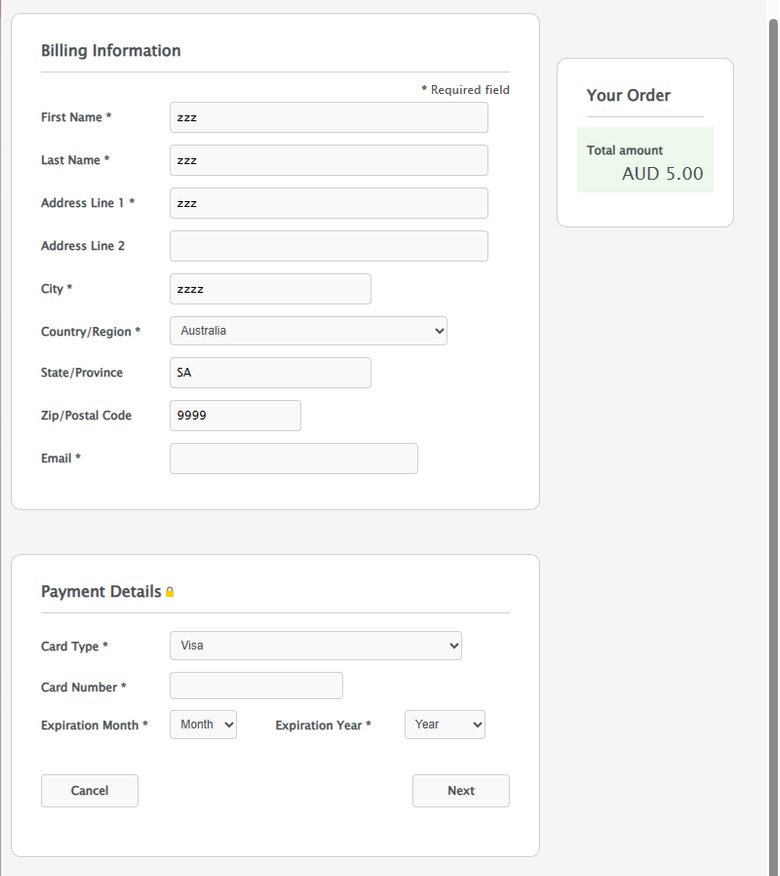
Accept one-time payments through Cybersource Secure Acceptance Hosted Checkout. Customers enter their payment details on a Cybersource-hosted page, while your Invision Community 5 Commerce store receives signed payment responses and updates the order.
Features
One-time sales and authorization-then-capture payments
Signed customer returns and Merchant POST notifications
Handling for accepted, declined, cancelled, review, and error responses
Authorization reversals and voids for eligible sales or captures
Full refunds and partial refunds that leave a remaining balance
Sandbox and production settings, with protection against duplicate processing
Requirements and limitations
Requires Invision Community 5 Commerce, a Cybersource Secure Acceptance profile, REST API credentials, and publicly reachable HTTPS callback URLs. Recurring billing and stored cards are not supported.
Test the complete payment flow in your Cybersource sandbox before enabling production payments.
You may only provide a review once you have downloaded the file.
There are no reviews to display.