
Skip to content
View in the app

A better way to browse. Learn more.

Invision Developers

A full-screen app on your home screen with push notifications, badges and more.

To install this app on iOS and iPadOS
  1. Tap the Share icon in Safari
  2. Scroll the menu and tap Add to Home Screen.
  3. Tap Add in the top-right corner.
To install this app on Android
  1. Tap the 3-dot menu (⋮) in the top-right corner of the browser.
  2. Tap Add to Home screen or Install app.
  3. Confirm by tapping Install.
New Invision Marketplace

GoCardless Gateway 1.0.0

50.00 USD · Renewal Term: 30.00 USD/year

(0 reviews)

2 Screenshots

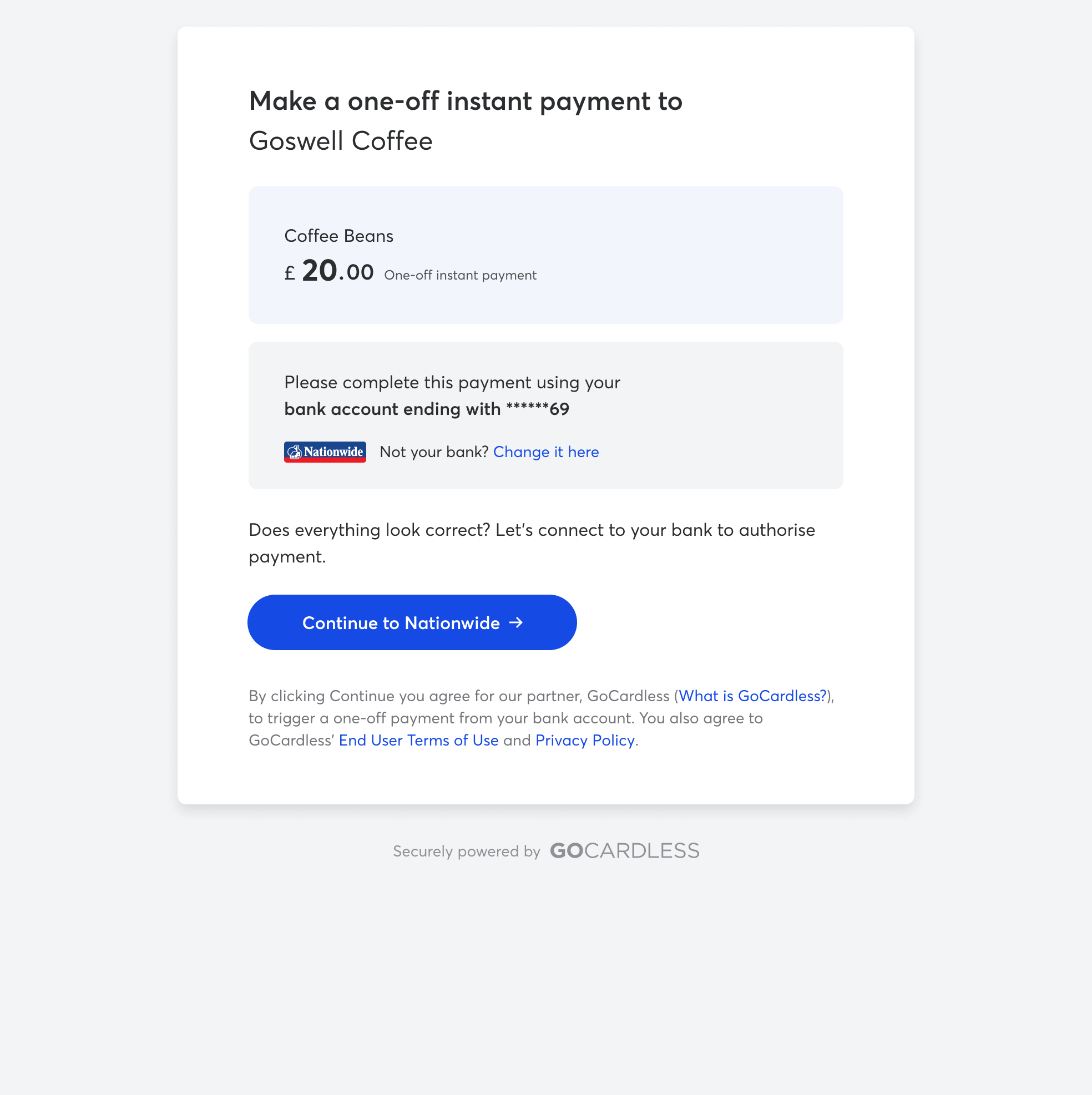
Accept one-time bank payments in Invision Community Commerce with a GoCardless-hosted payment flow. Customers authorise their payment on GoCardless and return to your community, while Commerce keeps the transaction pending until GoCardless confirms collection.

Configure a gateway for a supported Pay by Bank or Direct Debit scheme and its currency. The integration verifies signed webhooks, handles payment failures and duplicate notifications, and supports full or partial refunds when the payment is eligible through GoCardless.

Requirements: Invision Community 5 with Commerce, a GoCardless account, an API access token, and an HTTPS webhook endpoint.

Note: Automatic recurring billing agreements are not supported.

User Feedback

You may only provide a review once you have downloaded the file.

There are no reviews to display.

Account

Navigation

Search

Search

Configure browser push notifications

Chrome (Android)
  1. Tap the lock icon next to the address bar.
  2. Tap Permissions → Notifications.
  3. Adjust your preference.
Chrome (Desktop)
  1. Click the padlock icon in the address bar.
  2. Select Site settings.
  3. Find Notifications and adjust your preference.