

This application allows you to set a discount for each payment method. For example, you want to prioritize the payment method with cryptocurrency, then you can make a 10% discount on the total invoice when customer select the appropriate payment method. Discount data is loaded automatically (via ajax).
App settings
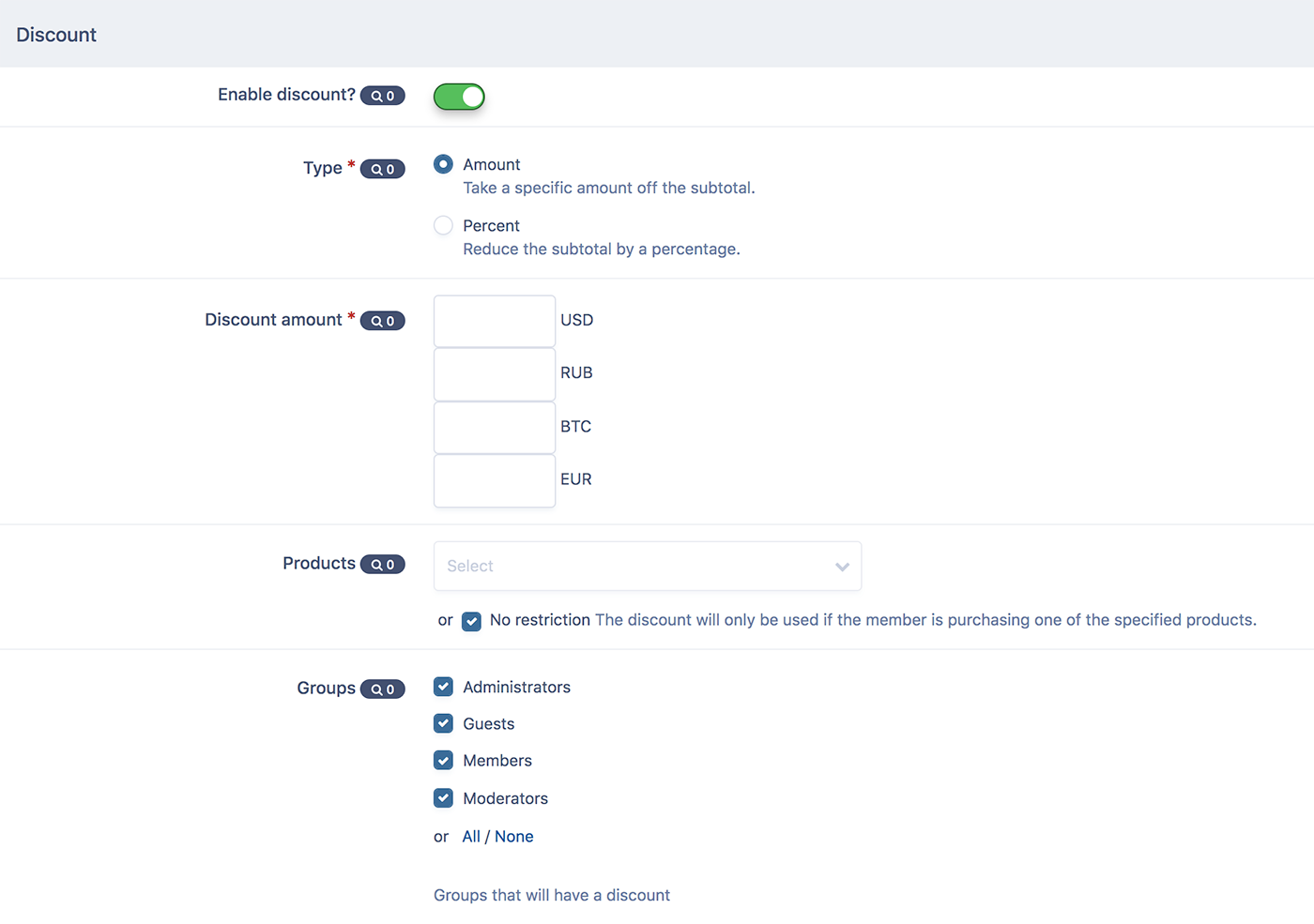
- Select type: Discount or Fee.
- Discount type: percentage or specified amount.
- Discount amount.
- Products. You can select the products for which the discount will be applied.
- Apply a discount for the entire amount or for selected products. The setting is effective if the discount type is selected - percent.
- User groups who will be able to apply discount.
What's New in Version 1.0.6
Released
- Fixed an error when opening the checkout page for the first time.
- Percentages can now be decimal.
- Added the possibility to set up a commission for using a discount in different currencies - Service fee.
-
 3
3
-
 1
1
You may only provide a review once you have downloaded the file.
There are no reviews to display.