
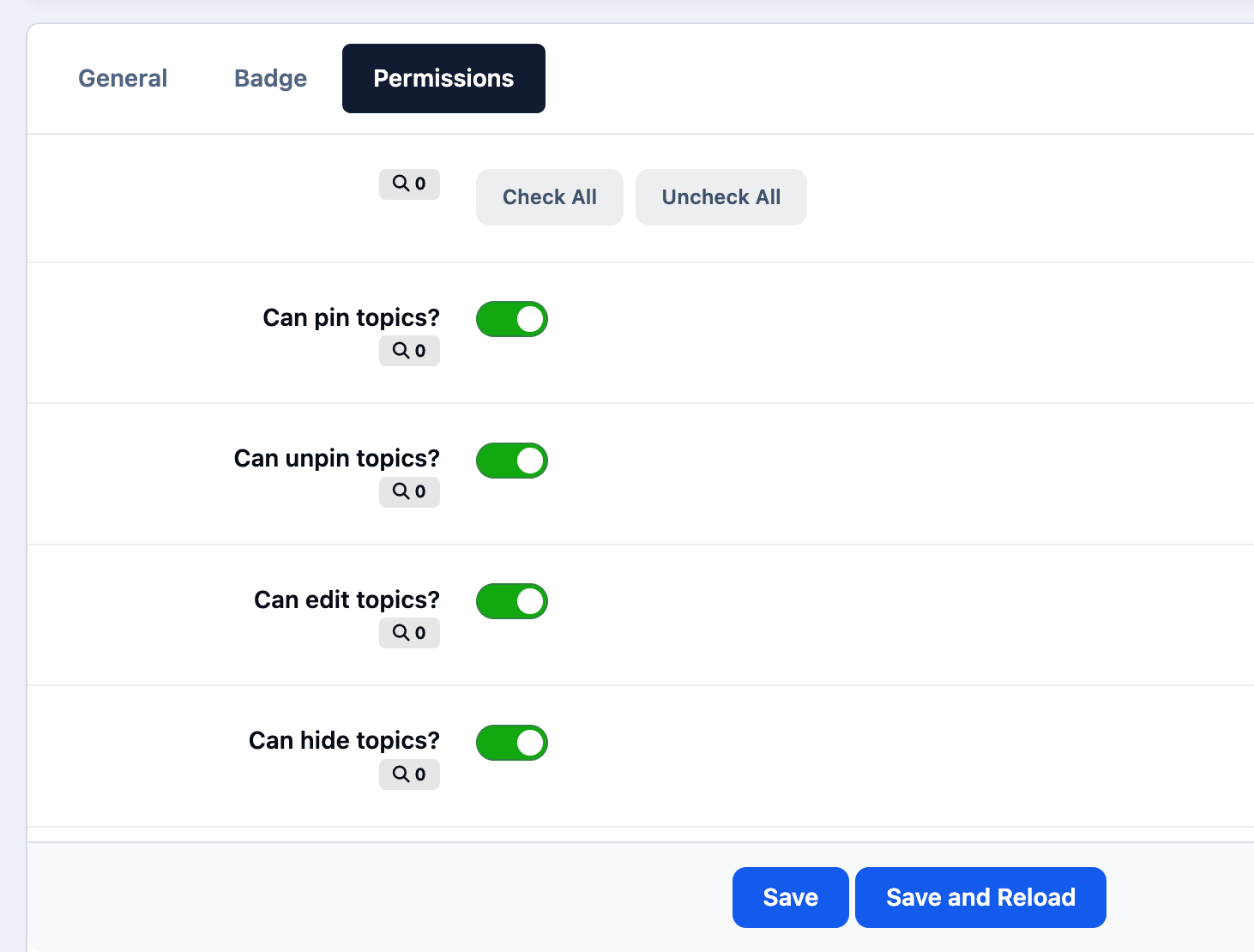
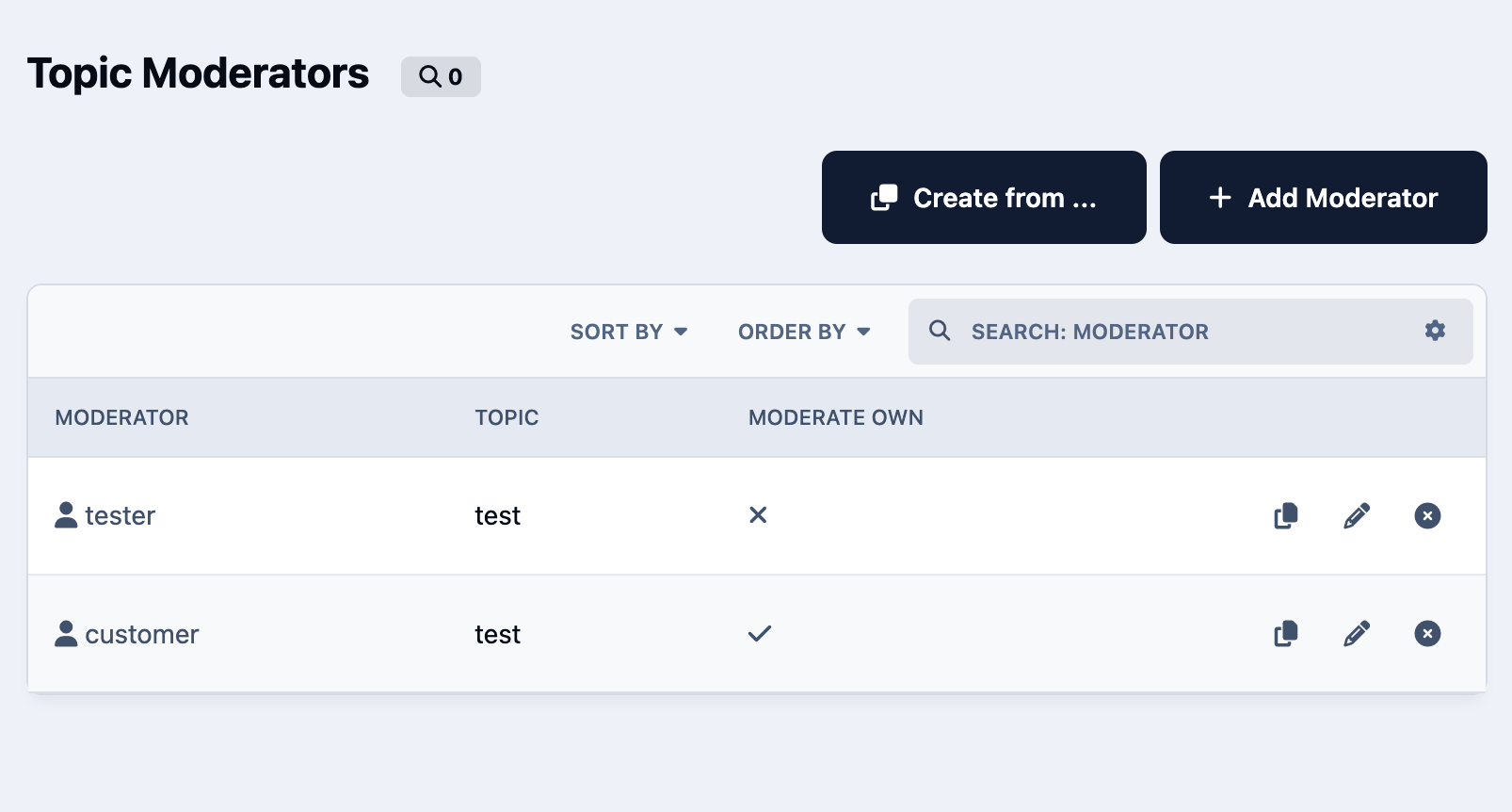
Topic Moderators adds per-topic moderation control to Invision Community. Administrators can assign specific members or groups to moderate selected topics and define exactly which actions they are allowed to perform, such as editing, hiding, approving, pinning, locking, moving, deleting, or viewing hidden content.
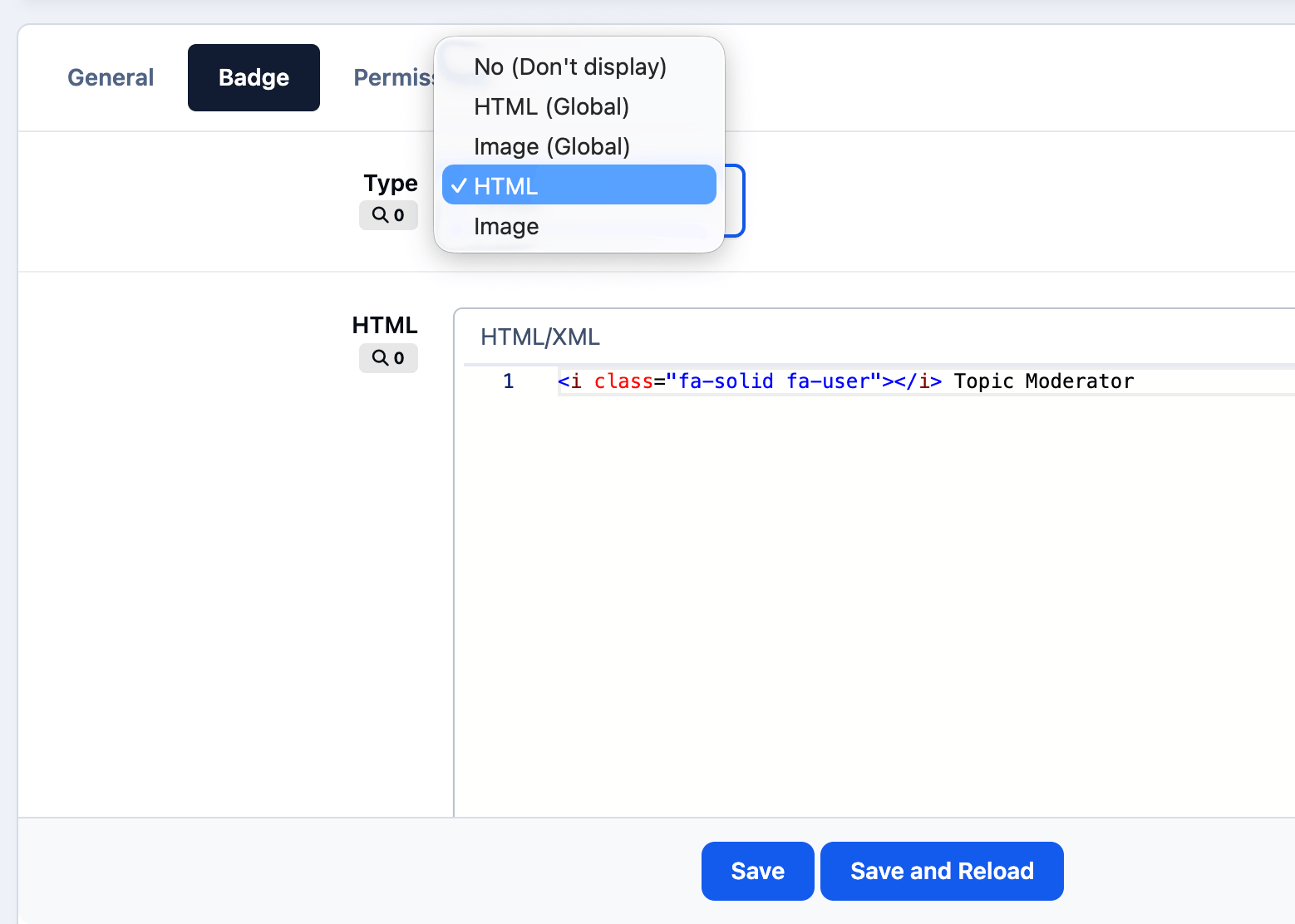
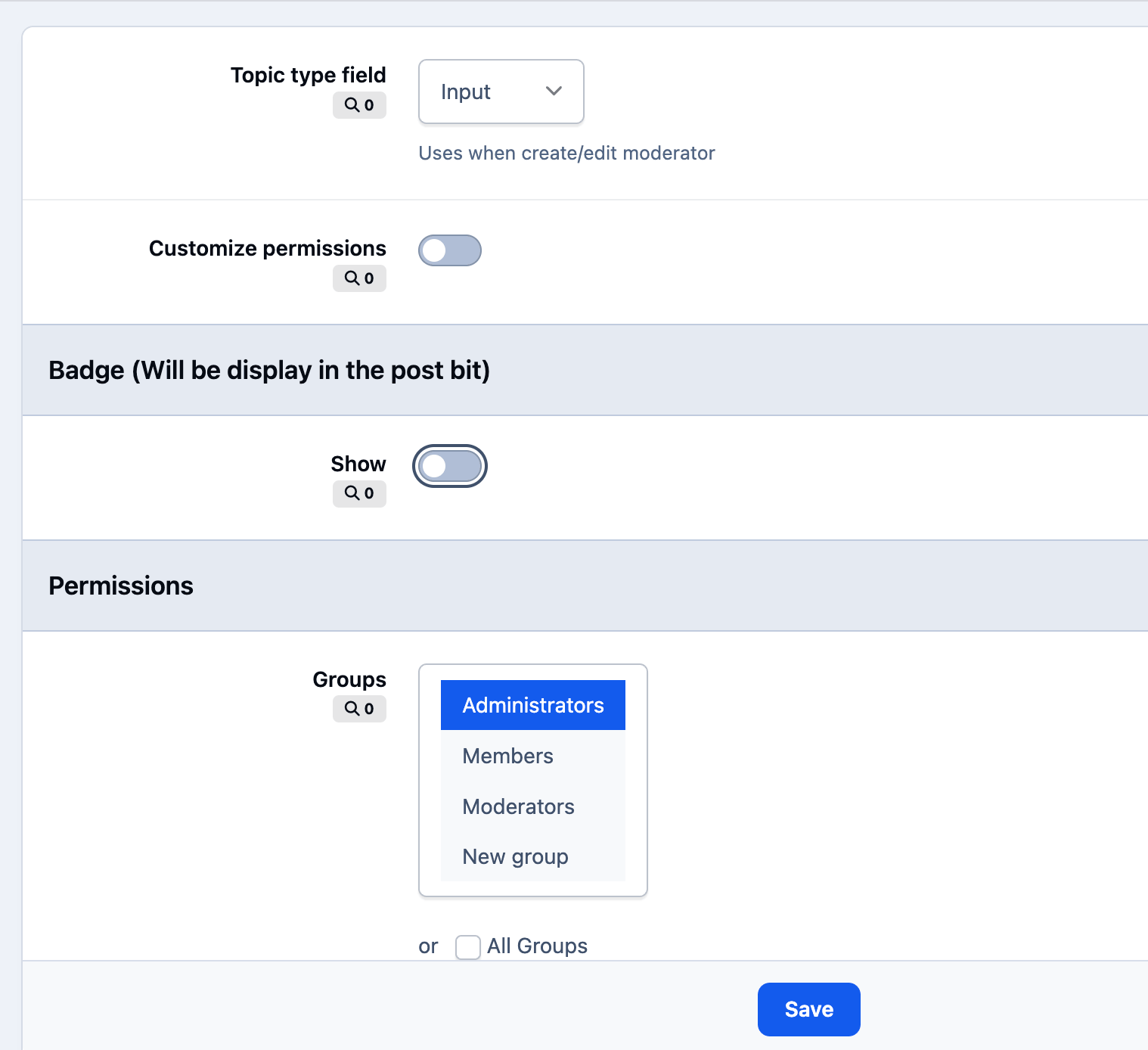
The app includes configurable permission tabs, permission copying between moderators, front-end management access, and controls for who can add, edit, or delete topic moderators. It also supports optional moderator badges, including global HTML/image badges or custom badges per moderator.
Feature List
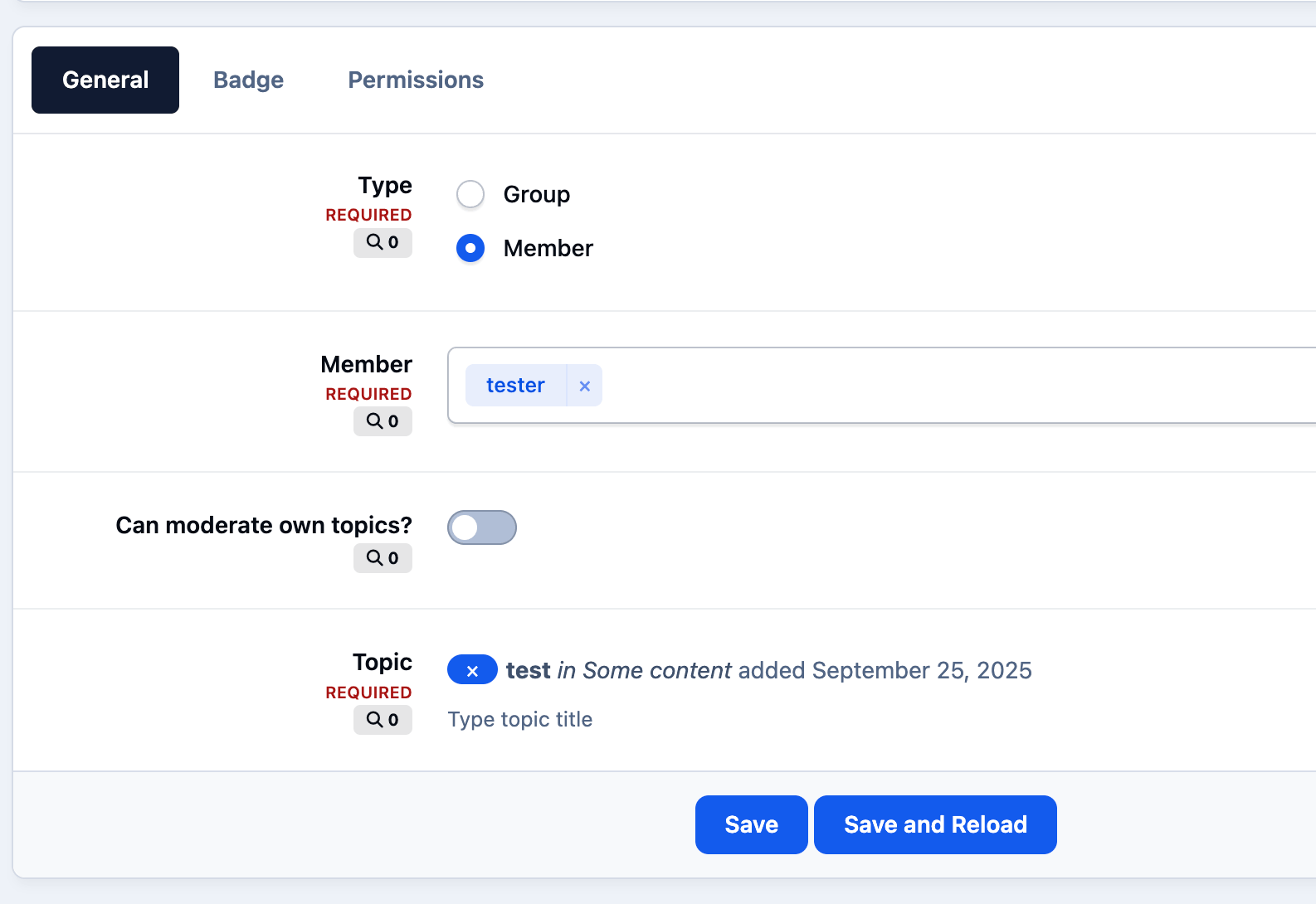
Assign members or groups as moderators for specific topics
Configure detailed moderation permissions per moderator
Allow selected users or groups to manage topic moderators
Copy permissions from an existing moderator
Optionally allow moderators to moderate their own topics in selected forums
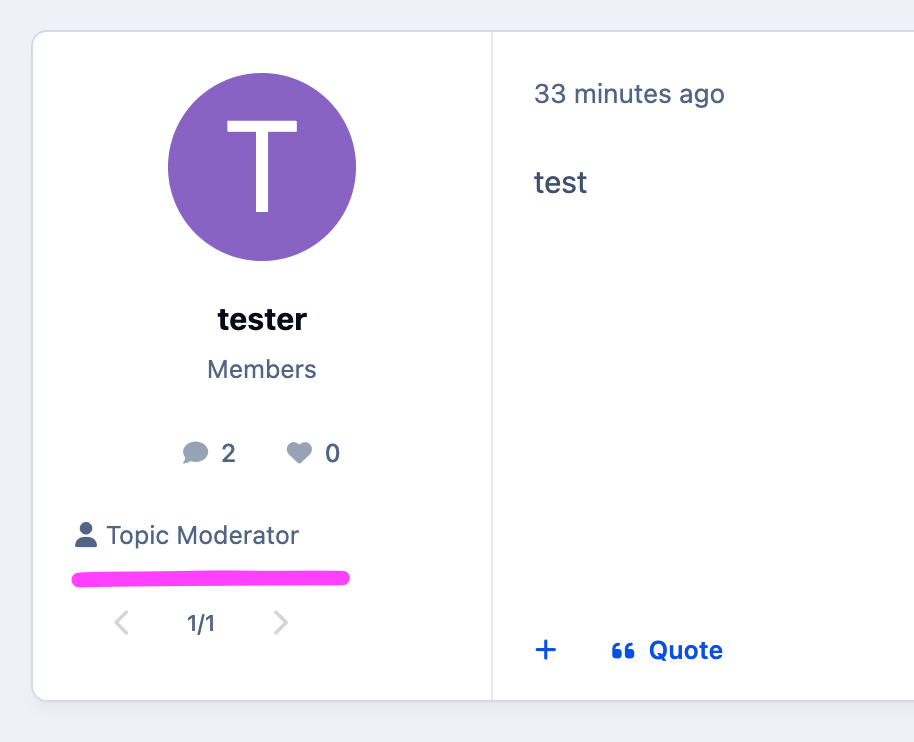
Display moderator badges in topic posts
Use global or custom HTML/image badges
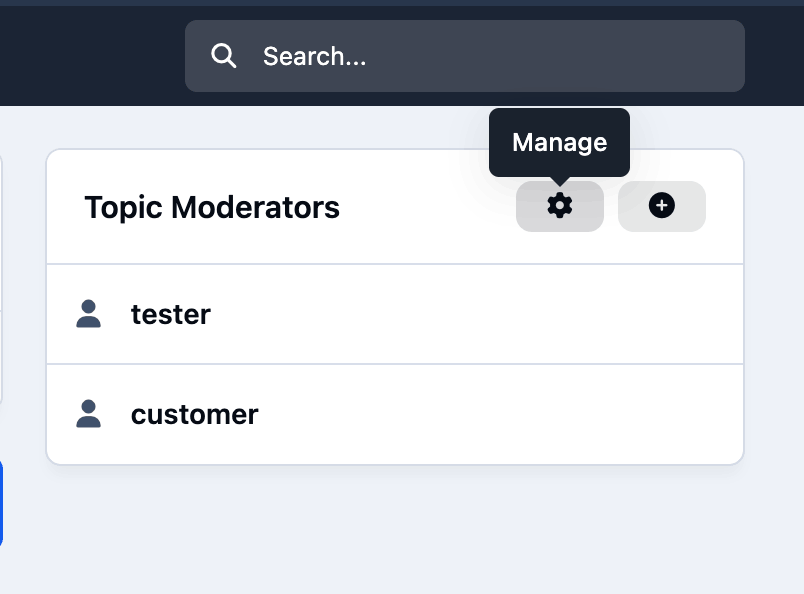
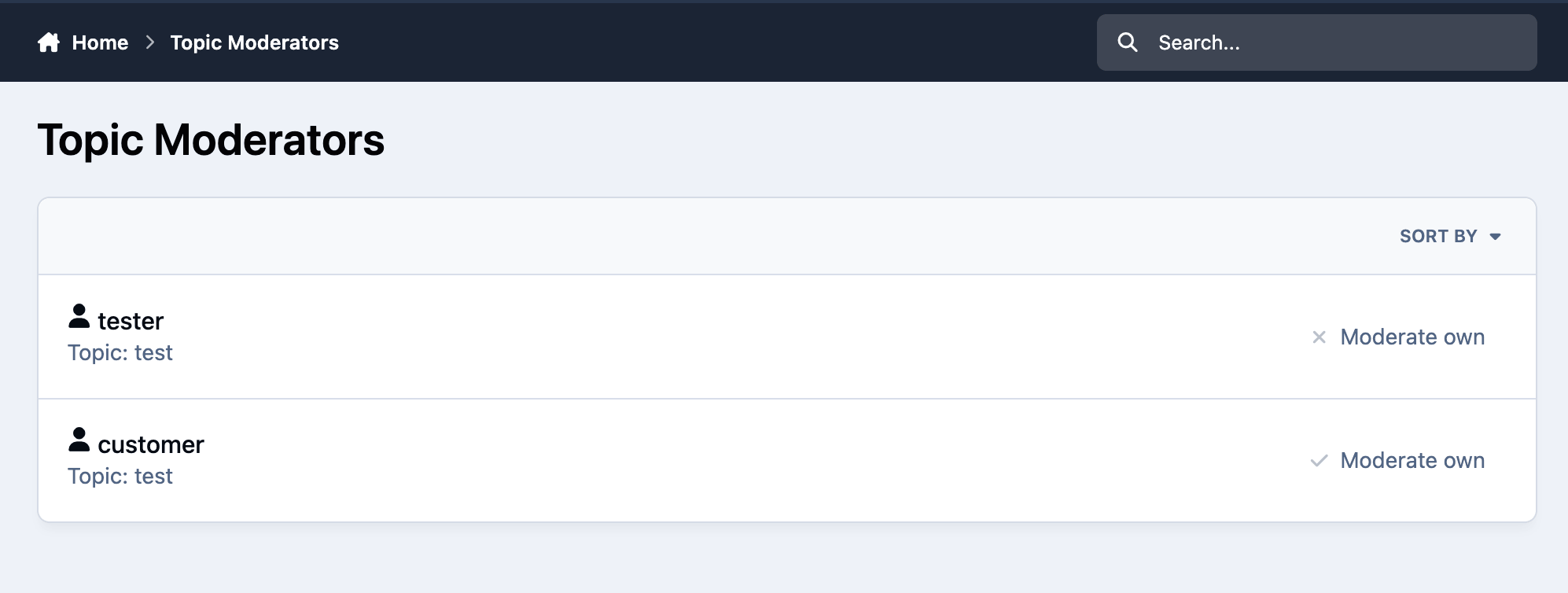
Manage moderators from the front end or AdminCP
Choose how topics are selected in the moderator form
Analogue of the NB42 application for IPS4. There is a data converter from the NB42 app to this app.
You may only provide a review once you have downloaded the file.
There are no reviews to display.