
Theme Editor - Classic Theme Editing for Invision Community 5.
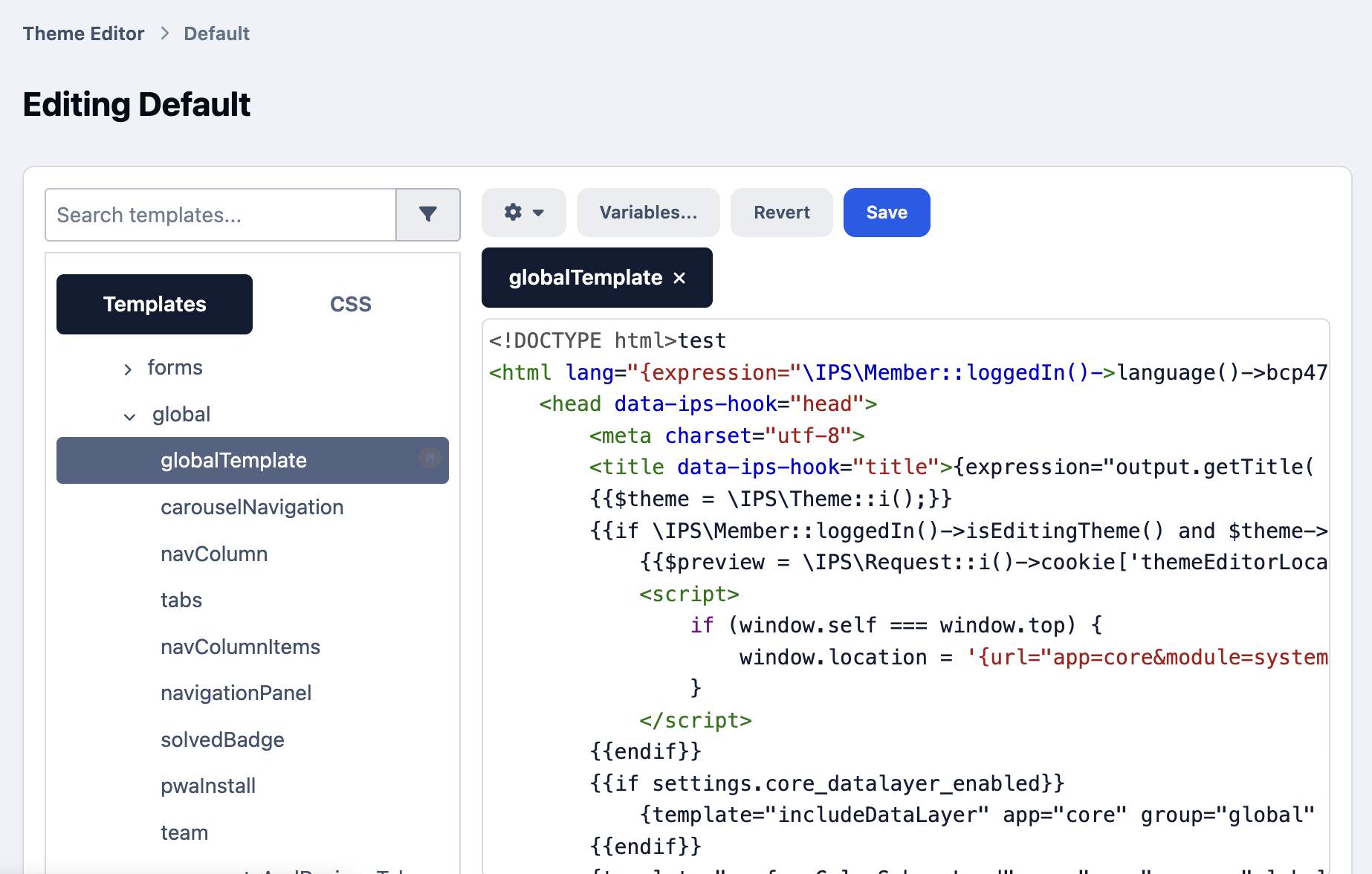
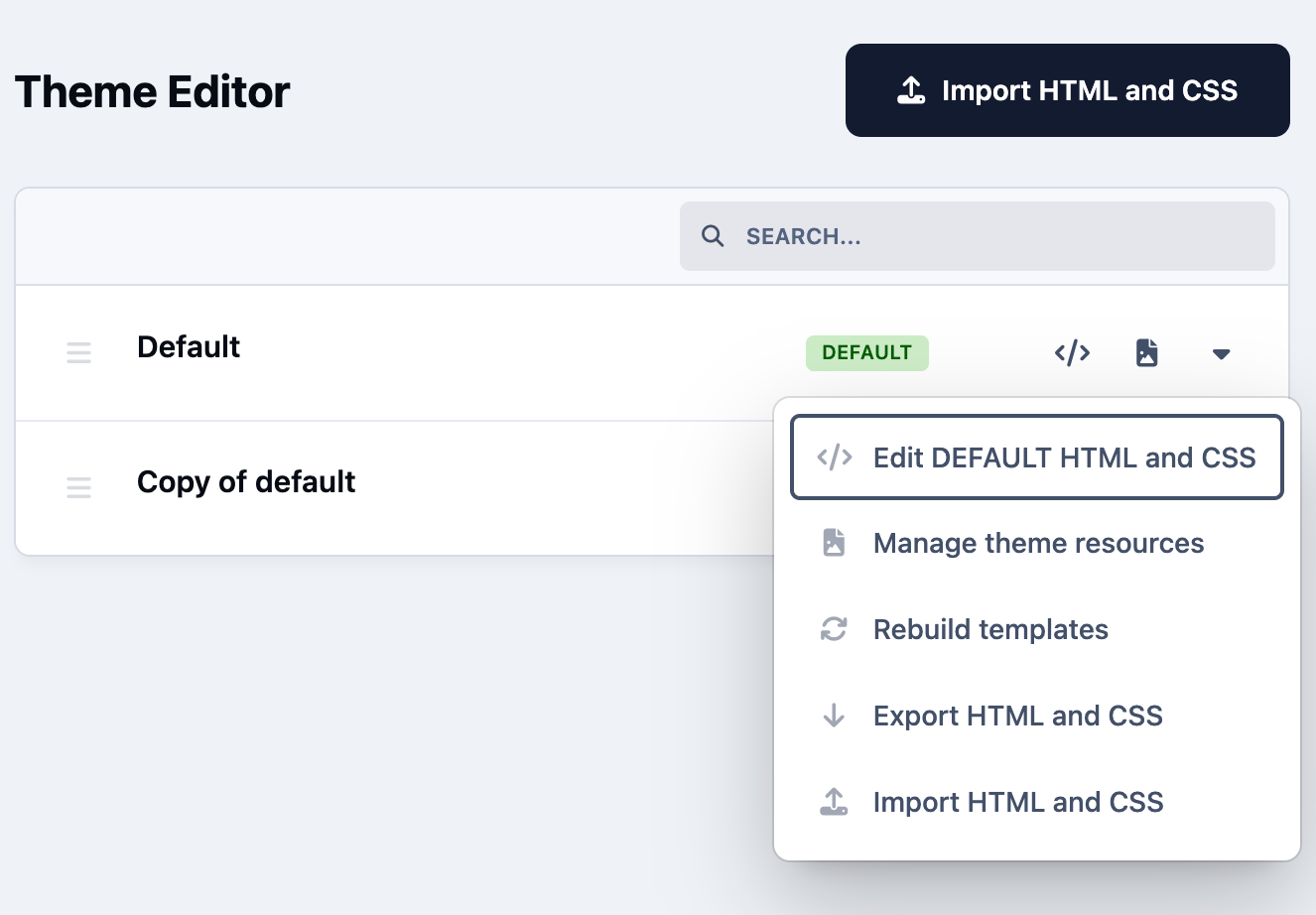
Theme Editor brings back the theme editing workflow familiar from Invision Community 4.x. Edit HTML templates, CSS, and theme resources directly from your ACP.
Customize layouts, refine styles, and adapt your community’s appearance using a code editor with syntax highlighting and tabs.
Key Features
HTML and CSS editing - modify templates and styles directly in the ACP.
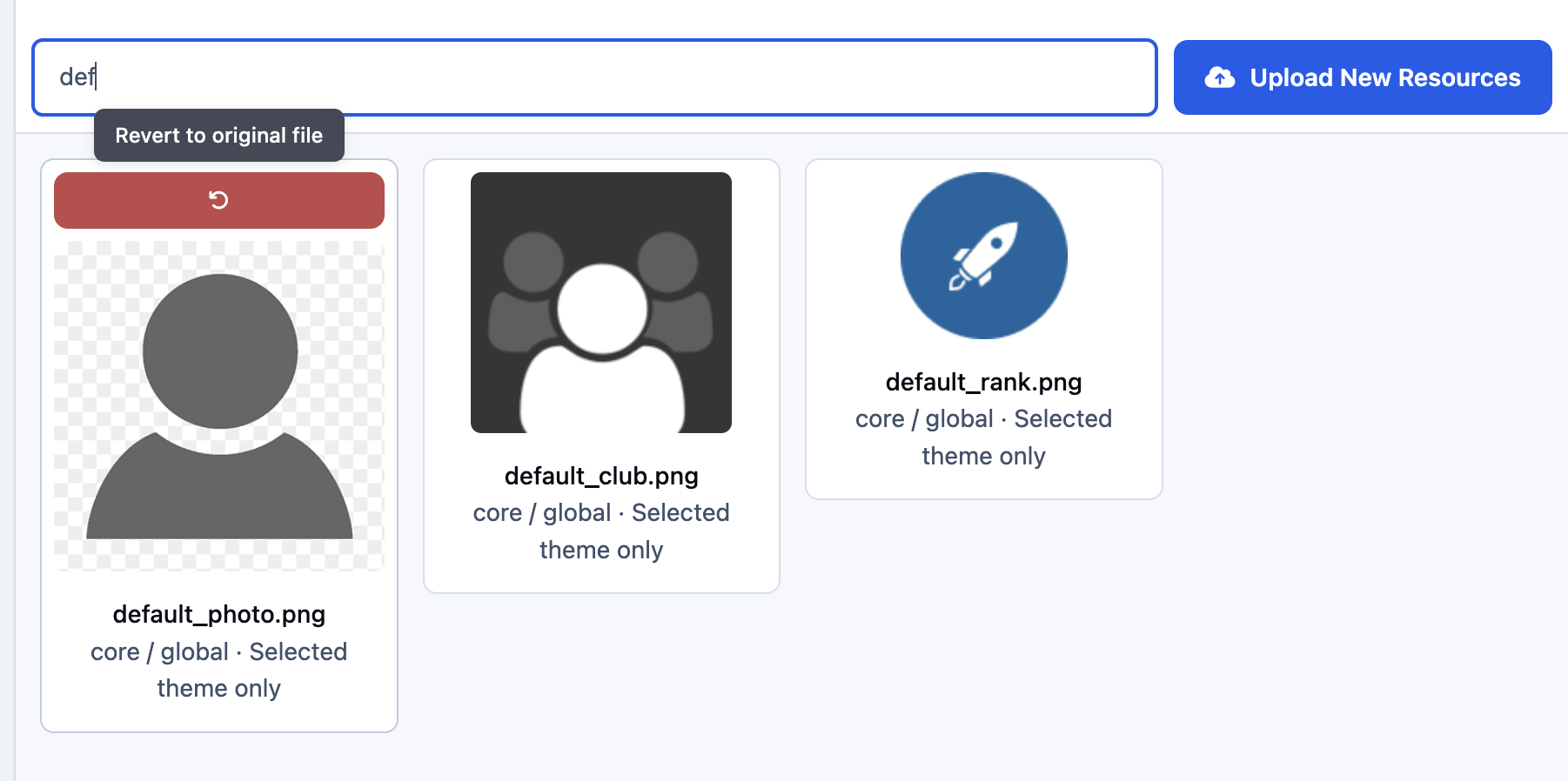
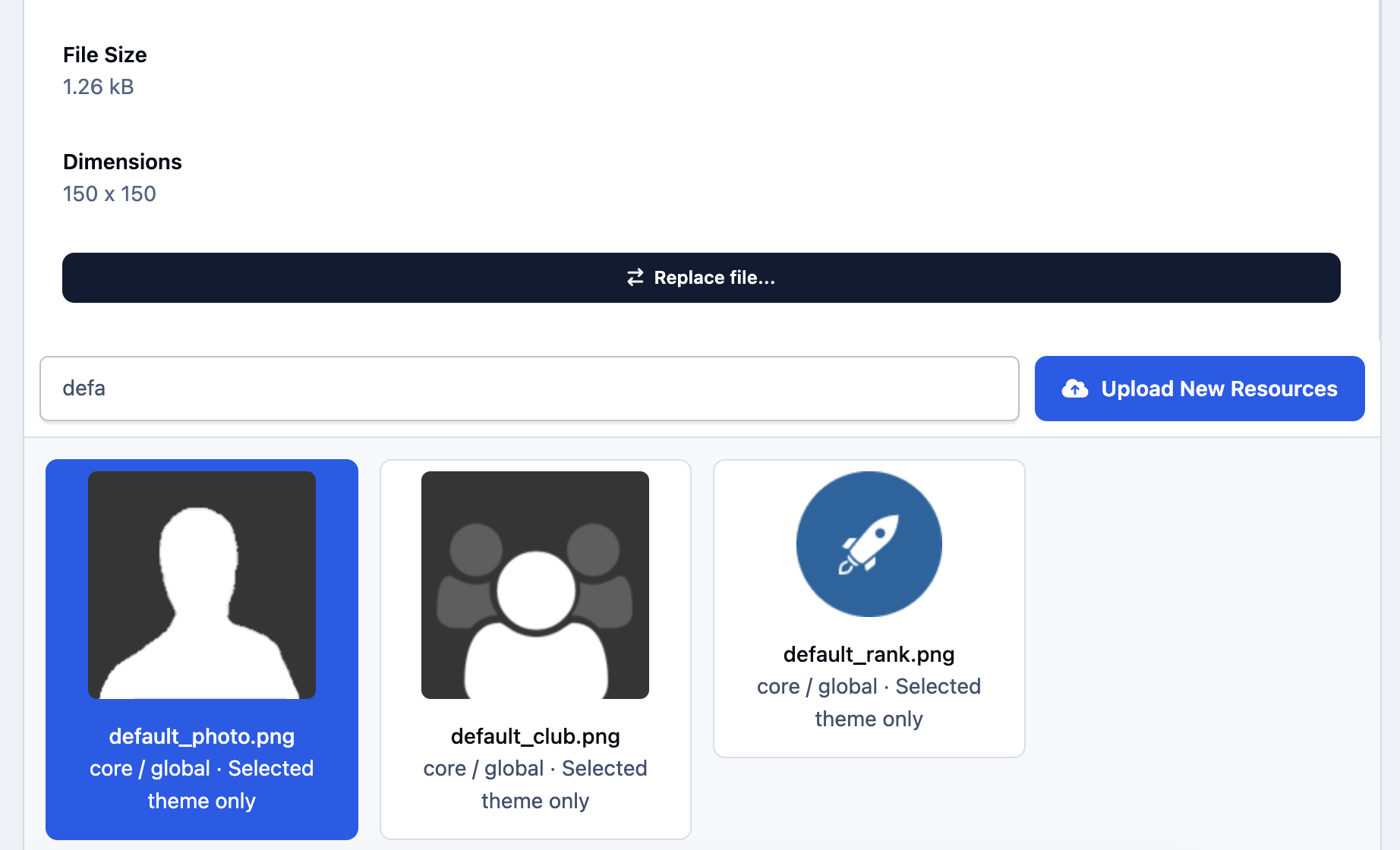
Resource replacement - replace images, icons, fonts, and other theme default assets.
Independent customization for each theme - changes affect only the selected theme.
Template syntax validation - invalid template syntax is rejected before saving, with a clear error message.
Revert changes - restore templates and styles, or recover saved original resources.
Rebuild templates and CSS - regenerate compiled files from your saved customizations when needed.
Designed for administrators who want direct control over their community’s design and miss the familiar theme editing tools from IC4.x.
You may only provide a review once you have downloaded the file.
There are no reviews to display.