
Skip to content
View in the app

A better way to browse. Learn more.

Invision Developers

A full-screen app on your home screen with push notifications, badges and more.

To install this app on iOS and iPadOS
  1. Tap the Share icon in Safari
  2. Scroll the menu and tap Add to Home Screen.
  3. Tap Add in the top-right corner.
To install this app on Android
  1. Tap the 3-dot menu (⋮) in the top-right corner of the browser.
  2. Tap Add to Home screen or Install app.
  3. Confirm by tapping Install.
New Invision Marketplace

NOWPayments Gateway 2.0.2

50.00 USD · Renewal Term: 30.00 USD/year

(0 reviews)

4 Screenshots

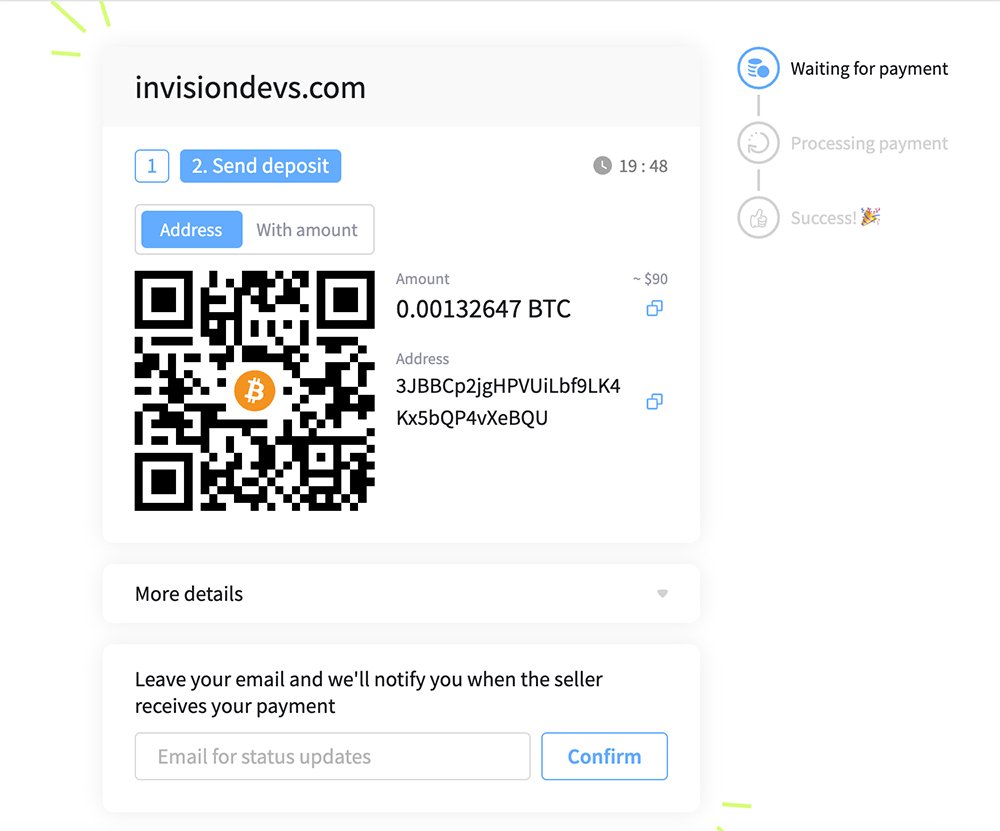
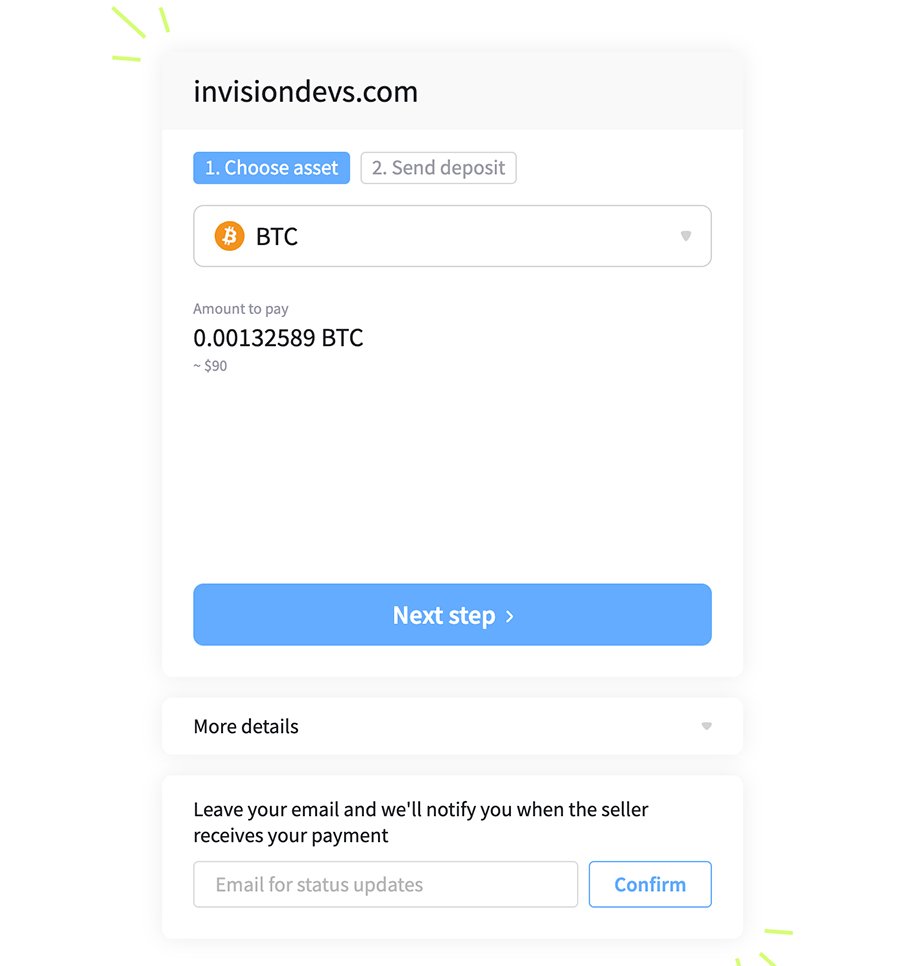
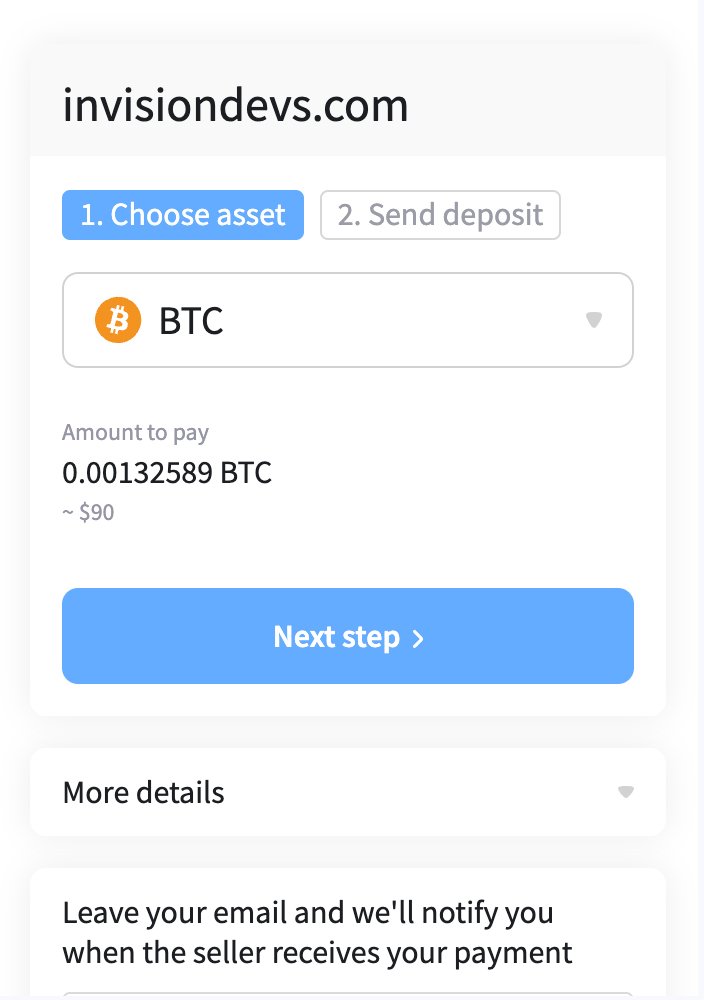
NOWPayments Gateway for Commerce of Invision Community 5. The application has been rewritten and improved. 

  • Added debug mode setting.
  • Added setting for setting cryptocurrency for payment.
  • Other improvements.

What's New in Version 2.0.2

Released

  • Bug fixes.

  • The final payment is re-verified via the API.

  • Re-deposit with parent_payment_id never completes the order.

  • Substitution of Payment ID and wrong-asset payment are blocked.

  • Waiting, confirming, partially_paid, failed, expired and other statuses are processed.

  • API key and IPN secret are now hidden fields.

User Feedback

You may only provide a review once you have downloaded the file.

There are no reviews to display.

Account

Navigation

Search

Search

Configure browser push notifications

Chrome (Android)
  1. Tap the lock icon next to the address bar.
  2. Tap Permissions → Notifications.
  3. Adjust your preference.
Chrome (Desktop)
  1. Click the padlock icon in the address bar.
  2. Select Site settings.
  3. Find Notifications and adjust your preference.