Skip to content
View in the app

A better way to browse. Learn more.

Invision Developers

A full-screen app on your home screen with push notifications, badges and more.

To install this app on iOS and iPadOS
  1. Tap the Share icon in Safari
  2. Scroll the menu and tap Add to Home Screen.
  3. Tap Add in the top-right corner.
To install this app on Android
  1. Tap the 3-dot menu (⋮) in the top-right corner of the browser.
  2. Tap Add to Home screen or Install app.
  3. Confirm by tapping Install.
New Invision Marketplace

Live Messenger 1.0.5

(0 reviews)

7 Screenshots

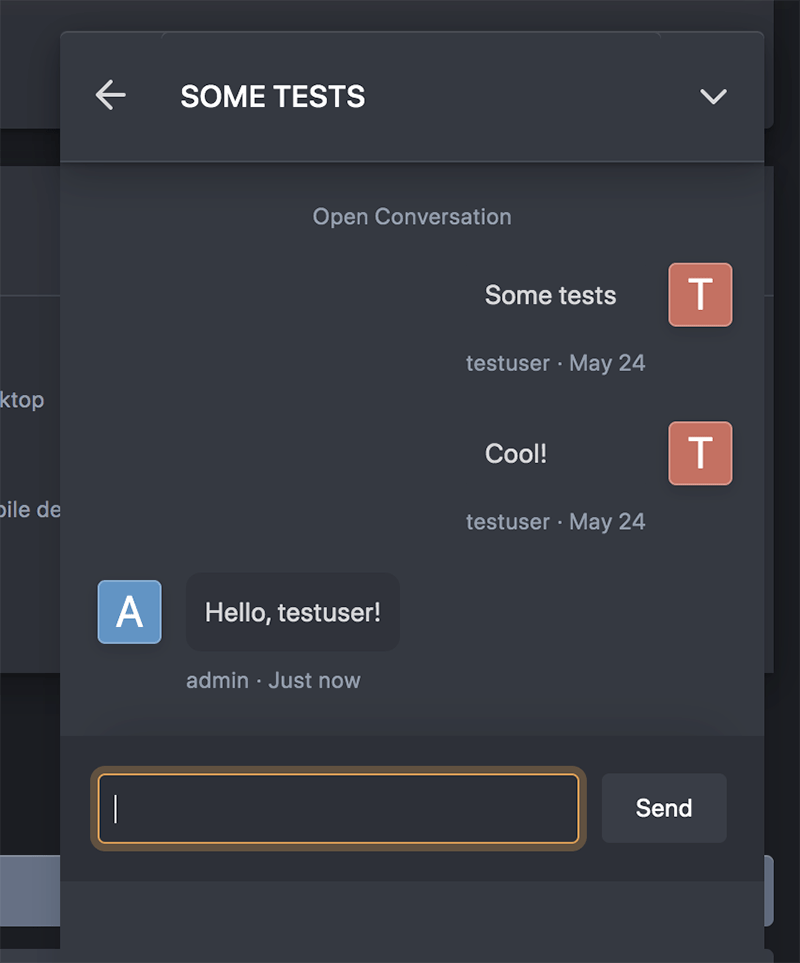
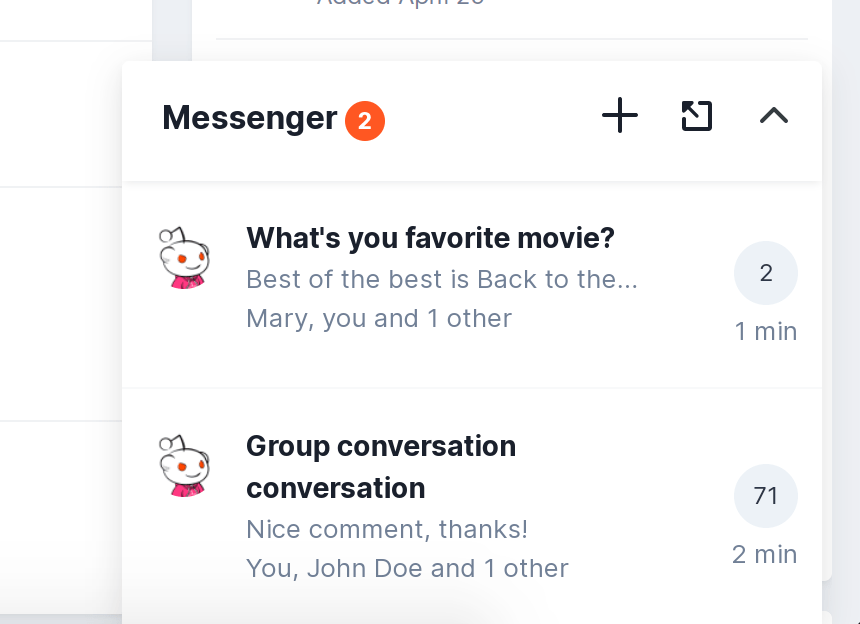
Live Messenger for Invision Community. This app is not an alternative to the standard IPS Messenger, but a handy add-on. Live Messenger was created to relieve communication with other users. Loading and sending new messages is happens without reloading the pages. The main advantage of this application is that you can quickly write or read a personal message on any community page.

Features

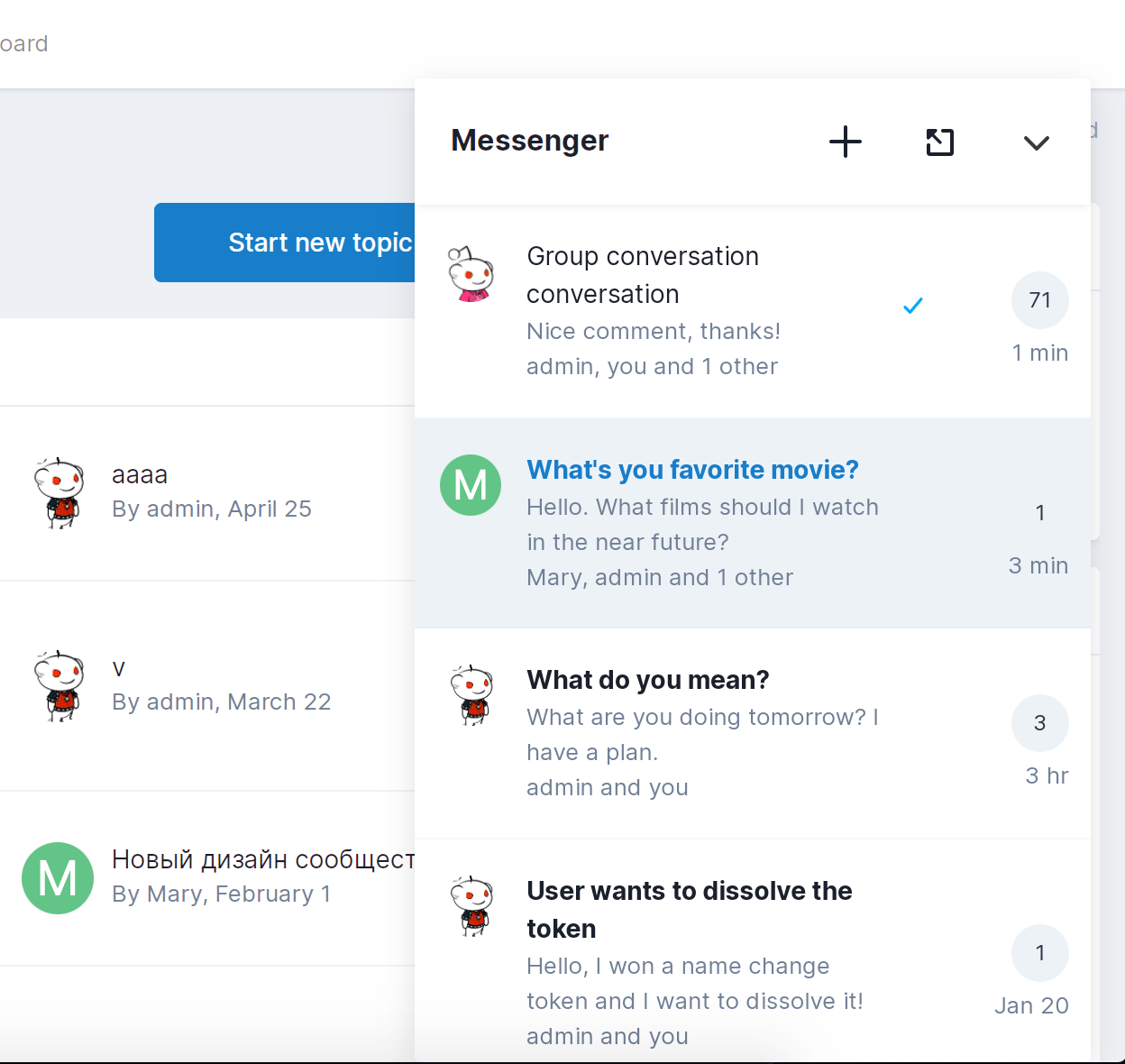
  • Quick Buttons: create pm, open messenger and show/hide Live Messenger window.
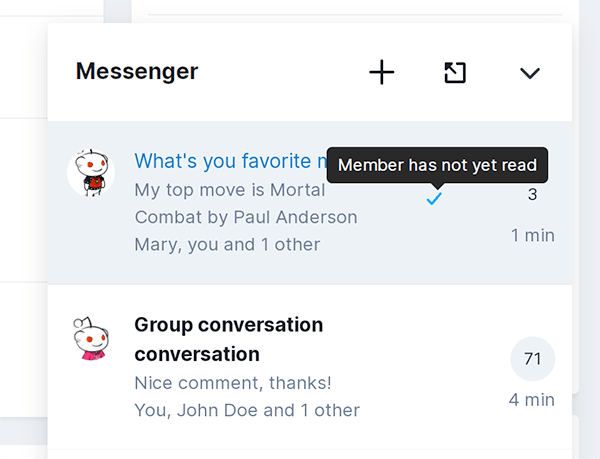
  • Quick access to recent private messages.
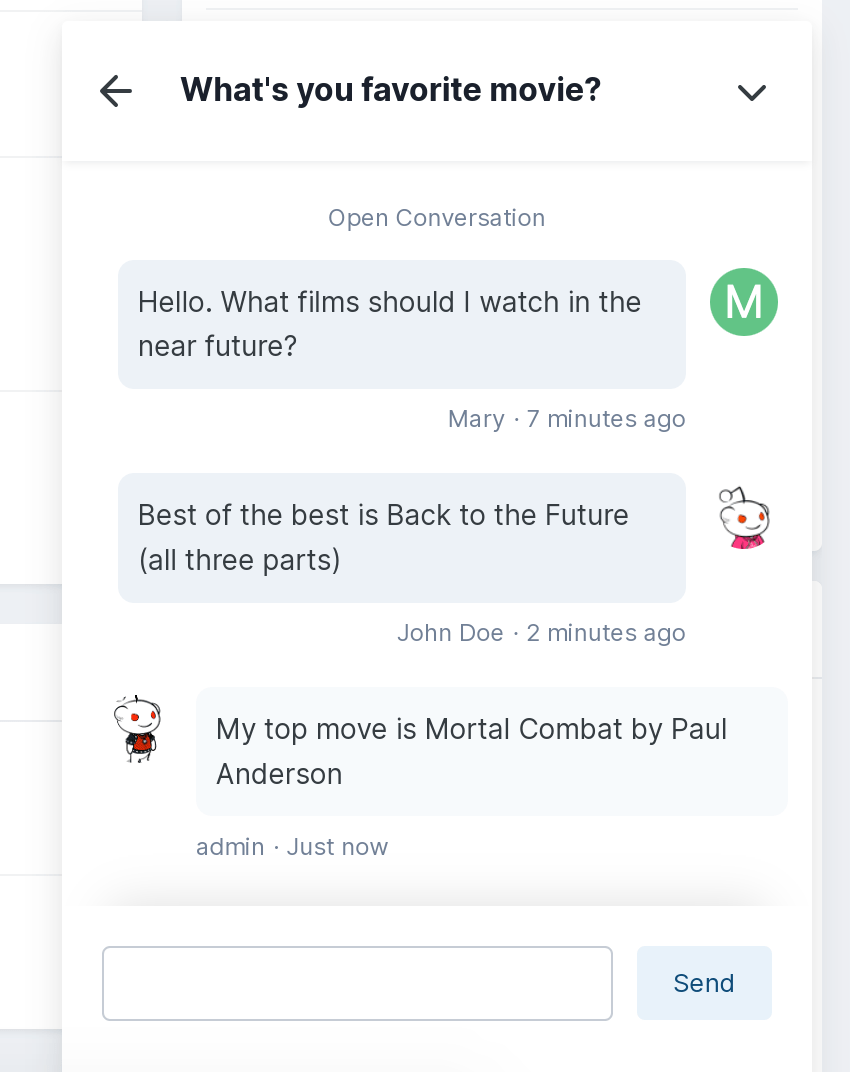
  • Quick access to the private conversation.
  • Messages in a minimal design, without distracting design elements.
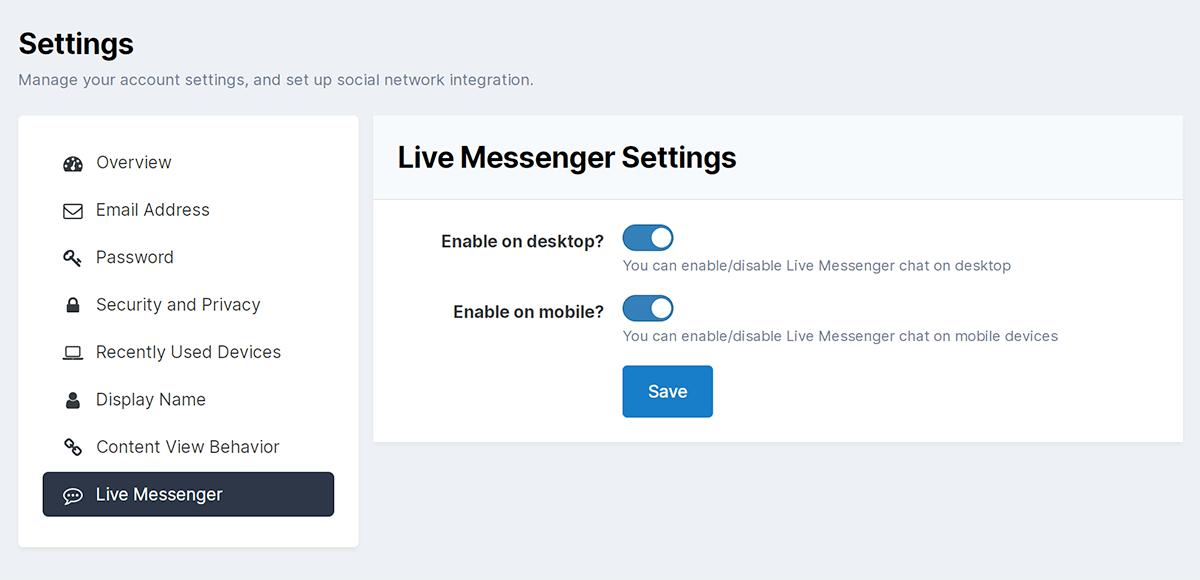
  • Select the groups that can use Live Messenger.
  • PM read/unread icon.
  • Quick message sending.

User Feedback

Recommended Comments

Eric BXL

Clients

Howdy Kirill!

This is a smashing good add-on/plugin!

When will it be available for download?

I see it's free but I don't mind to donate for it.

Thanks in advance for a little reply.

Eric BXL

xk123

Clients

@Kirill Gromov what is the difference between version 1.0.5 and version 1.0.4?

3 hours ago, Sexycaramelx said:

Will this be updated for v5 forums?

Hi, we are writing a completely new messenger for version 5!

Join the conversation

You can post now and register later. If you have an account, sign in now to post with your account.
Note: Your post will require moderator approval before it will be visible.

Guest
Add a comment...

Account

Navigation

Search

Search

Configure browser push notifications

Chrome (Android)
  1. Tap the lock icon next to the address bar.
  2. Tap Permissions → Notifications.
  3. Adjust your preference.
Chrome (Desktop)
  1. Click the padlock icon in the address bar.
  2. Select Site settings.
  3. Find Notifications and adjust your preference.