
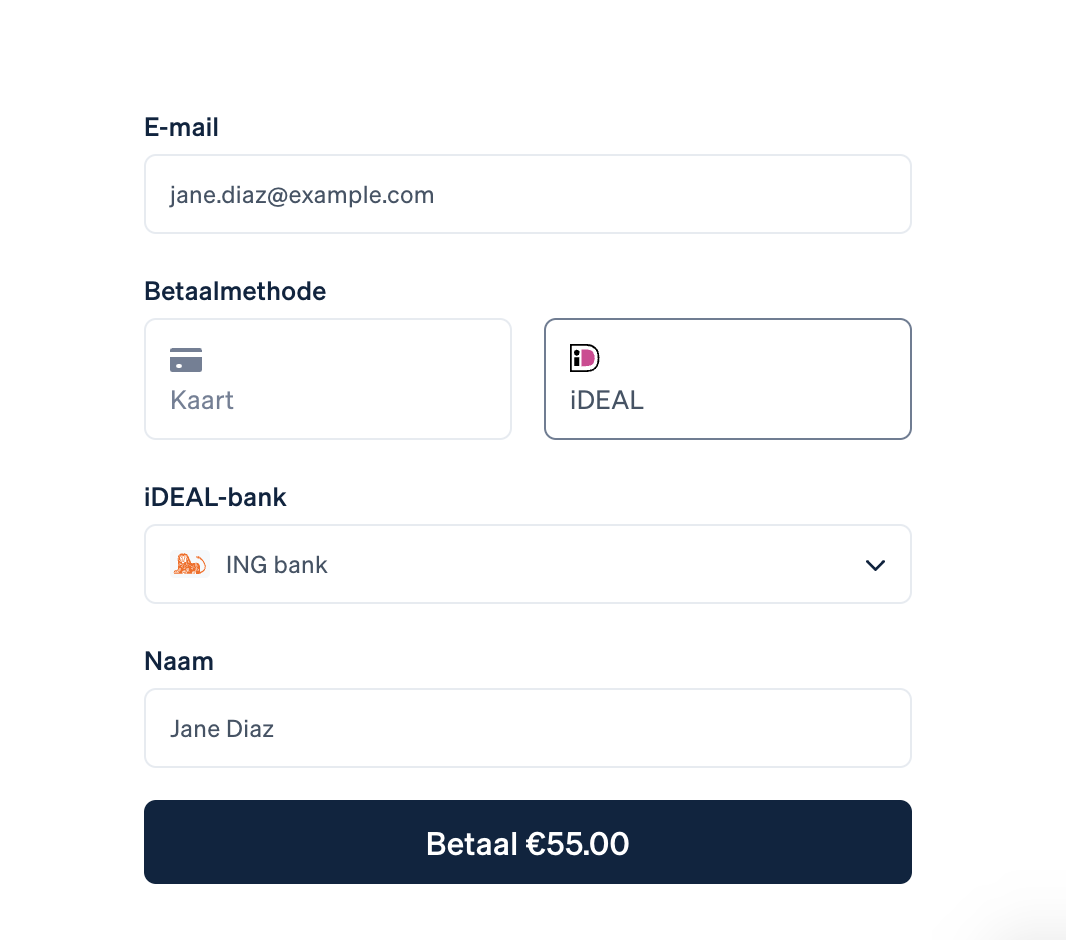
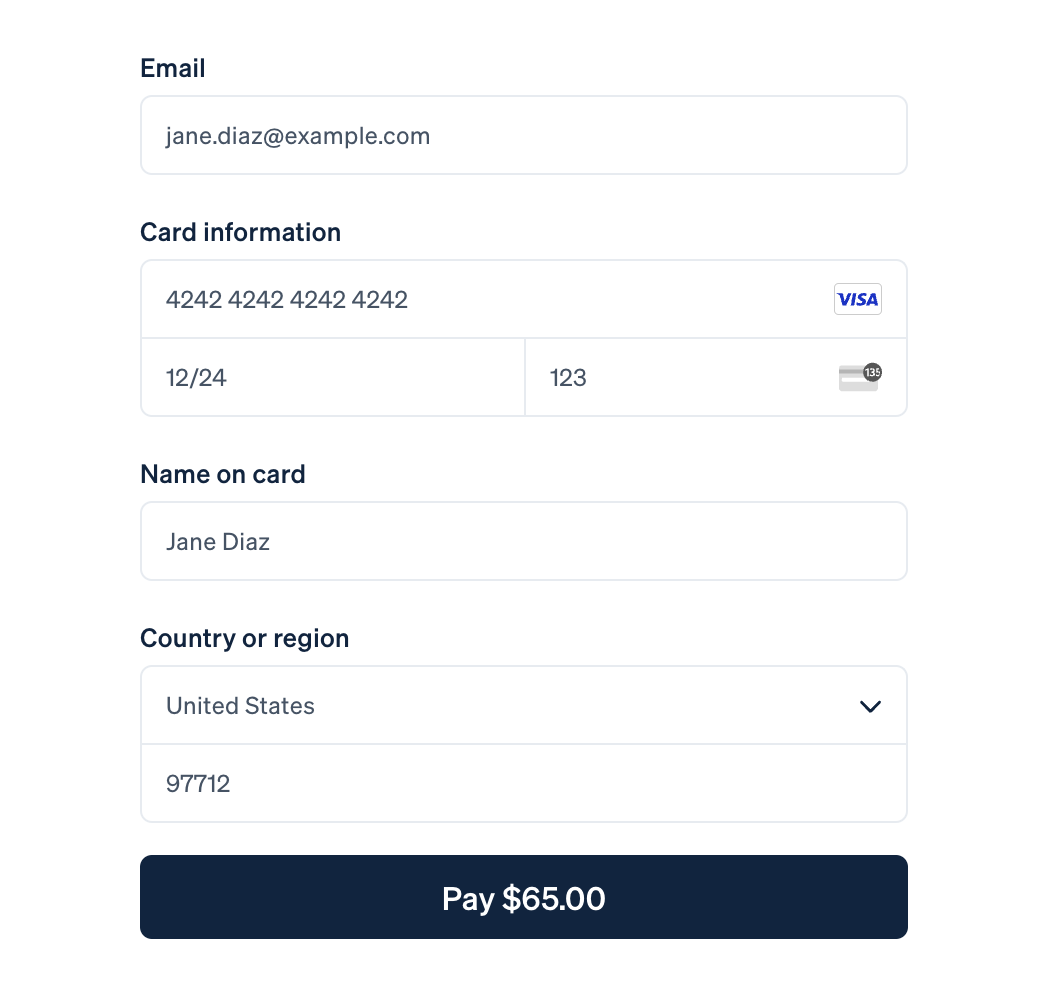
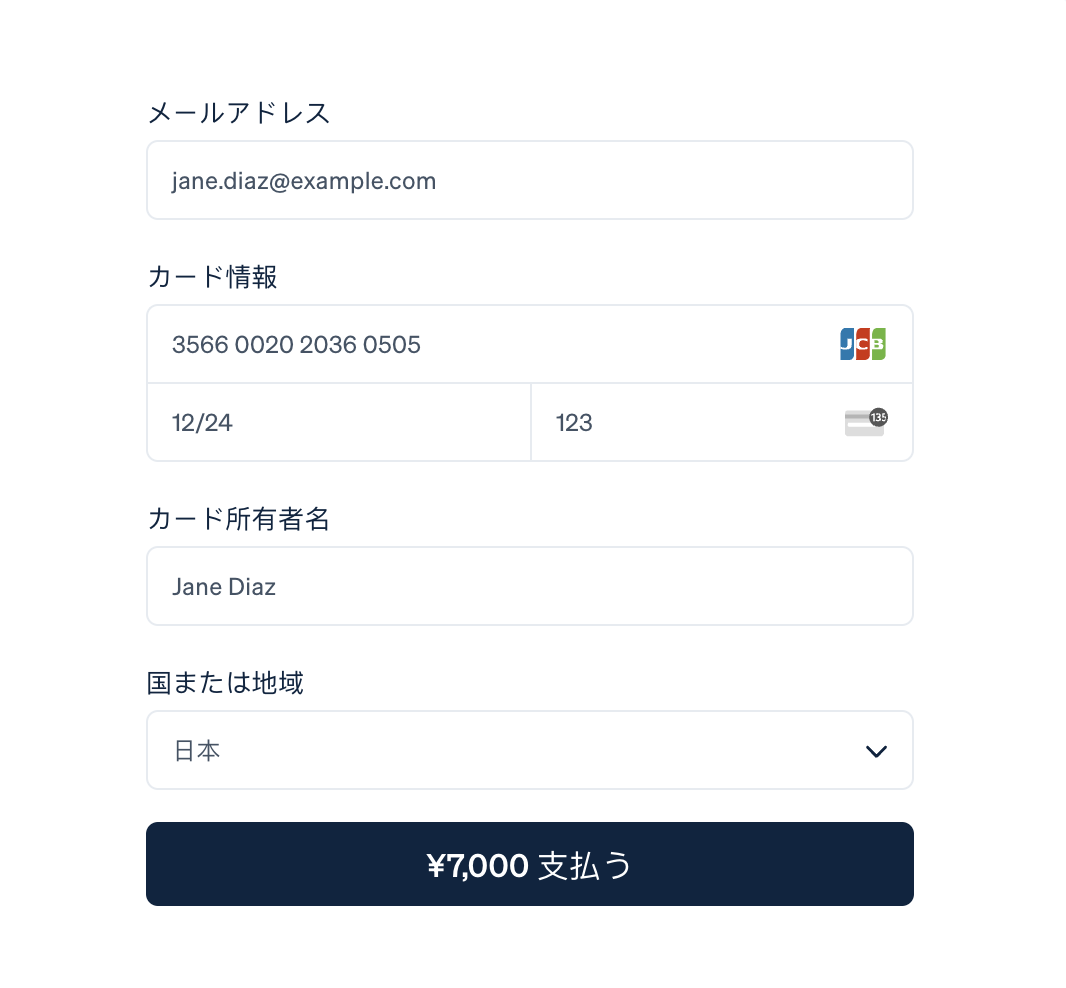
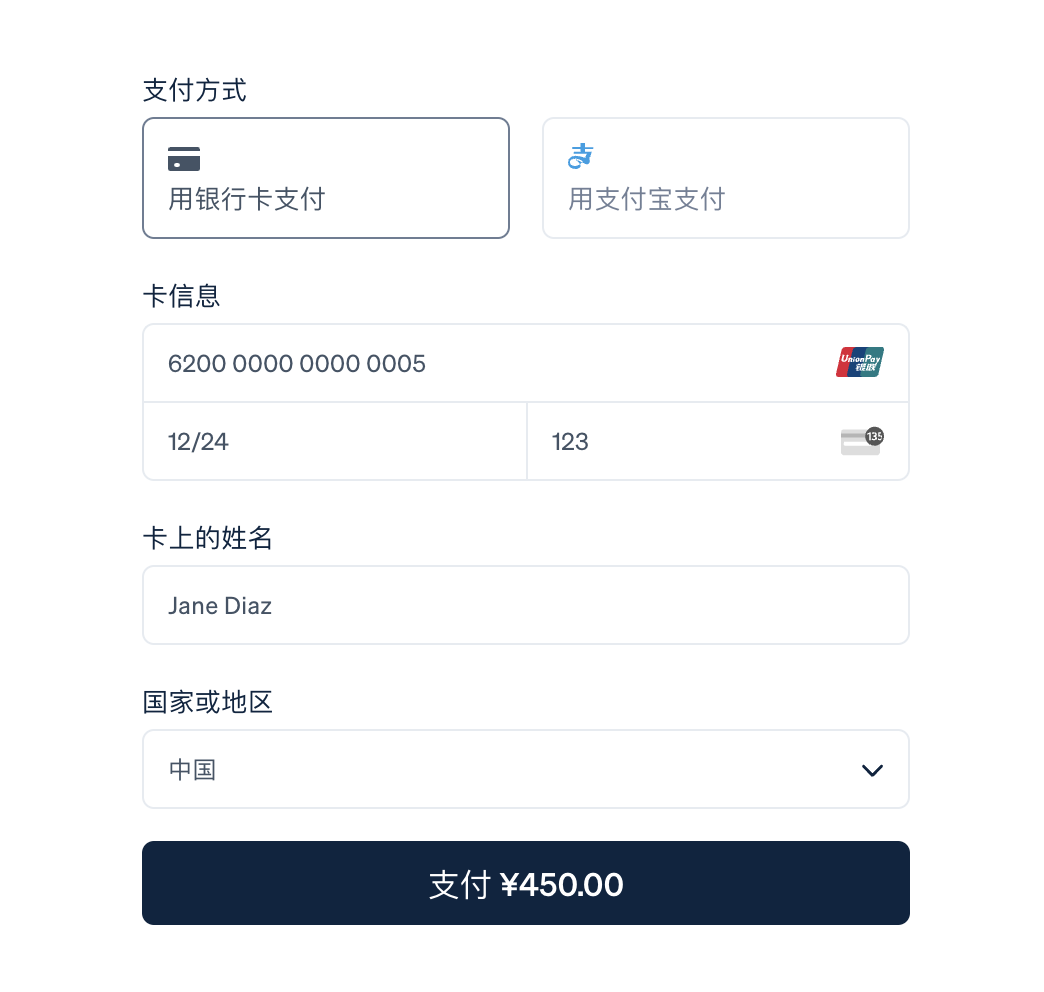

Stripe Checkout is a prebuilt, hosted payment page optimized for conversion. Whether you offer one-time purchases, use Checkout to easily and securely accept payments online.
Features
- Stripe Tax to automate tax calculation and collection or define applicable tax rates.
- Toggle Tax behavior - disabled/inclusive/exclusive.
- Dispute processing.
- Refunds/partial refunds supporting.
- Ability to ban a member after a refund.
- Ability to force Stripe to collect a billing address.
- Ability to select a specific payment method, such as Card, Klarna, Ali Pay, etc.
Information
Gateway only works if billing address collection is enabled.
Differences from Stripe by IPS
- The entire payment process takes place on the Stripe website, on a special stylized page that you can brand with the style of your community. The client is more confident to enter his card details on the Stripe website.
- Based on the billing address, the tax amount is automatically calculated.
- You can change the color scheme, font, rounding of the payment form.
Payment methods
- Card payments
- Alipay
- Affirm
- Afterpay / Clearpay
- Apple Pay
- Bacs Direct Debit
- Bancontact
- Boleto
- EPS
- FPX
- Giropay
- Google Pay
- GrabPay
- iDEAL
- Klarna
- Link
- OXXO
- Pre-authorized debits
- Przelewy24
- SEPA Direct Debit
- Sofort
- WeChatPay
What's New in Version 1.1.0
Released
- Added invoice generation on the gateway side.
- Fixed a problem with the standard Stripe gateway.
- Added Service Fee setting.
-
 1
1
You may only provide a review once you have downloaded the file.