sman
Clients
-
Joined
-
Last visited
-
Yes, the site is behind Cloudflare. I identified and fixed the webhook blocking issue on our end. The problem was that Cloudflare's Bot Fight Mode was blocking POST requests from NOWPayments servers to our webhook URL. We added a WAF skip rule for requests containing "nowpayments" in the URI, which resolved the delivery issue. Additionally, I whitelisted NOWPayments IPs directly on the origin server. Payments are now being received correctly. However, I noticed that for the older payment that failed, there was no automatic retry — I had to process it manually. If there's a way to trigger a webhook resend from the plugin side for failed deliveries, that would be helpful. Regarding IPS 4.7 compatibility — we're running IPS 4.7.24 and have no plans to migrate to IPS 5. Is the plugin still maintained for 4.7?
-
yes
-
hello, At this point, after the payment is made, the crypto payment enters the NOWPayments account, but nothing appears in Transactions, is there a problem with the callback? so, can we have a fix?
-
Today I realized that there is a problem and that new associations with the Telegram account cannot be made, but the old ones remain valid. Probably something changed at Telegram. Can you please make a fix for those who are still on 4.7? here are a video with the issue.VID_20260210_225718.mp4
-
Hello, today i got this error message: "We no longer support individual merchants. Please apply as a enterprise merchant." Can we have an updated guide to use it ?
-
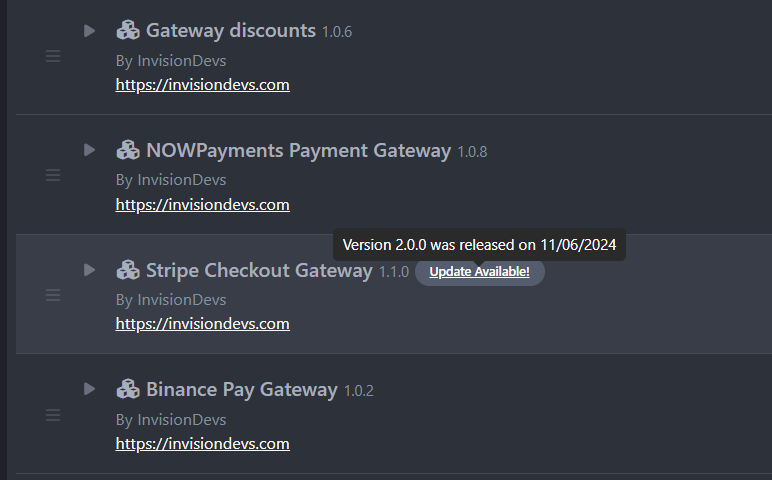
I noticed that there is a problem with the application update module, and not just this one—all of them have been updated for IPS 5. Stripe Checkout Gateway 1.1.0, which is intended exclusively for IPS 4.7.x, appears as outdated, and this is the latest compatible version. It asks me to update to Stripe Checkout Gateway 2.0.0. Basically, IPS 4.7.x users can no longer receive any updates. My opinion is that IPS5 should have separate update checking, as I saw with Adriano F. Thank you for your understanding, and please don't leave 4.7.x users in the dark...
-
As I said, I'm not interested in IPS 5, exactly for this reason. I would really appreciate an update for 4.7.x and still wait for this
-
Hi, can we have an update? Waiting for it from 1 year, app It's so basic... I won't be updating to ips5, thanks for understanding.
-
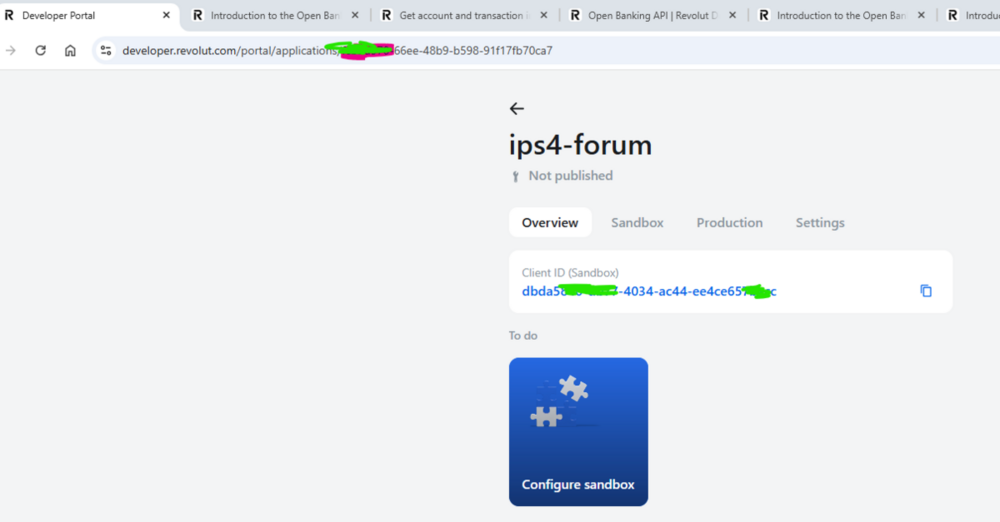
Hello, Revolut has added support for the app without the need for Revolut Business. https://developer.revolut.com/portal/signup This way, I could use the Revolut gateway I purchased from you. Could we get support for this API? We'll pay extra for the update.
-
 Hi, can we have an update? Waiting for it from 1 year, app It's so basic... I won't be updating to ips5, thanks for understanding.
 -
Hello mate, I noticed that you made updates to the payment gateways for IPS 5. Can you also do for Wise?
-
Hello, Any chances to make this gateway for IPS 4 ? I will not move to IPS 5 for a LOT of reasons, and I'm sure there are many like me. You can release for both IPS, 4 and 5.
-
you have PM
-
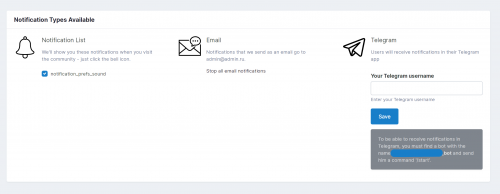
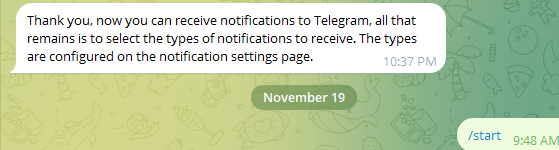
I received the notification in telegram but the logs show a problem I dont know what else to try

-
somehow still a problem. i check again the url and its said: {"ok":true,"result":{"url":"https://mysite/?app=telegram&module=telegram&controller=telegram","has_custom_certificate":false,"pending_update_count":0,"max_connections":40,"ip_address":"9x.26.41.227"}}