Skip to content
View in the app

A better way to browse. Learn more.

Invision Developers

A full-screen app on your home screen with push notifications, badges and more.

To install this app on iOS and iPadOS
  1. Tap the Share icon in Safari
  2. Scroll the menu and tap Add to Home Screen.
  3. Tap Add in the top-right corner.
To install this app on Android
  1. Tap the 3-dot menu (⋮) in the top-right corner of the browser.
  2. Tap Add to Home screen or Install app.
  3. Confirm by tapping Install.
New Invision Marketplace

Transliteration 1.0.0

(1 review)

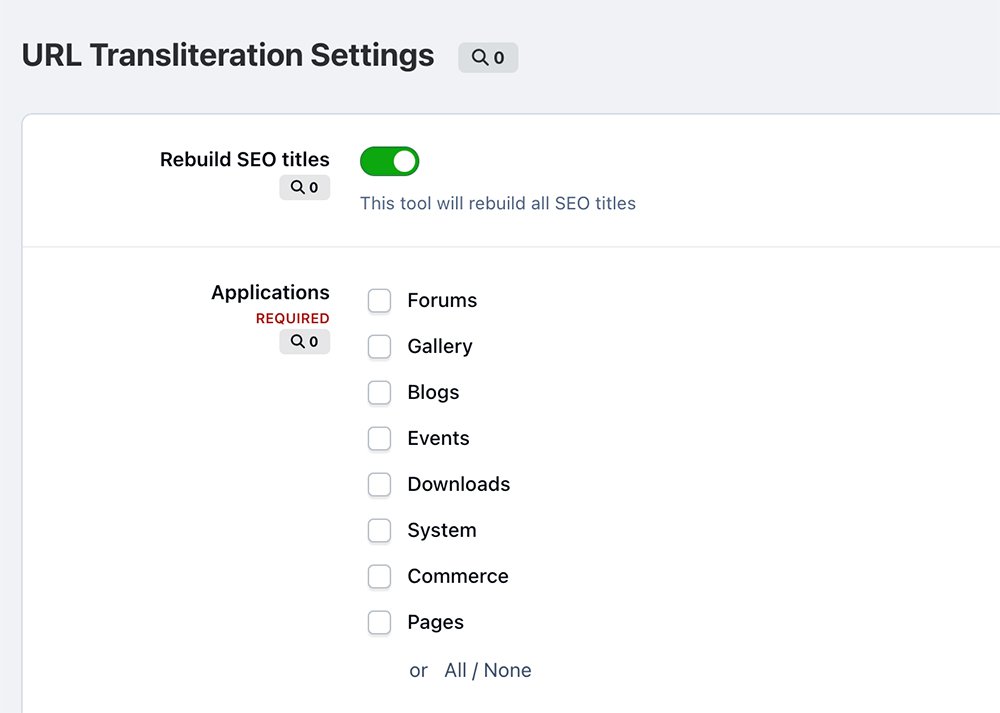
1 Screenshot

Transliteration - application, which allows you to transliterate non-latin URLs into Latin to improve your community's SEO optimization. You can also add any other symbols.

Supported symbols:

  • Latin
  • Greek
  • Turkish
  • Russian
  • Ukrainian
  • Czech
  • Polish
  • Latvian

User Feedback

Recommended Comments

Forbiddeen

Members

Is it possible to set it to be automatic for new posts?

DracoBlue

Members

Very good! Work! Thanks

DracoBlue

Members

On 2/11/2026 at 5:25 AM, Kirill Gromov said:

Hello. For what?

When I add new sections that include Polish characters, I have to manually rebuild them in your application. It would be great if this could happen automatically.

Join the conversation

You can post now and register later. If you have an account, sign in now to post with your account.
Note: Your post will require moderator approval before it will be visible.


Guest
Add a comment...

Account

Navigation

Search

Search

Configure browser push notifications

Chrome (Android)
  1. Tap the lock icon next to the address bar.
  2. Tap Permissions → Notifications.
  3. Adjust your preference.
Chrome (Desktop)
  1. Click the padlock icon in the address bar.
  2. Select Site settings.
  3. Find Notifications and adjust your preference.