
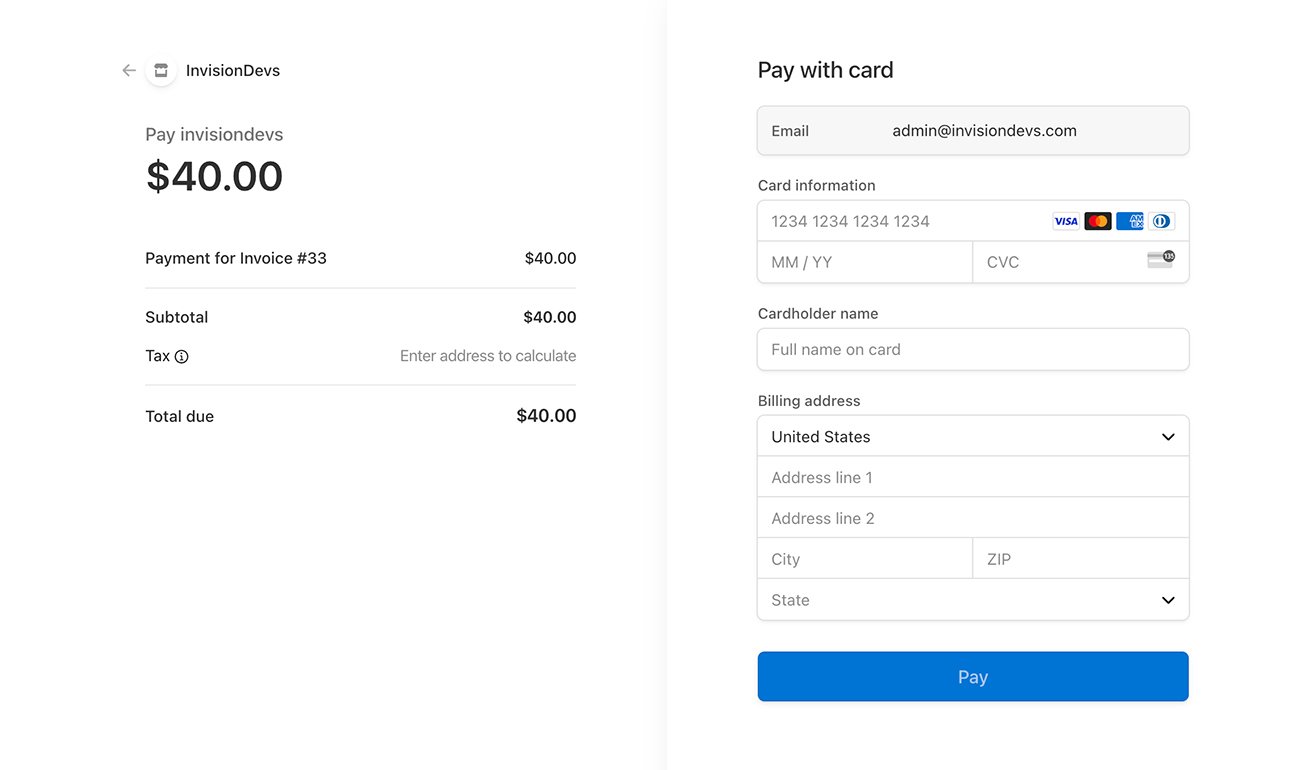
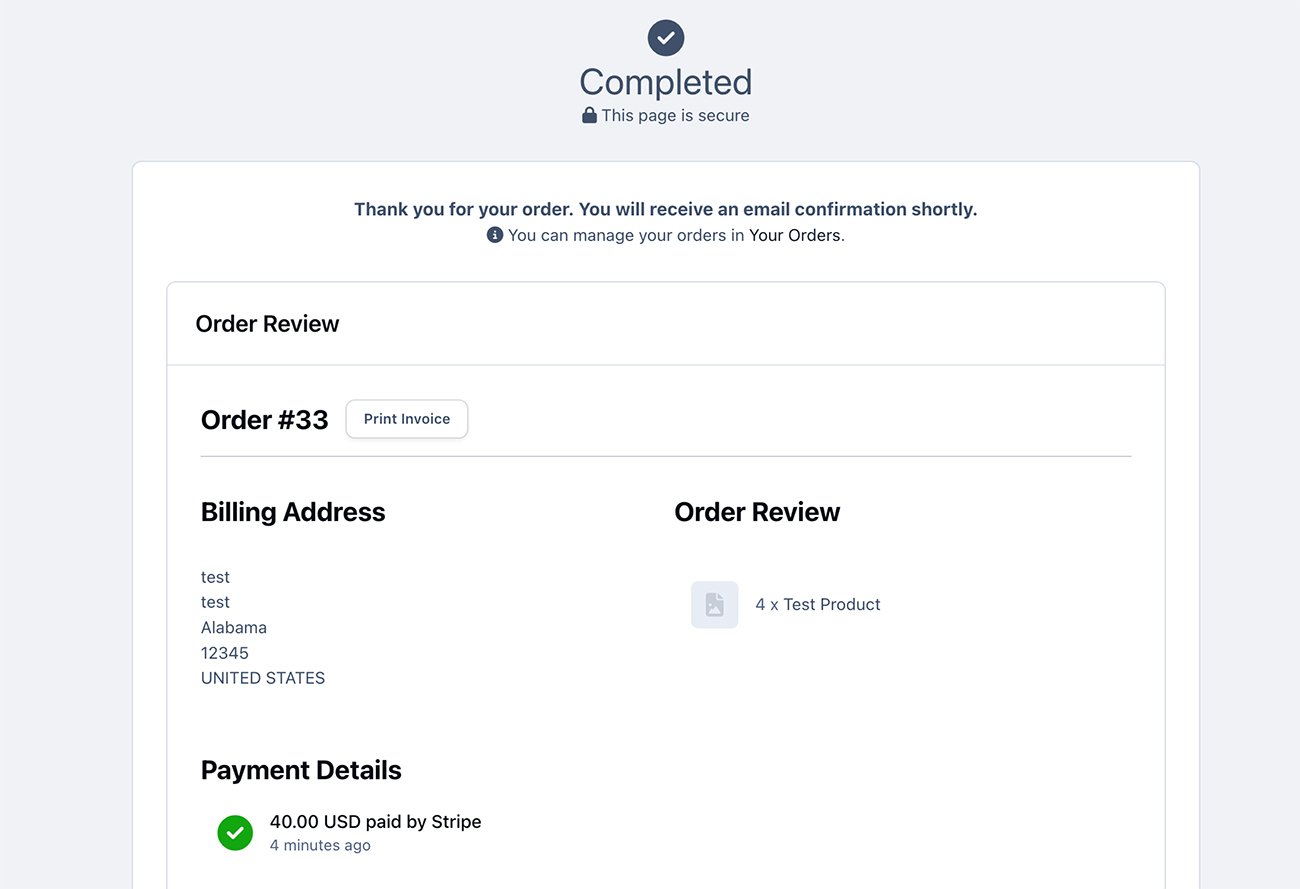
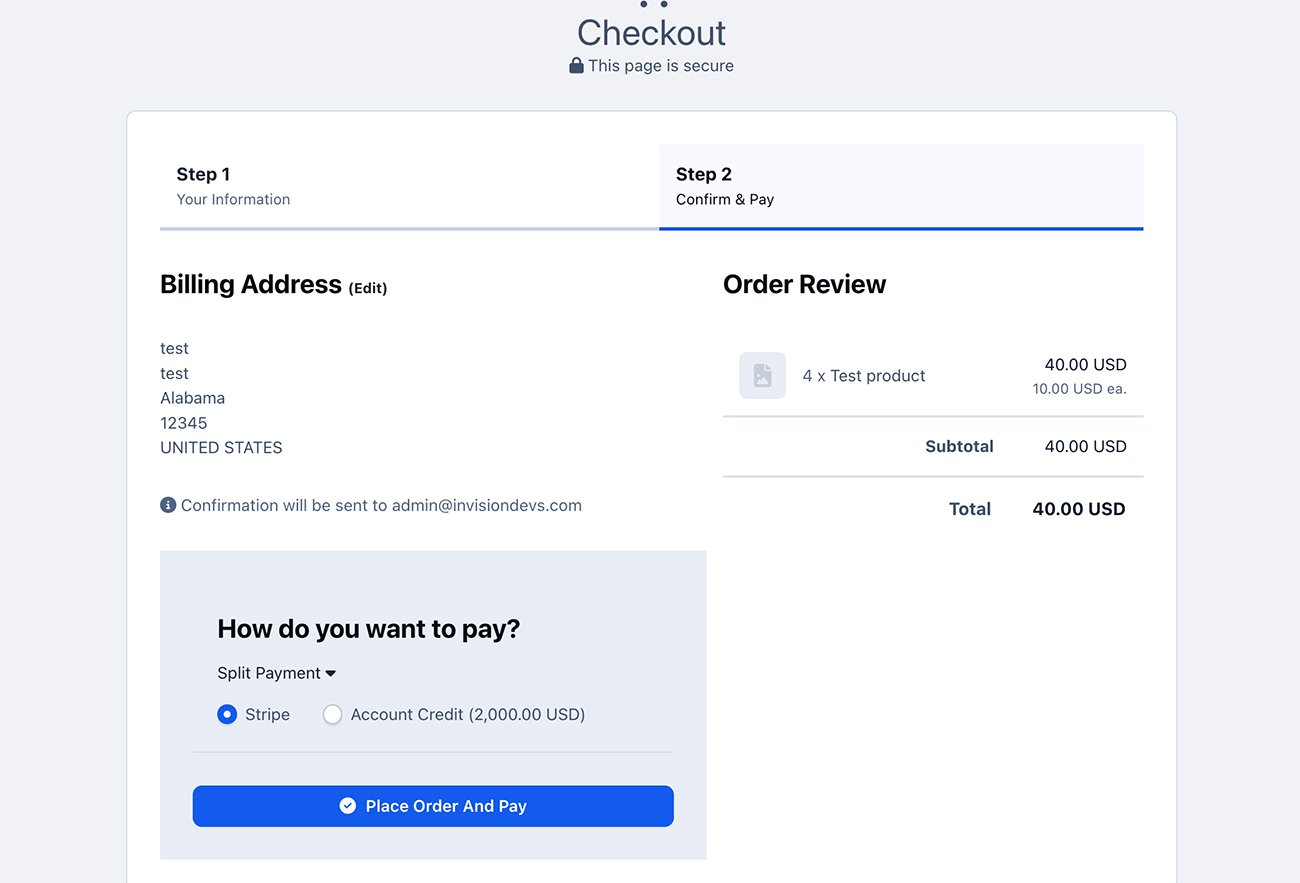
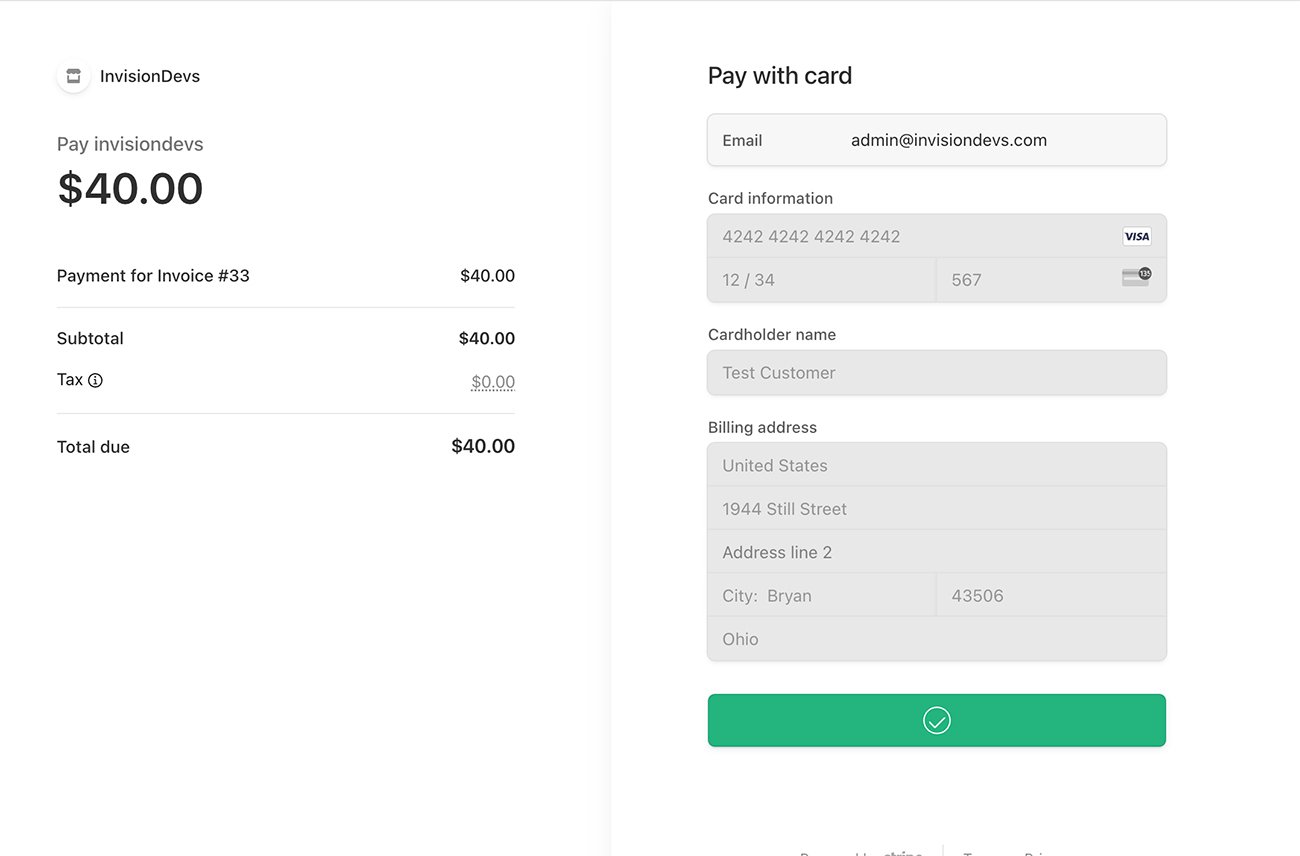
Stripe Checkout is a prebuilt, hosted payment page optimized for conversion. Whether you offer one-time purchases, use Checkout to easily and securely accept payments online.
Differences from Stripe by IPS
The entire payment process takes place on the Stripe website, on a special stylized page that you can brand with the style of your community. The client is more confident to enter his card details on the Stripe website.
Based on the billing address, the tax amount is automatically calculated.
You can change the color scheme, font, rounding of the payment form.
Features
Stripe Tax to automate tax calculation and collection or define applicable tax rates.
Toggle Tax behavior - disabled/inclusive/exclusive.
Dispute processing.
Refunds/partial refunds supporting.
Ability to ban a member after a refund.
Ability to force Stripe to collect a billing address.
Ability to select a specific payment method, such as Card, Klarna, Ali Pay, etc.
Payment methods
Card payments
Alipay
Affirm
Afterpay / Clearpay
Apple Pay
Bacs Direct Debit
Bancontact
Boleto
EPS
FPX
Giropay
Google Pay
GrabPay
iDEAL
Klarna
Link
OXXO
Pre-authorized debits
Przelewy24
SEPA Direct Debit
Sofort
WeChatPay
Kakao Pay
South Korean cards
Naver Pay
Samsung Pay
PAYCO
Alma
What’s new in 2.0.0
Latest API version supported: 2024-10-28.acacia
Added new pay methods: South Korean cards Naver Pay Kakao Pay Samsung Pay PAYCO
Code optimization
Detailed transaction information is now displayed in the ACP
Support Invision Community 5 and higher
-
 1
1
You may only provide a review once you have downloaded the file.
There are no reviews to display.