

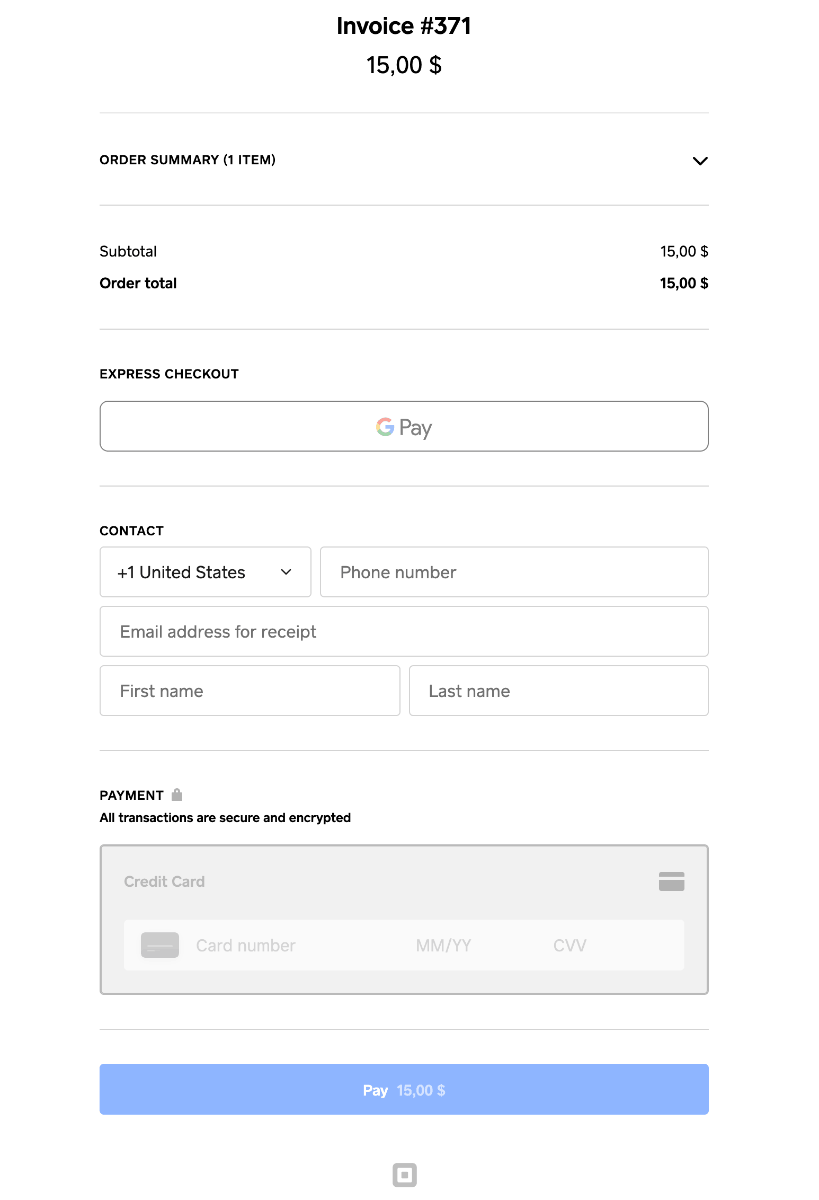
Square Up - accept debit and credit card payments on your community with online payment solutions from Square. You can connect your Square Up account to the Commerce app in Invision Community 5!
Additional features
Allow tipping
Ask for shipping address
Enable Square coupons
Enable Square loyalty
What's New in Version 2.1.0
Released
New in 2.1.0: subscriptions
After automatic renewals are enabled, the user will see:
SquareUp among the subscription payment methods.
When selected, a card form directly on your website: card number, expiration date, CVV, and postal code if required.
A checkbox consenting to save the card with Square and authorize future renewal payments. This consent is required for a new card.
If a card is already saved, an option to select it instead of entering a new one.
After a successful payment, IC5 activates the subscription. At the next renewal, IC5 creates an invoice and attempts to charge the saved card automatically, without requiring the user to enter their card details again.
Users can cancel renewals in their purchases or remove their saved card from their payment methods.
You may only provide a review once you have downloaded the file.