romwin
Clients
-
Joined
-
Last visited
Everything posted by romwin
-
Thank you for your respond even if it little bit late. I have manage to get it up. It seems like it working. I haven't have any real customers but when I tried it on my site, im getting the same urls that I paid on this application. So it seems that its working correct.
-
To use your sandbox mode isn't working when adding API. When setting sandbox mode online and then adding the API key creating an error.
-
Very strange you answer other people but not me. What have I done to you?
-
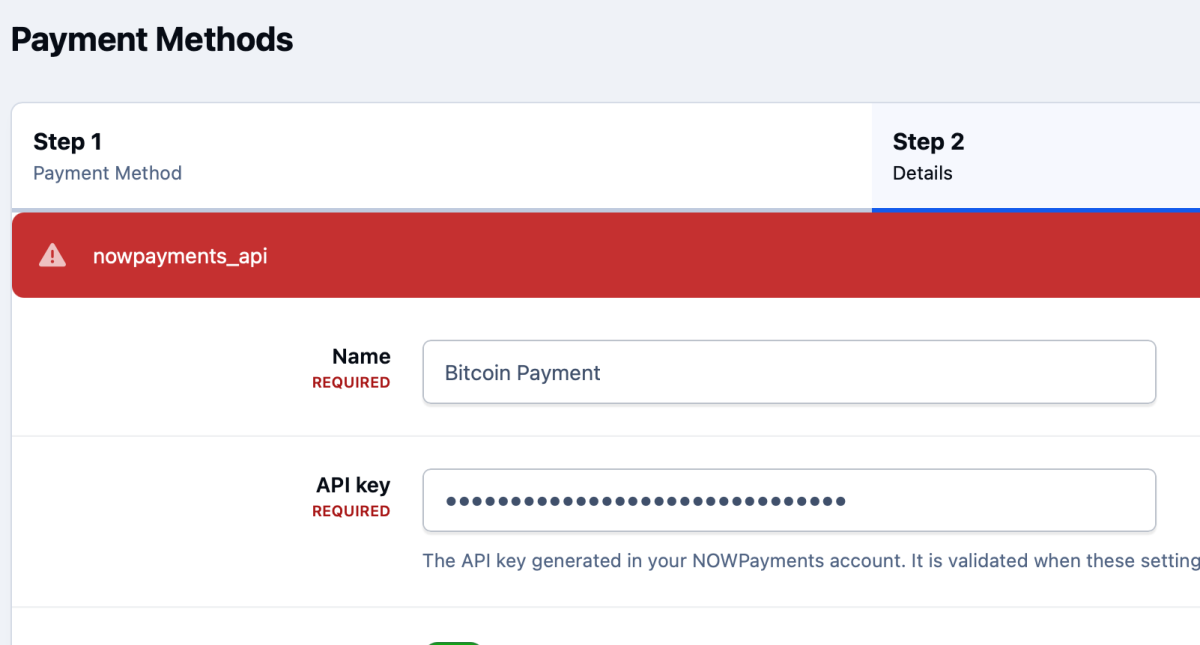
I guess you don't care about your customer but I have a problem here. It say in backend that the API key "Invalid api key" on System Logs I guess I have to report you to NowPayments and try to get my money back if you can't give support!
-
I don't know. Have I done something wrong here. Post in wrong forum or? I paid for an application and should be good to know if I'm doing right here. Im a newbie. Do I have to pay to get support here?
-
Ok found one other setting for API Key and that API Key was accepted if I turned of Sandbox mode before I saved it in Backend of IPS

-
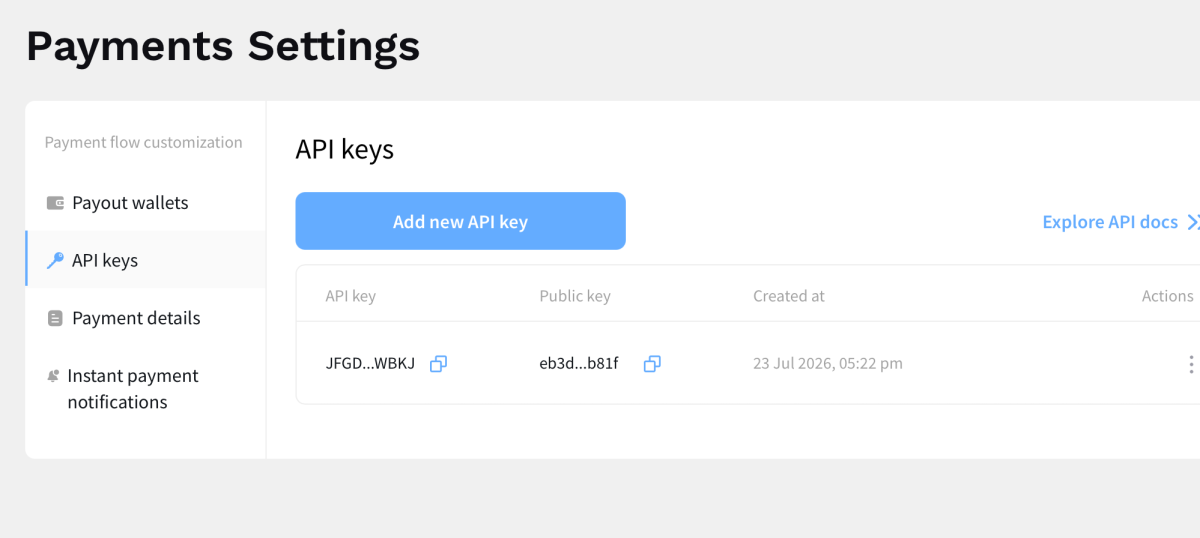
I have updated the IPS to v.5 and now I am able to install the NowPayments Application but the NowPayments API Key is not accepted. Not sure if I am adding the correct API key in setting here. But here in NowPayment setting I get this API key but not accepted Hoping for an answer here. Didnt get any answer yesterday even if just bought an Application from you.


-
Hi, just bought the application NowPayments. Using IPS community v4.7.24 After installation it's not visible in setting to add new payment in commerce? Tried both download file that was visible to download but still the same. Am I missing something here? Is the application only working for IPS community v5? Please let me know.