Skip to content
View in the app

A better way to browse. Learn more.

Invision Developers

A full-screen app on your home screen with push notifications, badges and more.

To install this app on iOS and iPadOS
  1. Tap the Share icon in Safari
  2. Scroll the menu and tap Add to Home Screen.
  3. Tap Add in the top-right corner.
To install this app on Android
  1. Tap the 3-dot menu (ā‹®) in the top-right corner of the browser.
  2. Tap Add to Home screen or Install app.
  3. Confirm by tapping Install.
New Invision Marketplace

TomCat

Clients
  • Joined

  • Last visited

  1. I have this same issue with IPS5. It was working fine, but now it's not working. I use Cloudflare. Can you tell me how to fix this?
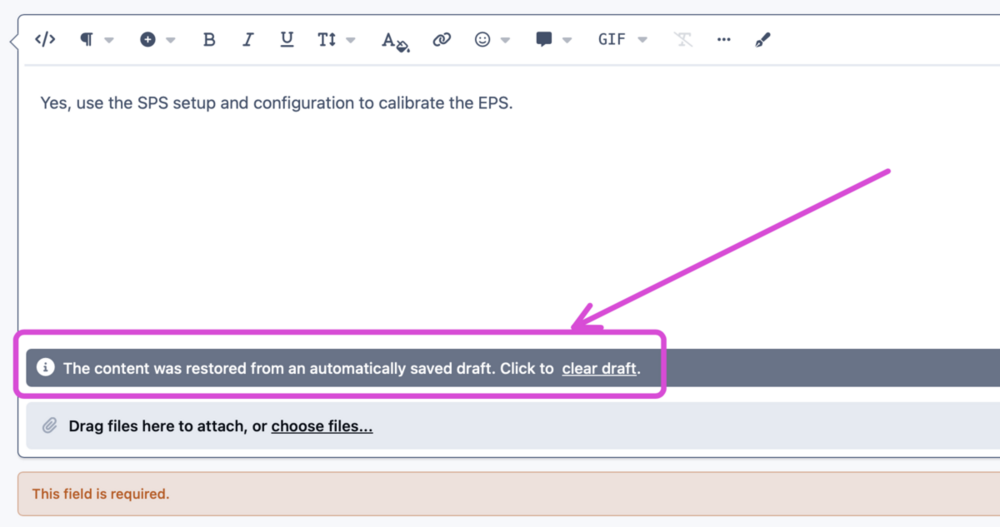
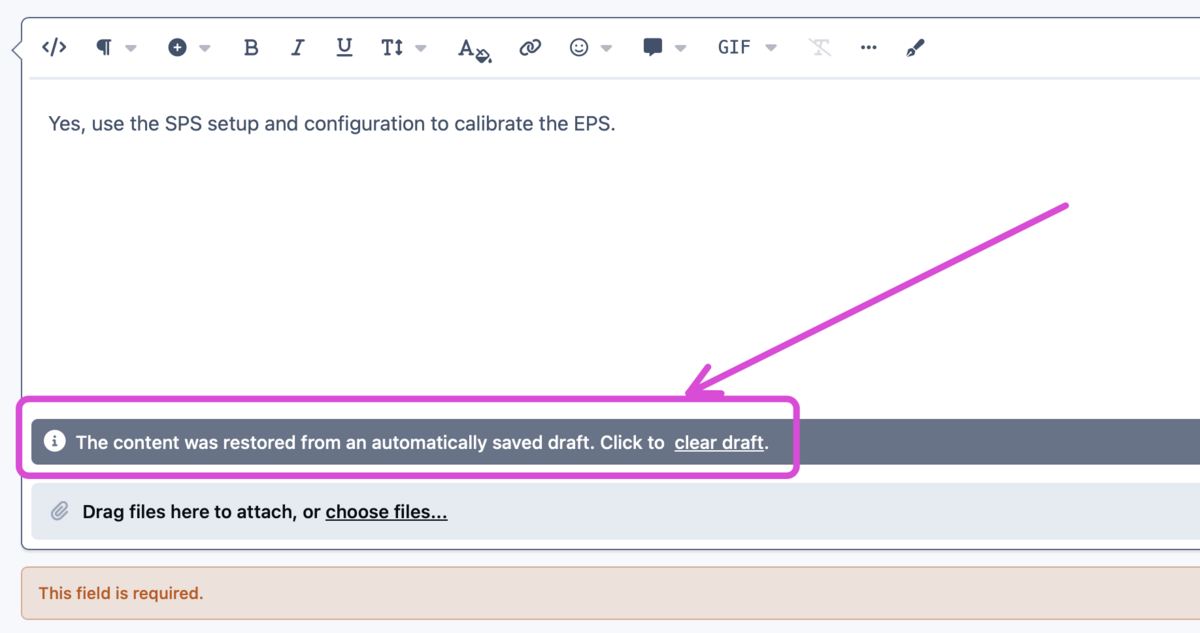
  2. I'm having an issue with the new version. When I try to submit a post, I get this error " The content was restored from an automatically saved draft. Click to .".
  3. Hi, do you have any idea when this app will be released?
  4. if you mean to be able to edit the IPS v5 dev templates as we use to be able to do in IPS v4 APC, I’m also very interested to get that option back in v5.

Account

Navigation

Search

Search

Configure browser push notifications

Chrome (Android)
  1. Tap the lock icon next to the address bar.
  2. Tap Permissions → Notifications.
  3. Adjust your preference.
Chrome (Desktop)
  1. Click the padlock icon in the address bar.
  2. Select Site settings.
  3. Find Notifications and adjust your preference.