Skip to content
View in the app

A better way to browse. Learn more.

Invision Developers

A full-screen app on your home screen with push notifications, badges and more.

To install this app on iOS and iPadOS
  1. Tap the Share icon in Safari
  2. Scroll the menu and tap Add to Home Screen.
  3. Tap Add in the top-right corner.
To install this app on Android
  1. Tap the 3-dot menu (⋮) in the top-right corner of the browser.
  2. Tap Add to Home screen or Install app.
  3. Confirm by tapping Install.
New Invision Marketplace

Bosss

Clients
  • Joined

  • Last visited

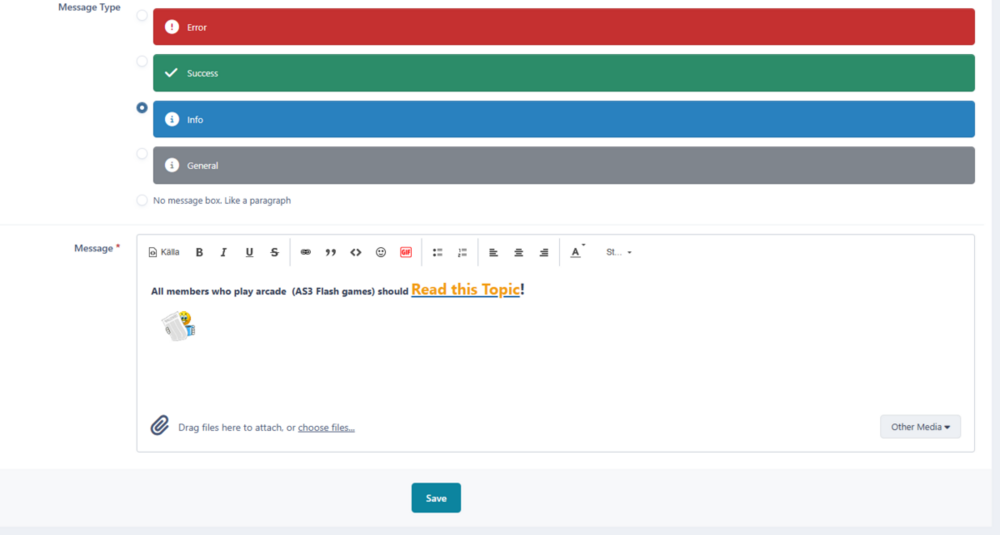
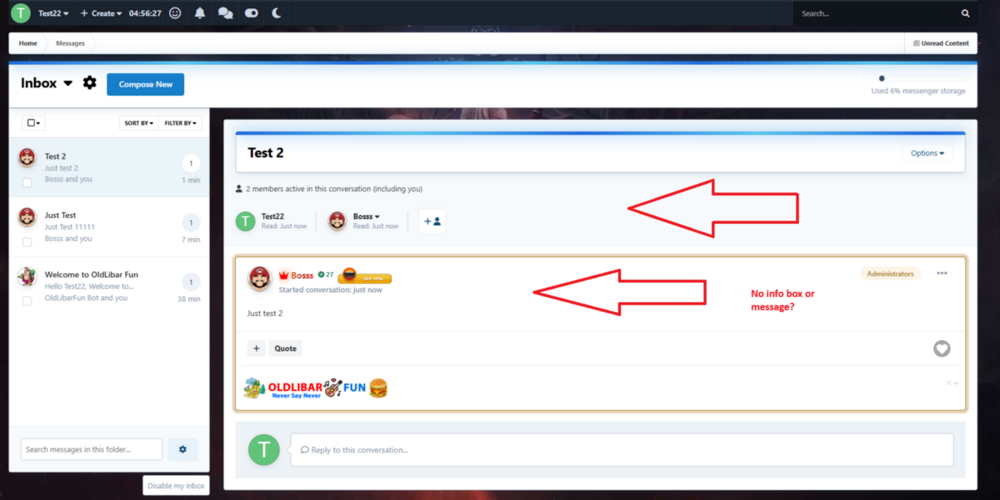
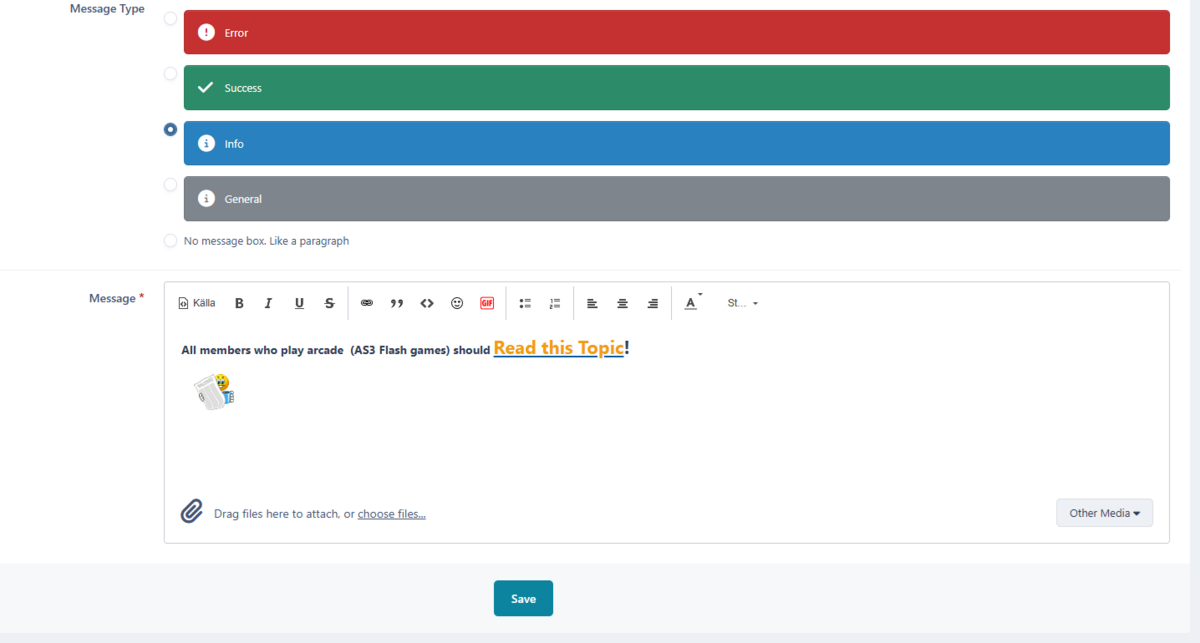
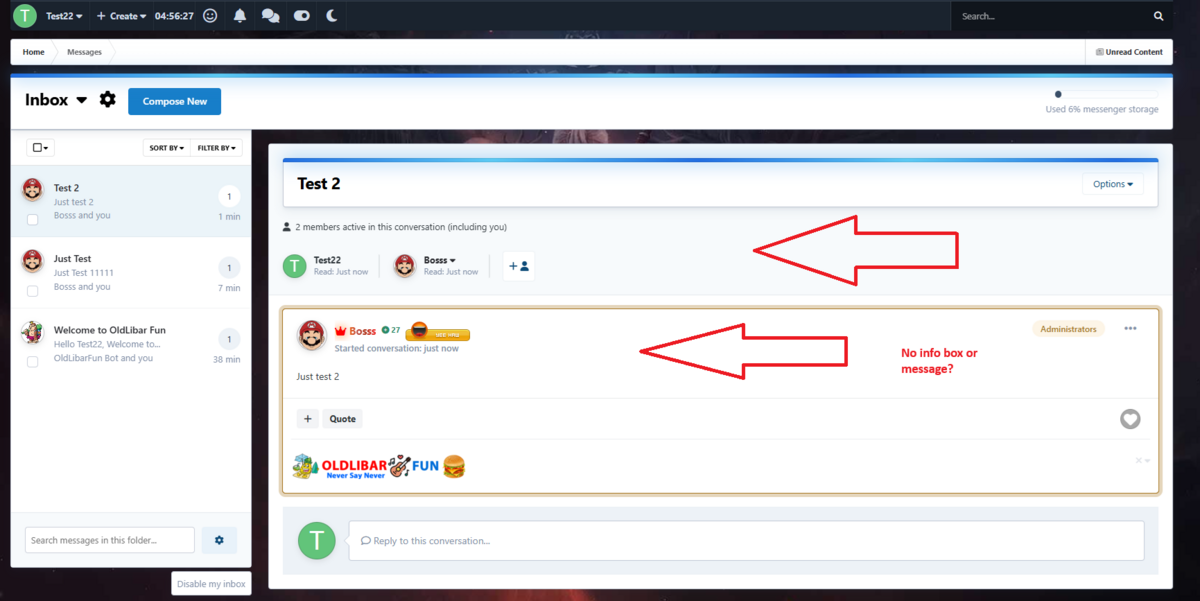
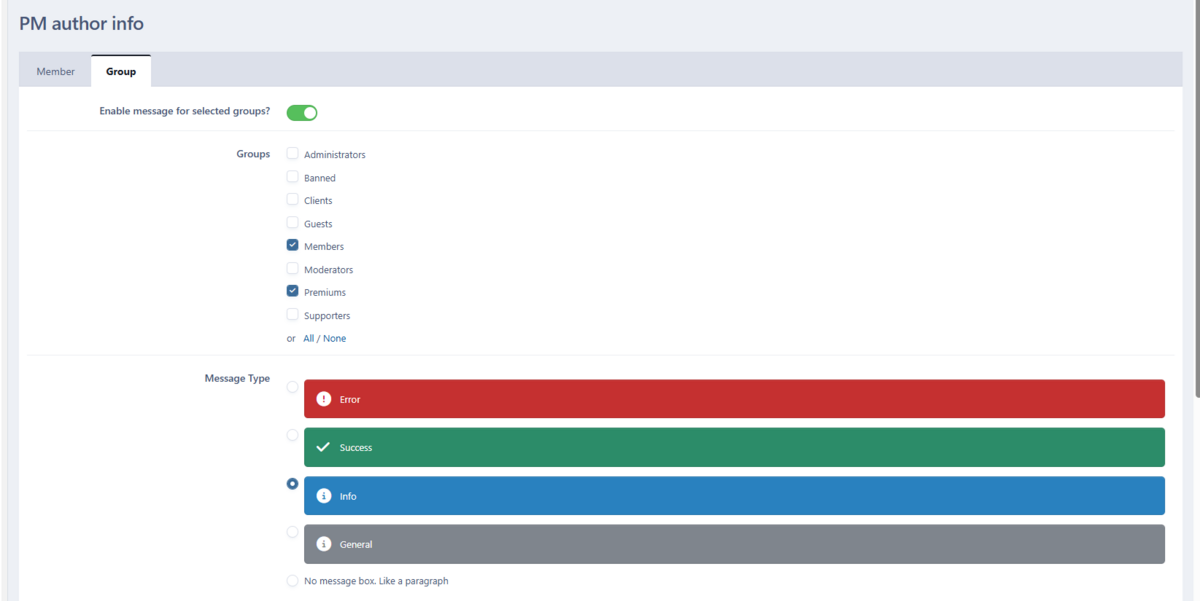
  1. And user what get message from me (with info box) - do not see that info-box?
  2. Like i understand - this is info box for me who send message to user? It is not info box to user what i sent to them?
  3. Thanks for reply But do not understand - users-group can not see "info Box" with messaged i did for them?
  4. Use latest v 4.7.23 and PHP 8.1.31
  5. Hello I just tested and user get message but no info - error ... what i sent users? some tips?
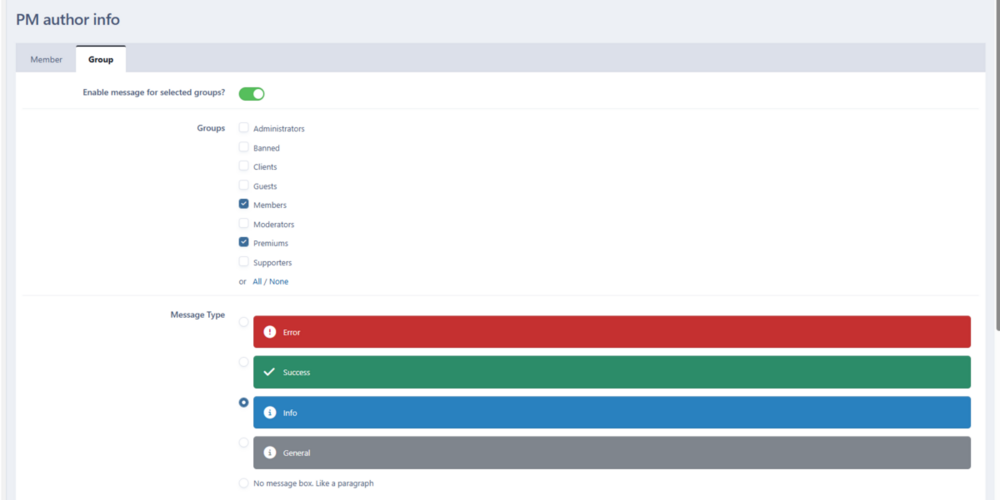
  6. hello @Kirill Gromov - need some help see picture and will see what i mean regards bosss
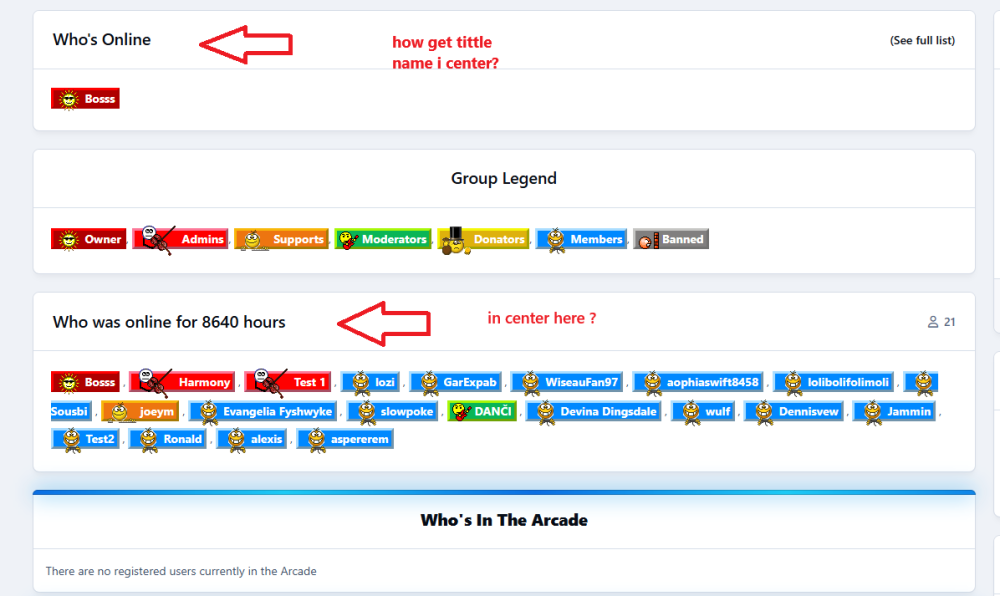
  7. Thanks 👍😀
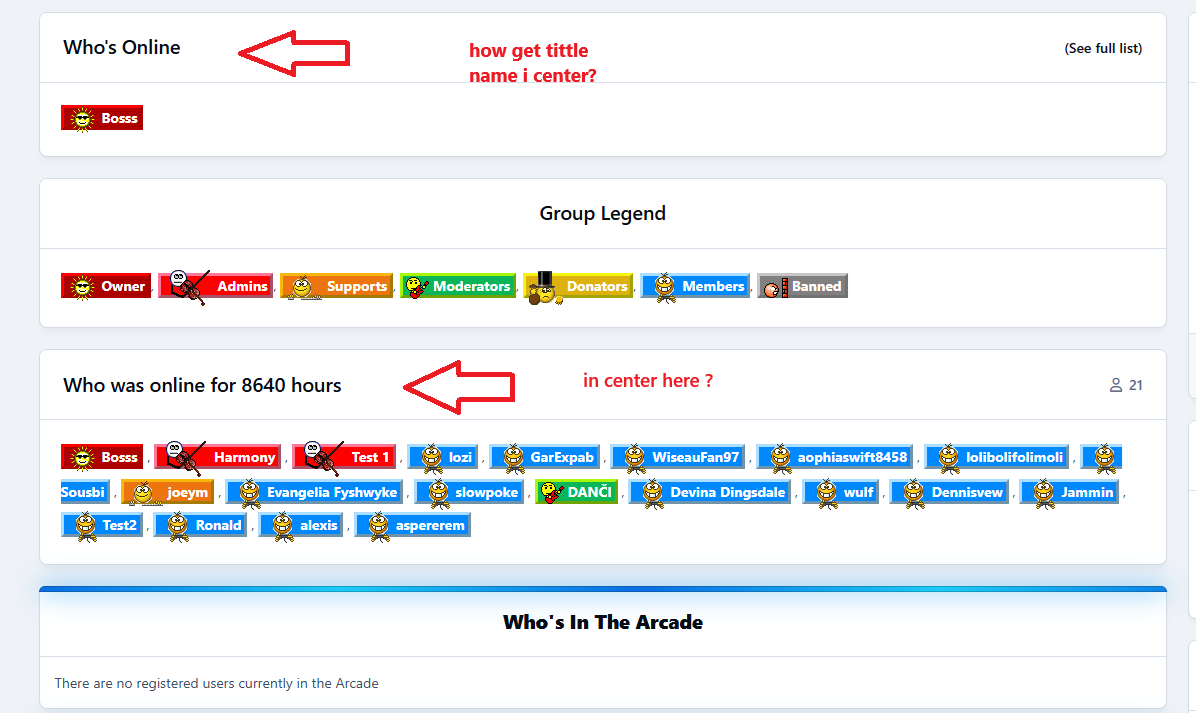
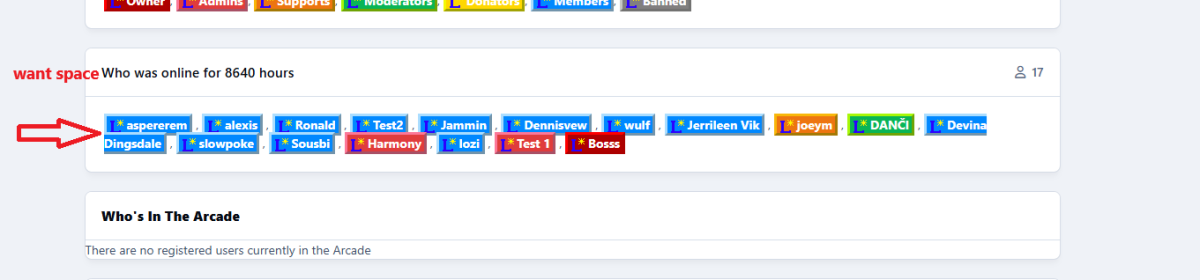
  8. Hello Need some help with your app - use IPS V5.0.1 And PHP 8.2.41 How get more space between lines ❓ See picture what mean regards Bosss

Account

Navigation

Search

Search

Configure browser push notifications

Chrome (Android)
  1. Tap the lock icon next to the address bar.
  2. Tap Permissions → Notifications.
  3. Adjust your preference.
Chrome (Desktop)
  1. Click the padlock icon in the address bar.
  2. Select Site settings.
  3. Find Notifications and adjust your preference.