Skip to content
View in the app

A better way to browse. Learn more.

Invision Developers

A full-screen app on your home screen with push notifications, badges and more.

To install this app on iOS and iPadOS
  1. Tap the Share icon in Safari
  2. Scroll the menu and tap Add to Home Screen.
  3. Tap Add in the top-right corner.
To install this app on Android
  1. Tap the 3-dot menu (⋮) in the top-right corner of the browser.
  2. Tap Add to Home screen or Install app.
  3. Confirm by tapping Install.
New Invision Marketplace

Spyware

Members
  • Joined

  • Last visited

Everything posted by Spyware

  1. But the app is made for version 5.
  2. Кэш чистил где только возможно и 100млрд раз, без толку.
  3. 5-я. Причем установка чистая,без доп.приложений и т.п. Что на дом.сервере,что на хостинге.
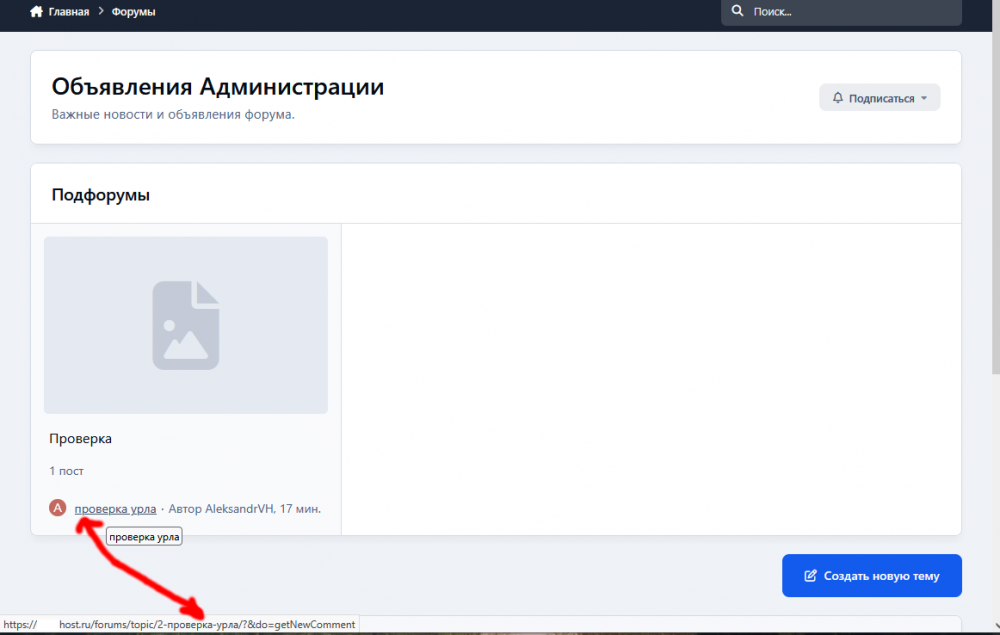
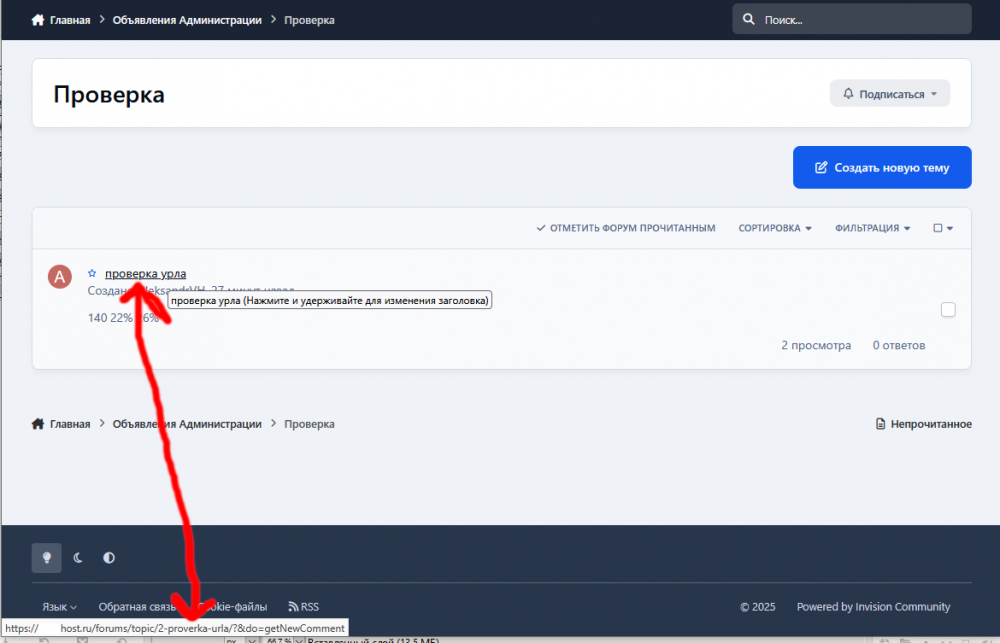
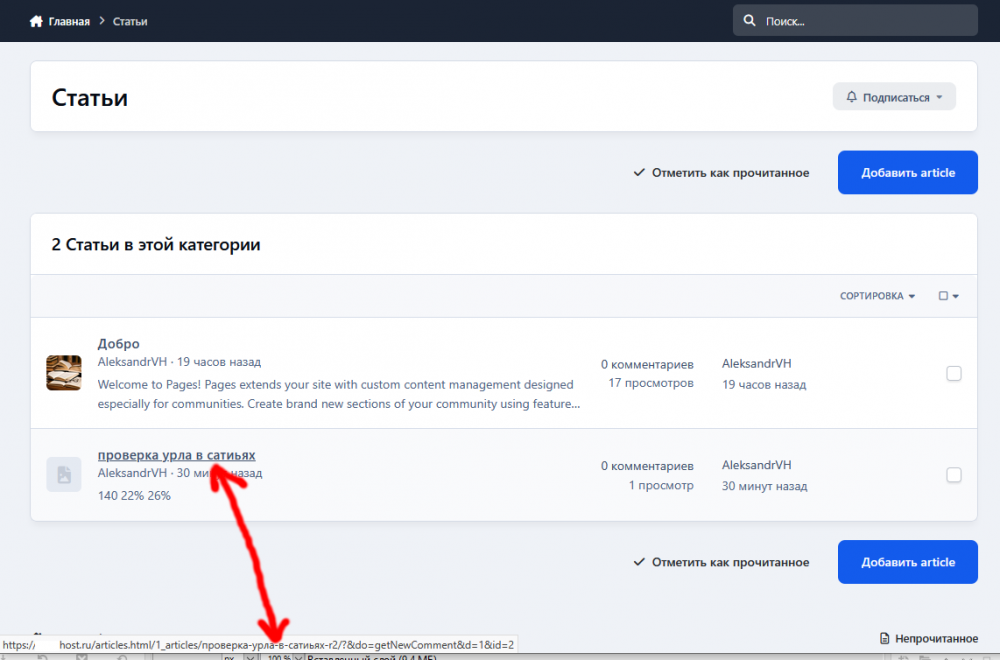
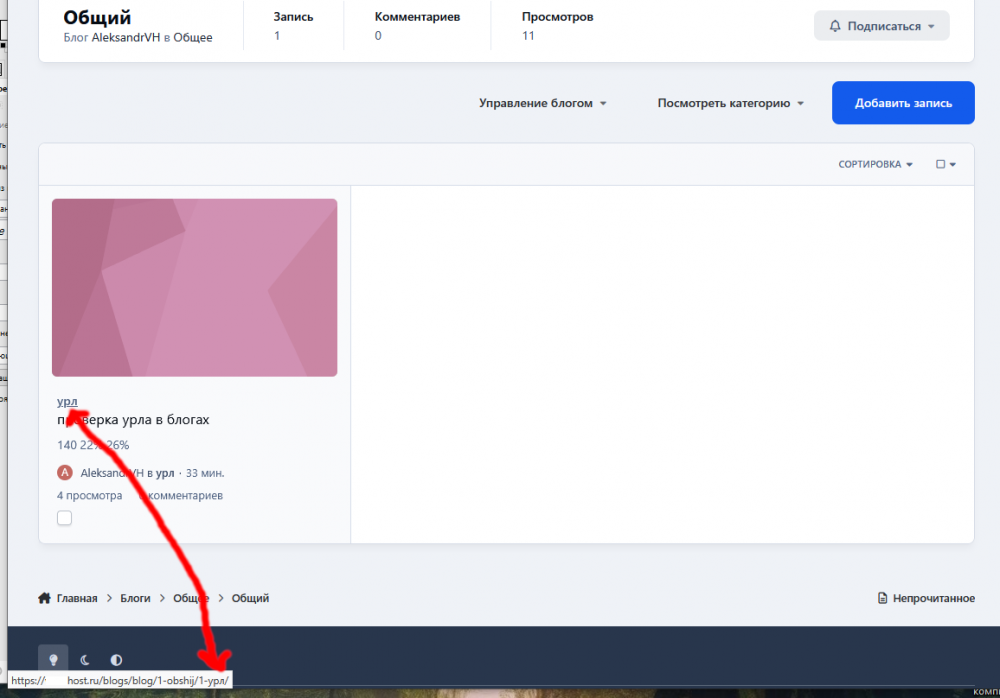
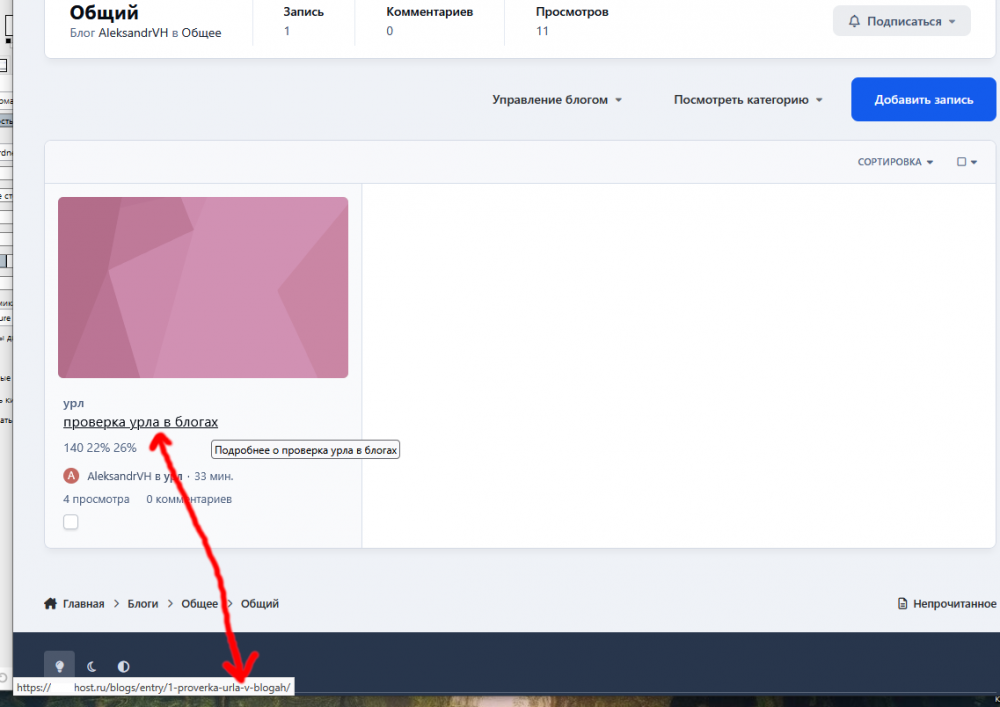
  4. It does everything selectively on IPS5. In the forums On the main page it's like this: In the category so: In the Articles: Blogs are even more interesting. Blog Category: Name of the record: How to solve this problem?

Account

Navigation

Search

Search

Configure browser push notifications

Chrome (Android)
  1. Tap the lock icon next to the address bar.
  2. Tap Permissions → Notifications.
  3. Adjust your preference.
Chrome (Desktop)
  1. Click the padlock icon in the address bar.
  2. Select Site settings.
  3. Find Notifications and adjust your preference.