Skip to content
View in the app

A better way to browse. Learn more.

Invision Developers

A full-screen app on your home screen with push notifications, badges and more.

To install this app on iOS and iPadOS
  1. Tap the Share icon in Safari
  2. Scroll the menu and tap Add to Home Screen.
  3. Tap Add in the top-right corner.
To install this app on Android
  1. Tap the 3-dot menu (⋮) in the top-right corner of the browser.
  2. Tap Add to Home screen or Install app.
  3. Confirm by tapping Install.
New Invision Marketplace

cruizin

Members
  • Joined

  • Last visited

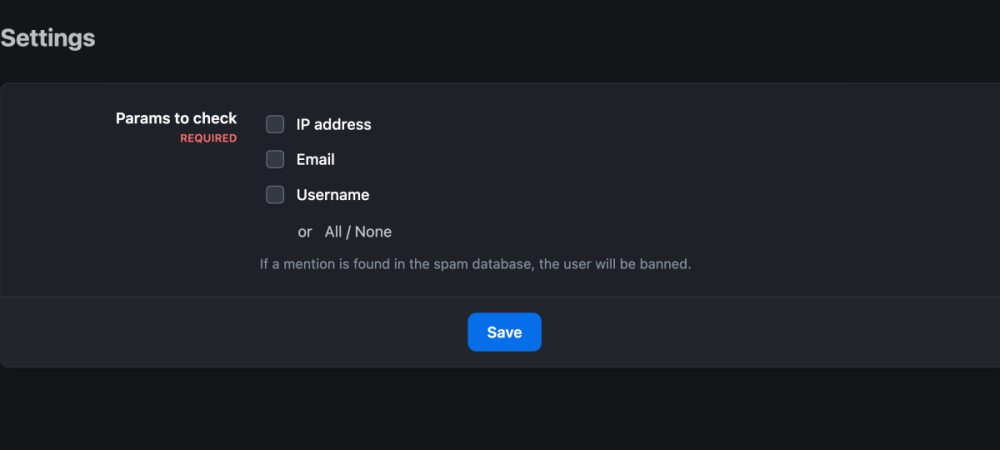
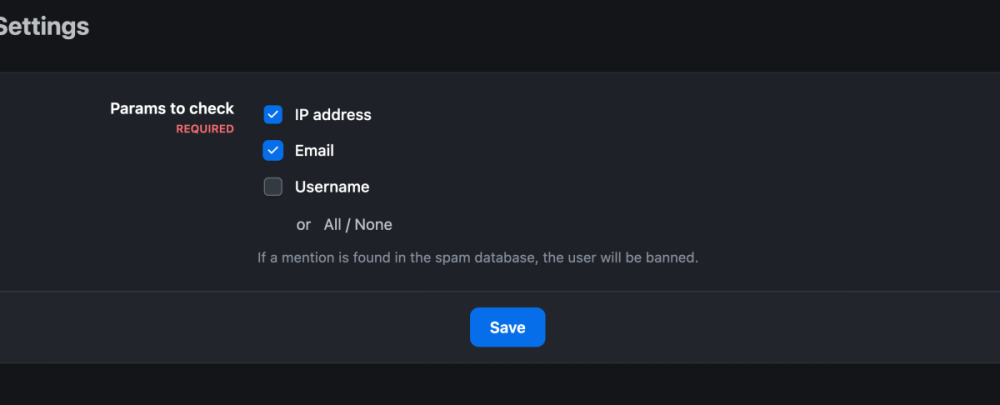
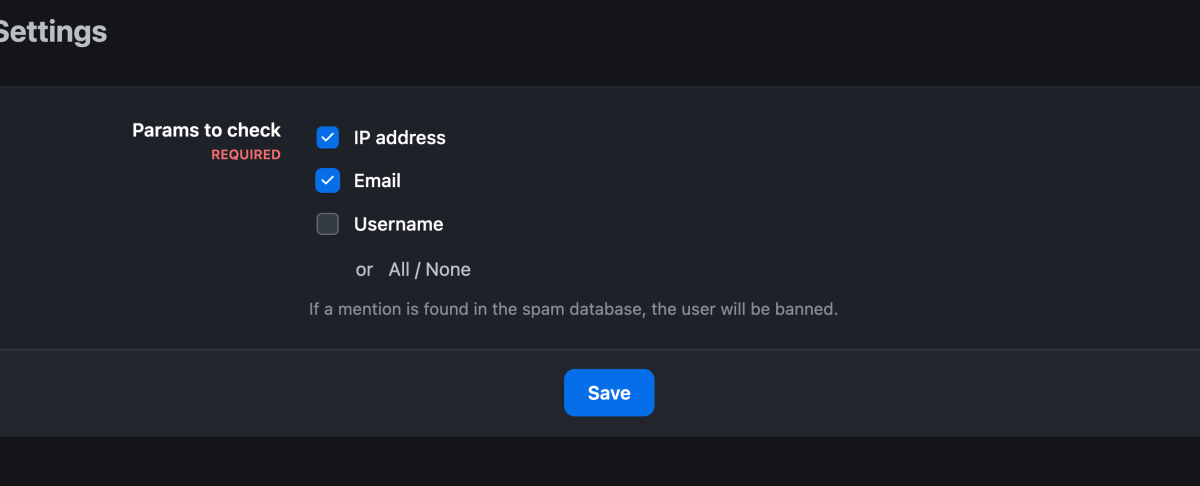
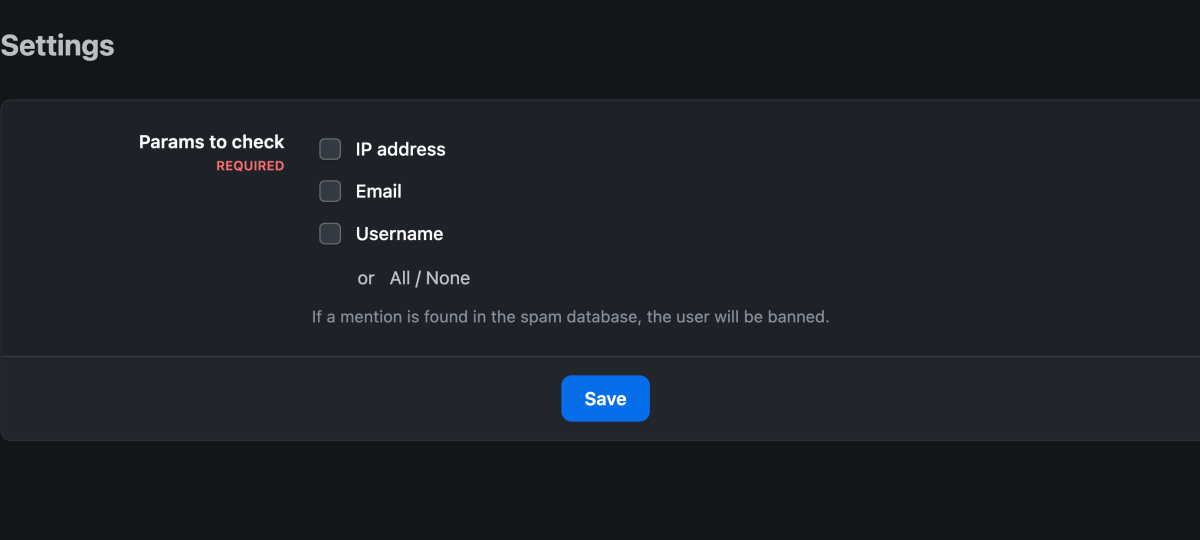
  1. Ok, found the settings and also a potential issue. I check the boxes for Ip address and email to be checked against the database. But when I click "save", it unchecks the boxes. So what parameter is being checked after those boxes get unchecked?
  2. I downloaded stop forum spam, thank you for providing this. I uploaded it to my V5 Cloud forum in applications, enabled it. I don't see any other settings for it. Is enabling it all I have to do to get it working?
Account

Navigation

Search

Search

Configure browser push notifications

Chrome (Android)
  1. Tap the lock icon next to the address bar.
  2. Tap Permissions → Notifications.
  3. Adjust your preference.
Chrome (Desktop)
  1. Click the padlock icon in the address bar.
  2. Select Site settings.
  3. Find Notifications and adjust your preference.