delulu6969
Clients
-
Joined
-
Last visited
Everything posted by delulu6969
-
@Kirill Gromov Hi bro, is this compatible with IPS V5.1? thanks!
-
BTW, so far the US issued cards works fine, I will report back if customers from other counties have this issue too.
-
I checked the API logs further. The Japanese Mastercard payment itself was successfully authorized: status: APPROVED CVV_ACCEPTED AVS_NOT_CHECKED risk_level: NORMAL The failure happened afterward when the plugin tried to save the card: POST /v2/cards → 400 INVALID_CARD_DATA (field: source_id) The authorized payment was then voided/canceled. So it looks like the payment authorization succeeds, but saving the card for recurring payments fails. Could you please check this flow?
-
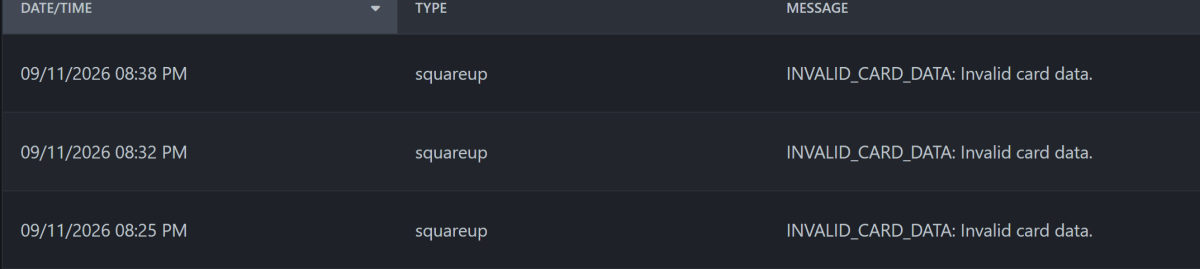
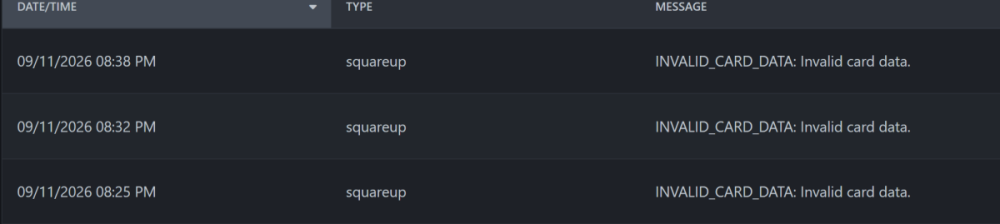
I checked the Square API logs. All 3 failed attempts show the same error: POST /v2/cards (CreateCard) HTTP status: 400 Category: INVALID_REQUEST_ERROR Code: INVALID_CARD_DATA Detail: Invalid card data. Field: source_id One example request time: 2026-09-11 20:25:43 GMT-4 Merchant country: US Currency: USD One example request time: 2026-09-11 20:25:43 GMT-4
-
one more unrelated issue A customer tried to purchase a recurring Club membership 4 times with a Japanese-issued Mastercard, and all 4 attempts failed with INVALID_CARD_DATA. He confirmed that no 3D Secure or bank verification window appeared. The same card was previously used successfully through Stripe, where it completed a 3D Secure 2.2 challenge. Could you please check what might be causing this?
-
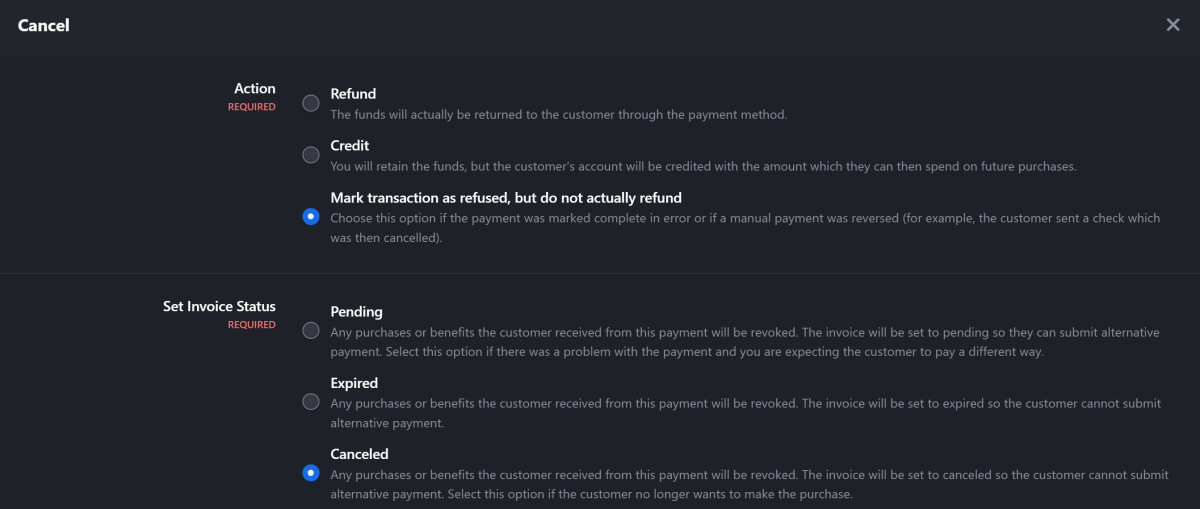
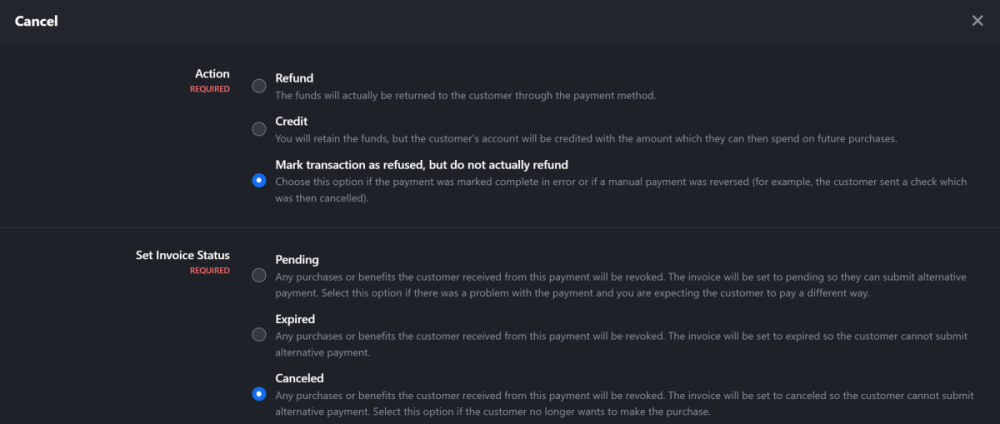
@Kirill Gromov Hello, the plugin is working fine, one tiny bug I noticed (not sure who to blame though) When I cancel one transaction, and chose "Mark transaction as refused, but do not actually refund" moment later, I received email notification from Square regarding the refunds. That doesn't happen on PayPal and Stripe.

-
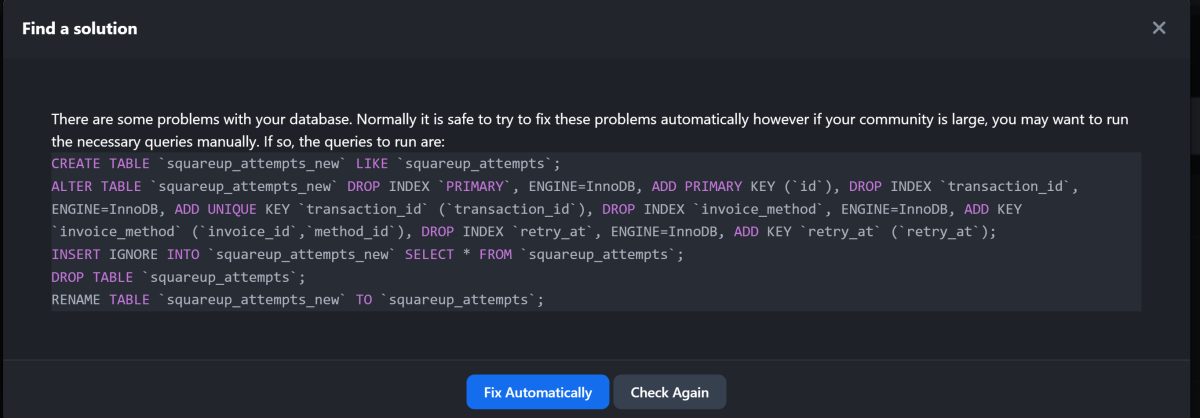
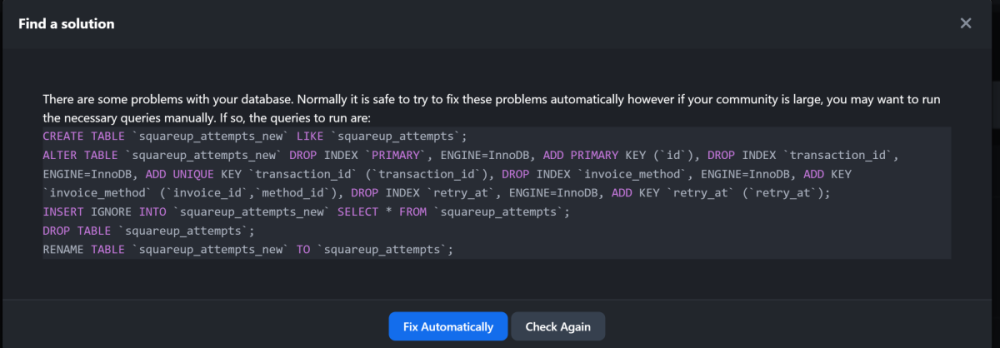
I checked the squareup_attempts table in phpMyAdmin after running “Fix Automatically.” The indexes appear to have been created correctly (PRIMARY on id, UNIQUE transaction_id, invoice_method on invoice_id + method_id, and retry_at), but IPS still reports the same critical database error after checking again.
-
also, Square still does not appear as a payment option for VIP/Club purchases with renewals enabled. (I guess that was related to the DB error?)
-
After upgrading to 2.1.0, IPS reports a critical database error for the squareup_attempts table. I clicked “Fix Automatically,” but the same database error still appears afterward. There are currently no Square transactions on my site. Could this be an issue with the 2.1.0 database schema/update?
-
Hi, I noticed that Square only appears as a payment option for one-time purchases. For VIP/Club memberships with recurring renewals enabled, Square does not appear at checkout. If I change the same VIP plan to a lifetime/one-time purchase, Square appears immediately. Is this expected because the Square gateway only supports one-time payments, or am I missing a setting for recurring payments? If this is intended, would it be possible to add support for recurring payments? Thanks! @Kirill Gromov
-
-
@Kirill Gromov please bro..
-
Hey, I bought this app during IPS V4 era....I'm willing to purchase it again but can you make it IPS 5 version if possible? thanks!