


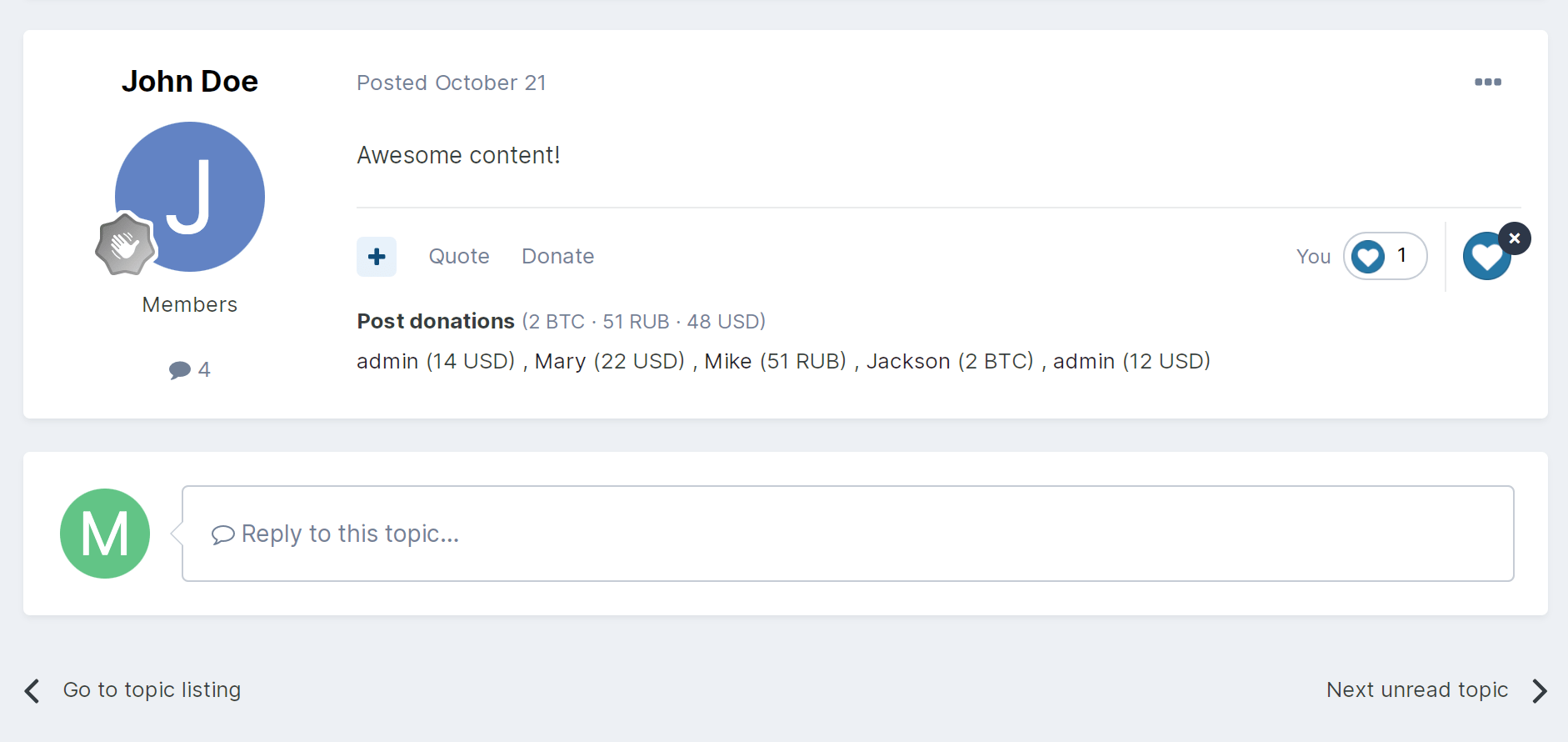
The application will allow your users to donate for posts indicating an arbitrary amount and reason for donating.
- You can select groups whose users will be able to donate or accept donations.
- Specify the donor list limit when viewing a topic.
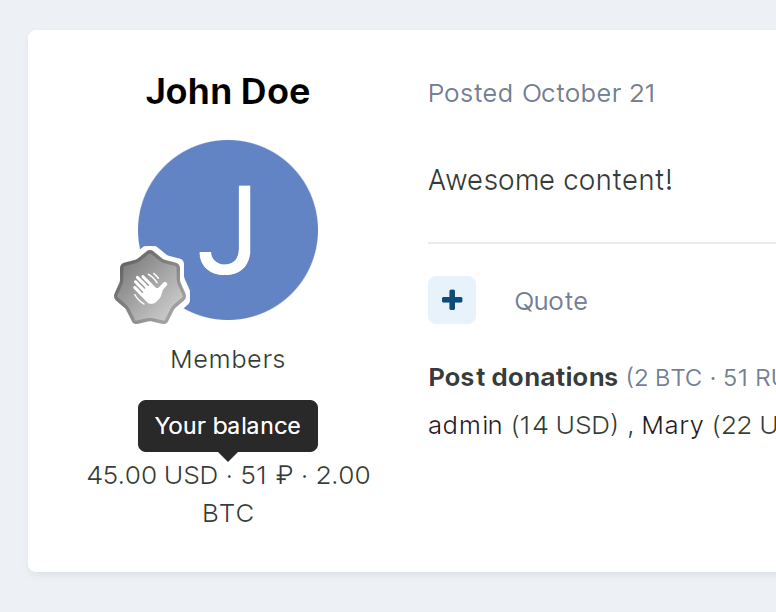
- Each donation post displays the total amount of donations by currency.
- Make the reason field required.
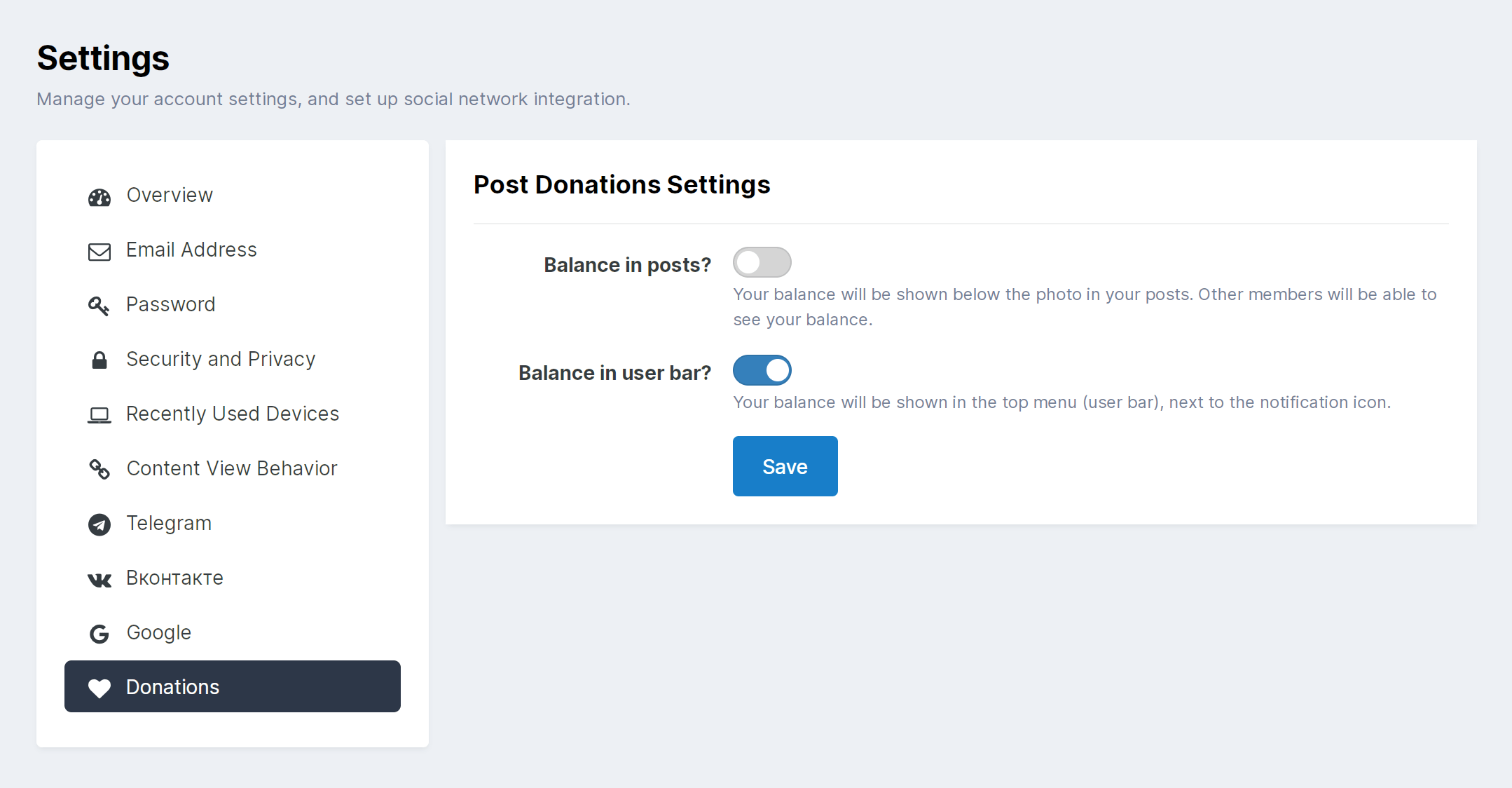
- You can display the balance in posts and/or in the userBar.
- Users can control the display of the balance themselves in the settings of their account.
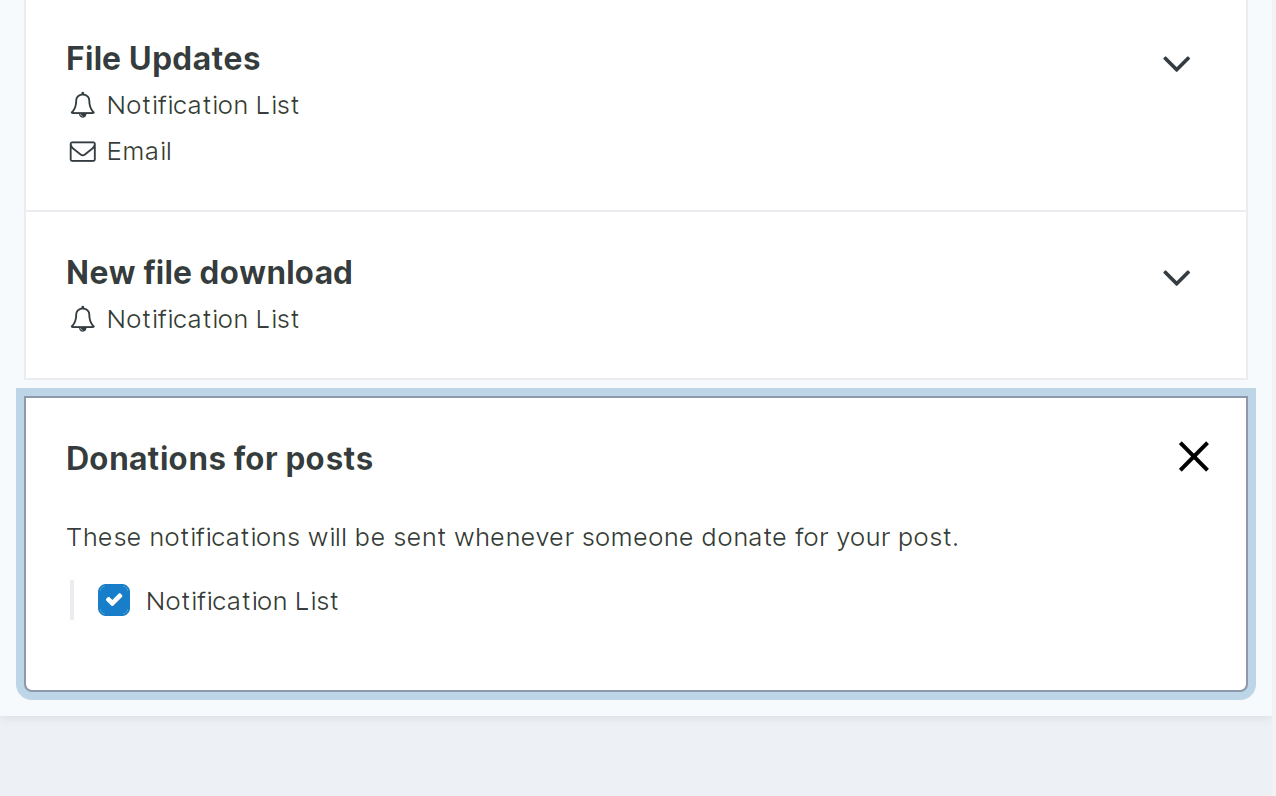
- The author of the post will receive a notification about the new donation.
Commerce integration
You can specify the amount of the commission that will be charged. You can donate in any currency and any payment gateways that exist and are configured in the Commerce application.
Widgets
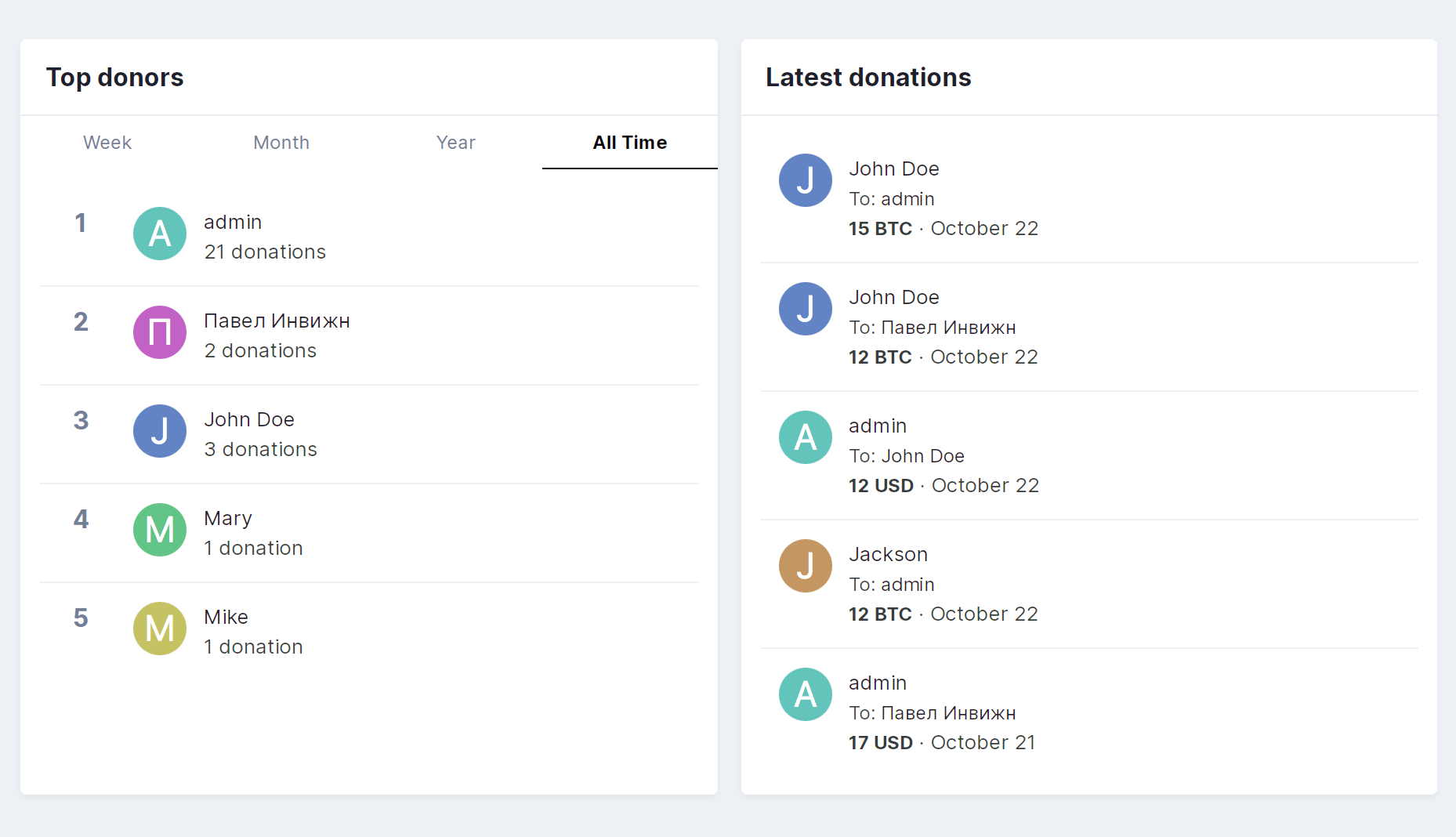
Currently, you can place two widgets on your pages:
Top donors. The widget will show users who donated the most for posts for a certain period of time (week, month, year, or all time).
Latest donations. The widget will show the donor, the author of the post, the date and amount of the donation.
For the application to work, you must have a Commerce installed application.
What's New in Version 1.0.4
Released
Fixed a bug where user settings not shown
-
 1
1
-
 1
1
You may only provide a review once you have downloaded the file.
There are no reviews to display.