
Skip to content
View in the app

A better way to browse. Learn more.

Invision Developers

A full-screen app on your home screen with push notifications, badges and more.

To install this app on iOS and iPadOS
  1. Tap the Share icon in Safari
  2. Scroll the menu and tap Add to Home Screen.
  3. Tap Add in the top-right corner.
To install this app on Android
  1. Tap the 3-dot menu (⋮) in the top-right corner of the browser.
  2. Tap Add to Home screen or Install app.
  3. Confirm by tapping Install.
New Invision Marketplace

HTML Editor 1.0.7

(1 review)

5 Screenshots

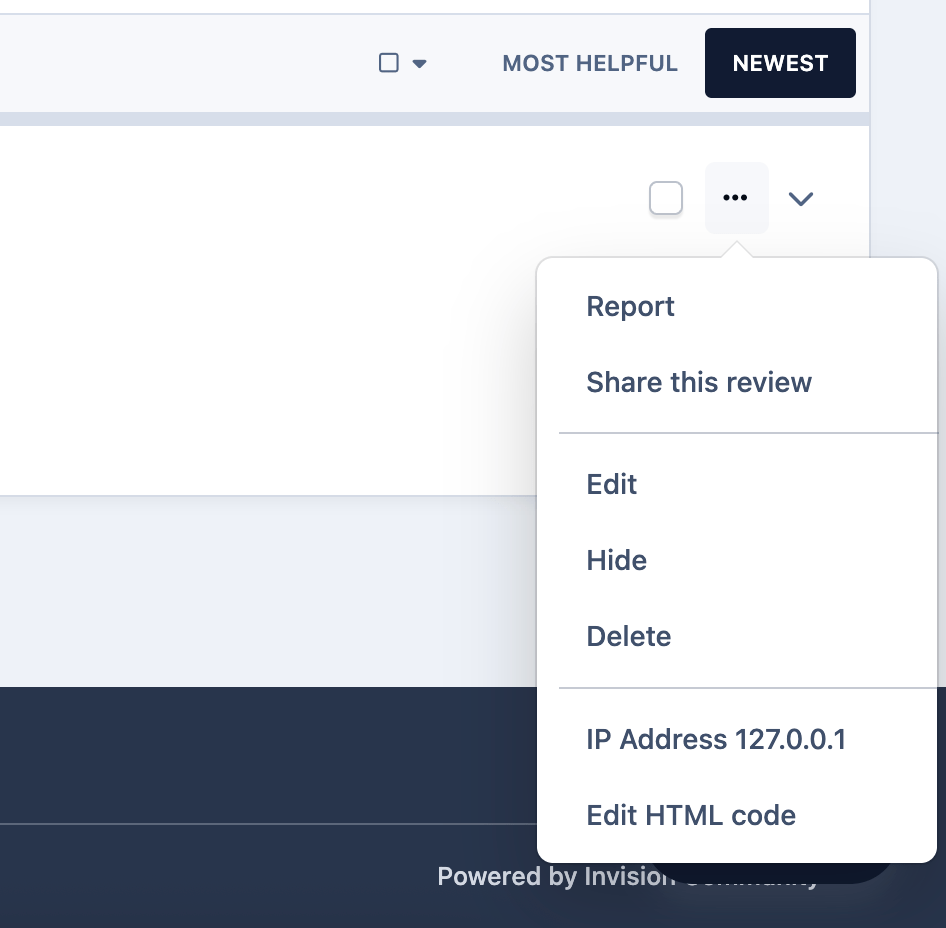
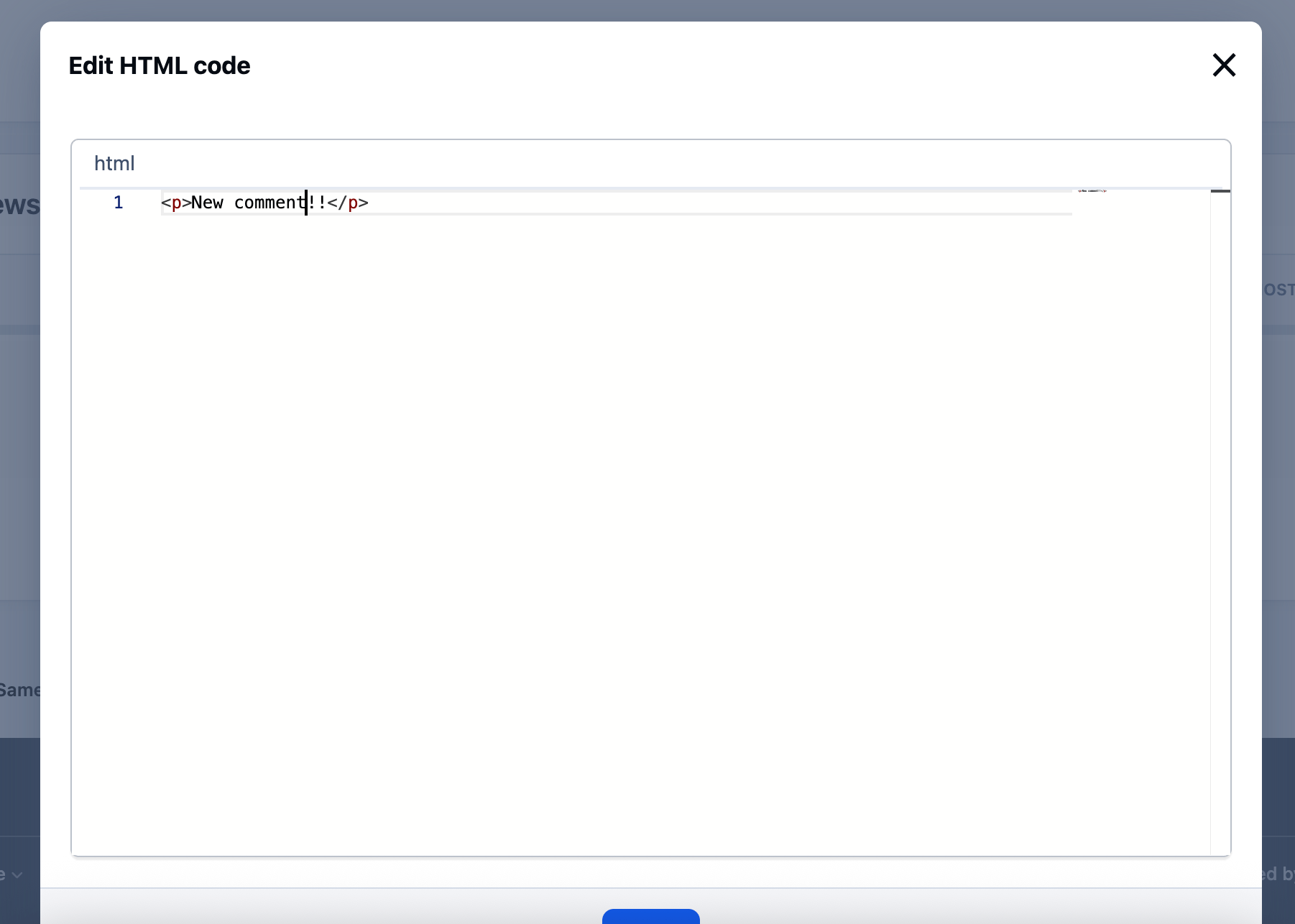
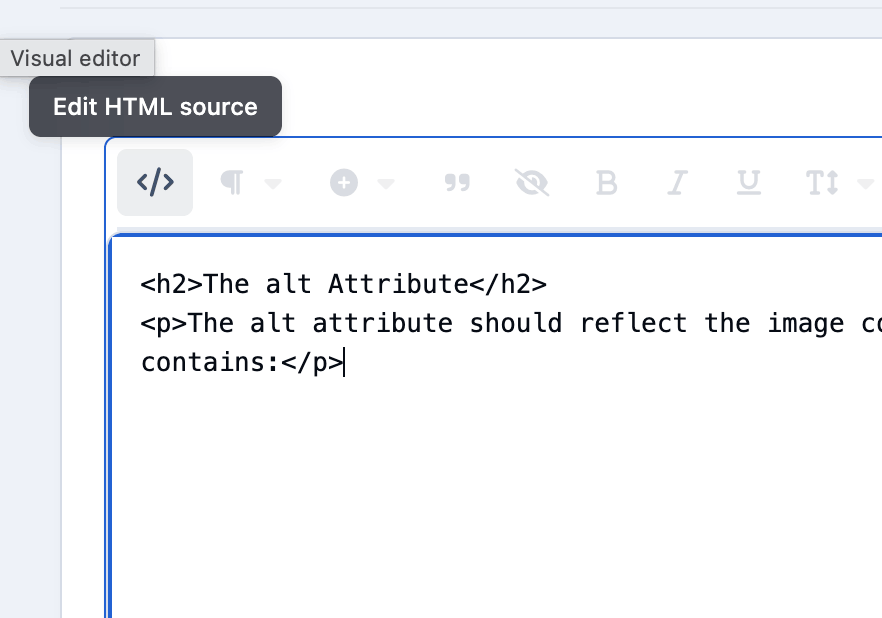
HTML Editor - application allows you to change the HTML code of messages and reviews. Created to replace the outdated Edit HTML of posts.

Possibilities:

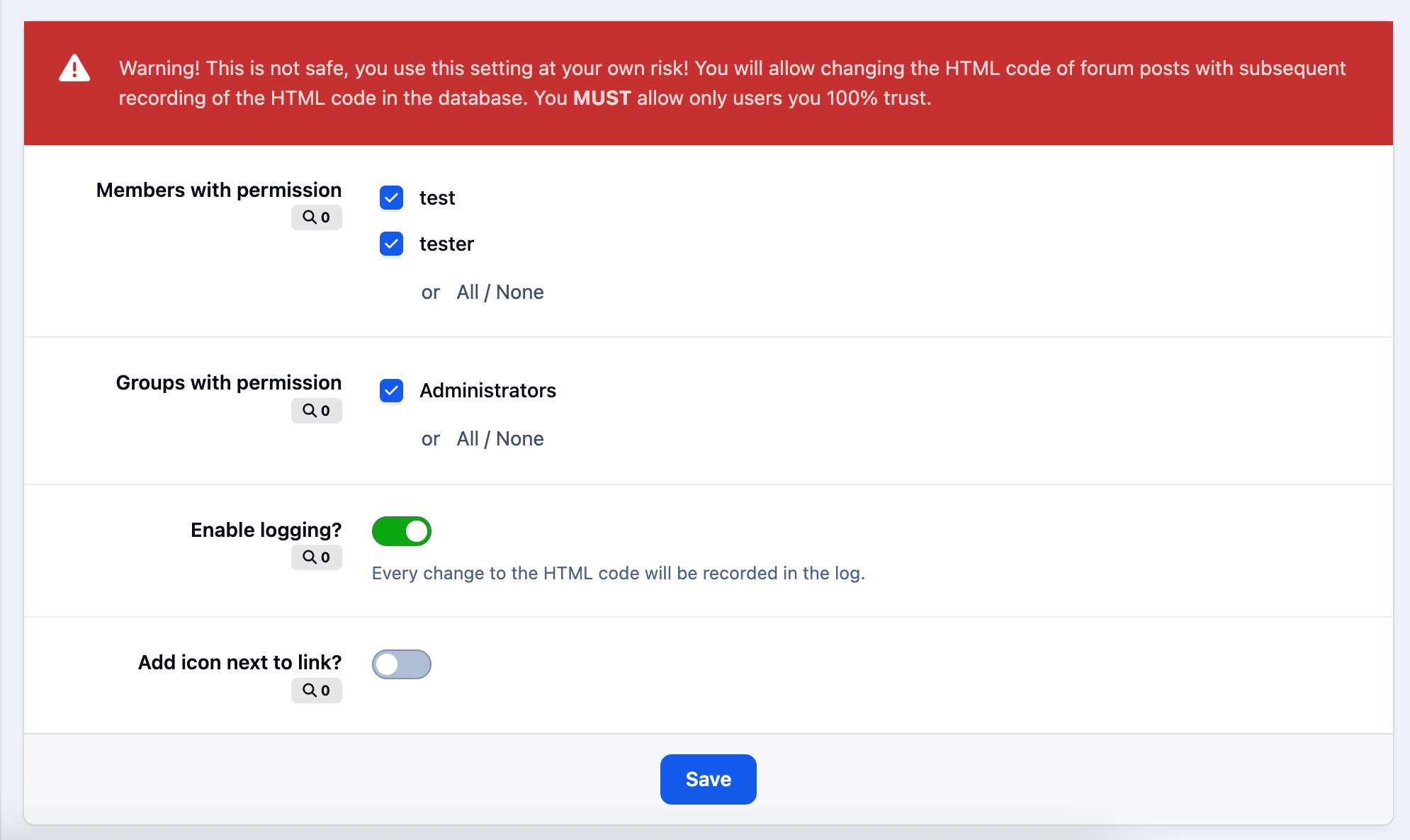
  • Select users/groups (only admins) that can change HTML code.

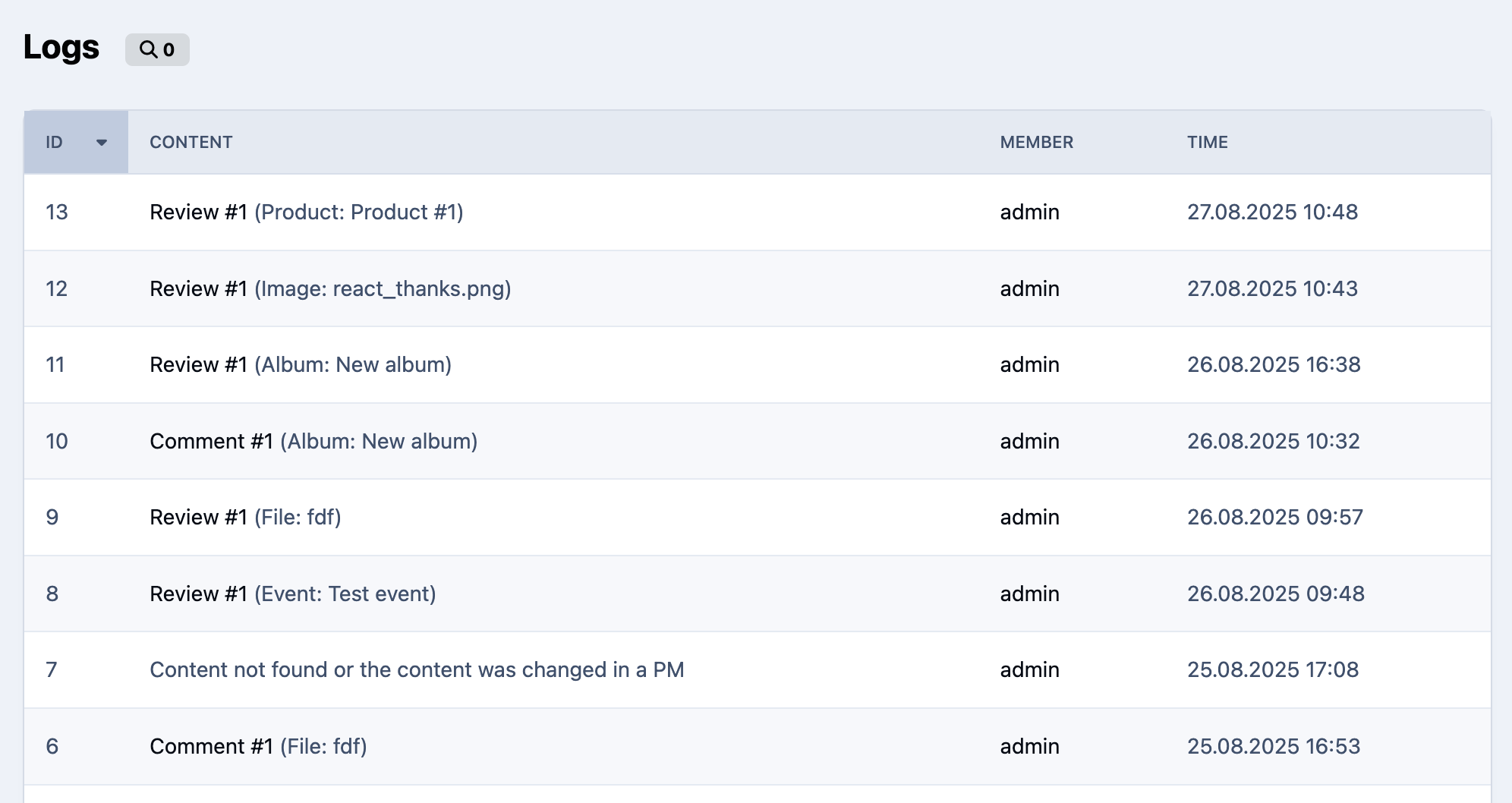
  • Enable/disable logging.

  • Add/remove icon next to the link.

Supports applications:

  • Pages

  • Forums

  • Commerce

  • Events

  • Blogs

  • Personal Messages

  • Gallery

  • Downloads

What's New in Version 1.0.6

Released

1) Fixe problem with 'This field is required'.

2) In the settings, you can specify access for any group, not just with ACP access ones.

User Feedback

You may only provide a review once you have downloaded the file.

   2 of 2 members found this review helpful 2 / 2 members

This is a convenient app, thank you, Kirill. It provides access to the source that Tiptap previously removed. Just remember to save only in HTML, or Tiptap will sanitise it, and anchors will disappear.

Account

Navigation

Search

Search

Configure browser push notifications

Chrome (Android)
  1. Tap the lock icon next to the address bar.
  2. Tap Permissions → Notifications.
  3. Adjust your preference.
Chrome (Desktop)
  1. Click the padlock icon in the address bar.
  2. Select Site settings.
  3. Find Notifications and adjust your preference.
