NAWAC
Clients
-
Joined
-
Last visited
Everything posted by NAWAC
-
Is the IDEAS app going to be upgraded to be compatible with version 5 of IC?
-
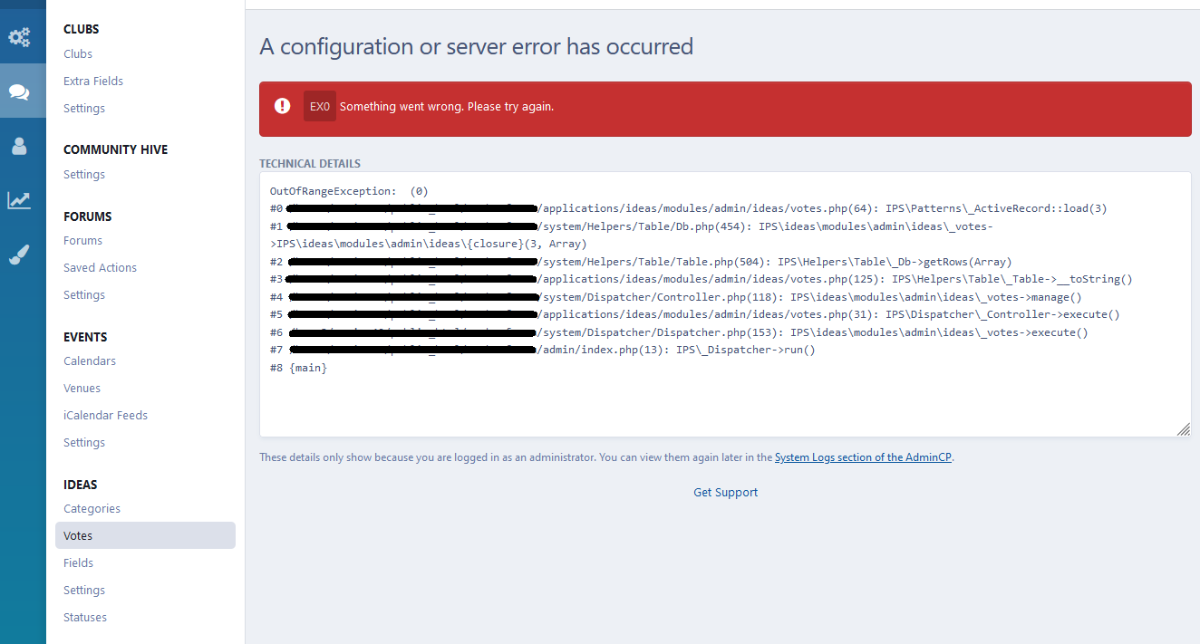
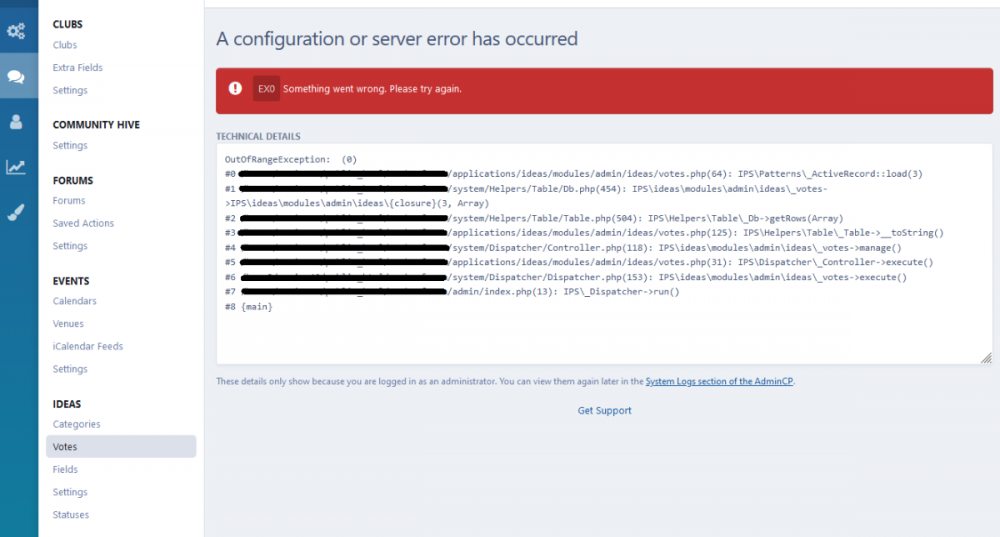
I just upgraded from 1.1.6 to 1.1.8. When I went to the Ideas settings "Votes" page, I get these error messages.
-
Thank you. Seems to be up and running again!
-
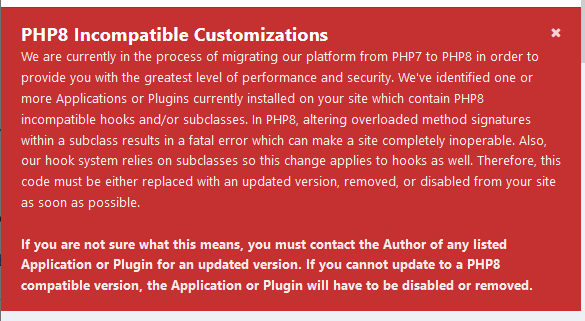
Ideas is not working for me. IPB has locked it due to noncompliant 8+ code. Here is the error from my Admin panel, below.


-
-
This similar error also popped up on the "Unread Content" page. Seems like the constant is not defined so it's showing the constant instead of the constant's value. At least, that's my guess. ?
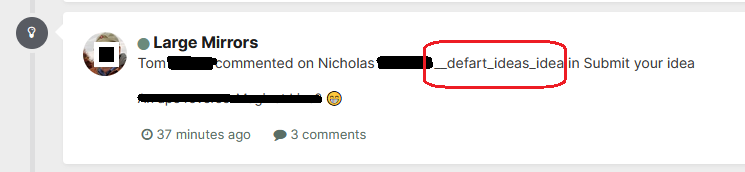
-
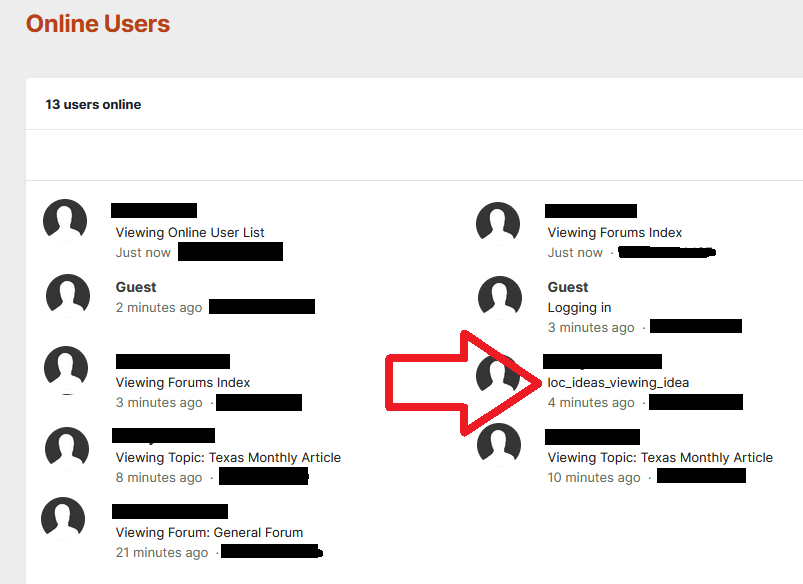
One thing I've seen that seems to be a glitch, is the Online Users page of the forum. It does not show the current page that the user is viewing in the Ideas app. It shows "loc_ideas_viewing_idea" instead of the actual page. See the red arrow below (note: I've redacted information for privacy.)