AlexJD
Members
-
Joined
-
Last visited
Everything posted by AlexJD
-
@Kirill Gromov, looking good on the first test; thank you. I find this app so incredibly helpful, as we put up whole books as a single page for searching reasons, and we post them in the HTML that Word has generated, since it includes the linked table of contents. Great app, thank you.
-
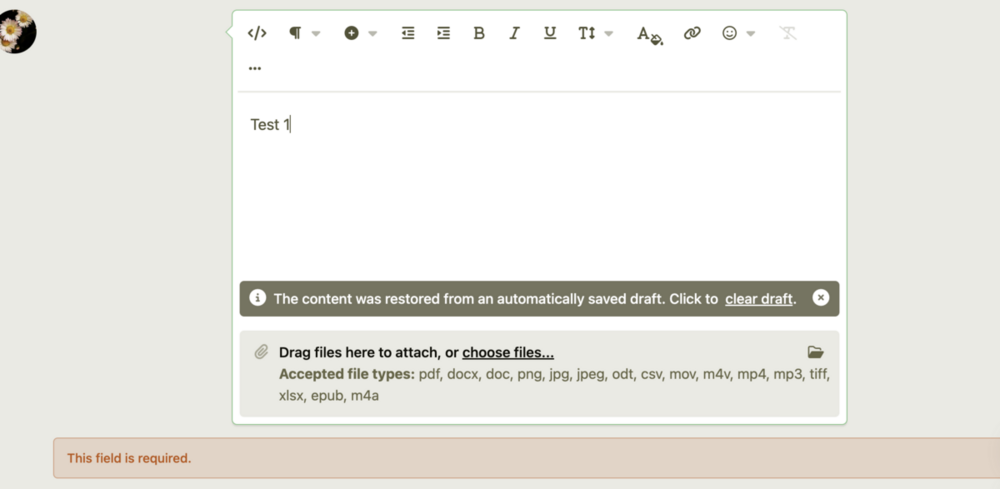
Tested 1.0.6, and I don't think it is saving correctly. It only saves if the edit HTML option is open! Then it saves OK. Thanks
-
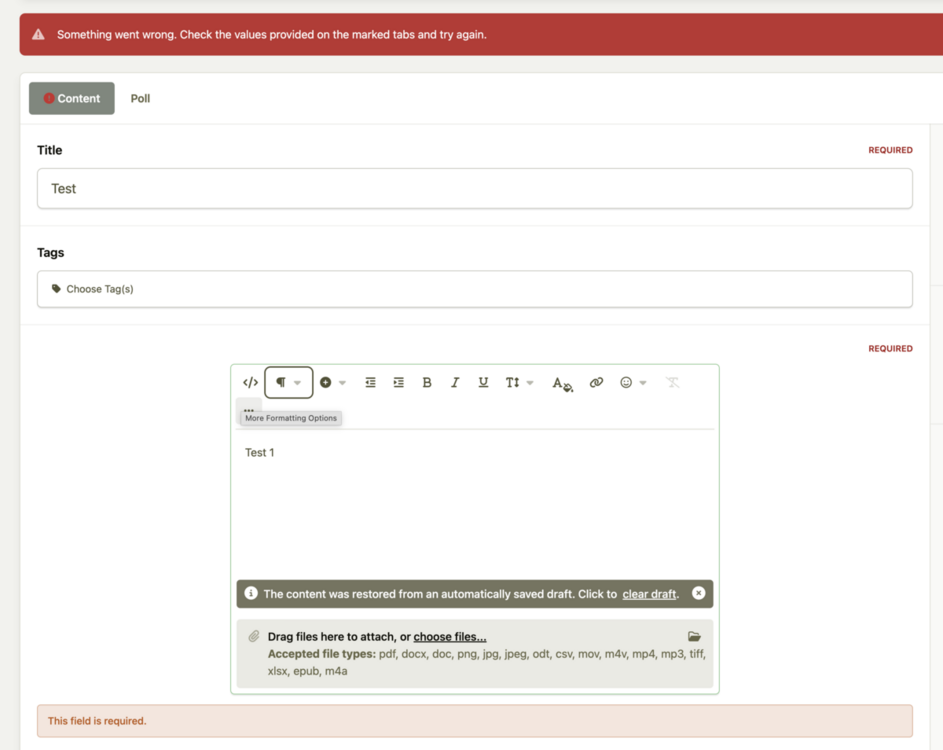
Same here this morning. It would be great to get a fix, as this is a very handy app. On a second submission, it works. But
-
 This is a convenient app, thank you, Kirill. It provides access to the source that Tiptap previously removed. Just remember to save only in HTML, or Tiptap will sanitise it, and anchors will disappear.
- 1 comment
- 1 review
-
-

- 1
-