Brian
Clients
-
Joined
-
Last visited
Everything posted by Brian
-
thank you thank you ! works
-
i made a small change to your code just to see what was stored in the 2 vars sort($data_check_arr); $data_check_string = implode("\n", $data_check_arr); $secret_key = hash('sha256', $settings['client_secret'], true); $hash = hash_hmac('sha256', $data_check_string, $secret_key); $testme = \IPS\Request::i()->hash; if (strcmp($hash, \IPS\Request::i()->hash) !== 0) { throw new Exception('Data is NOT from Telegram '.$hash.' '.$testme); } added the $testme var and when the exception is thrown added $hash and $testme so i could see them in the error this is whats shown in the system log Exception: Data is NOT from Telegram 00713a13bc63fb81577484714b875af936cdd89c0132fd2282a6f2bd1de6d882 a03990d9bedb6a2ee429751de8b1ca84d1024300b242873287d00eb7ece7a459 (0) #0 C:\ips\applications\telegramlogin\interface\telegram\auth.php(25): checkTelegramAuthorization() #1 {main} very different strings . any ideas ?
-
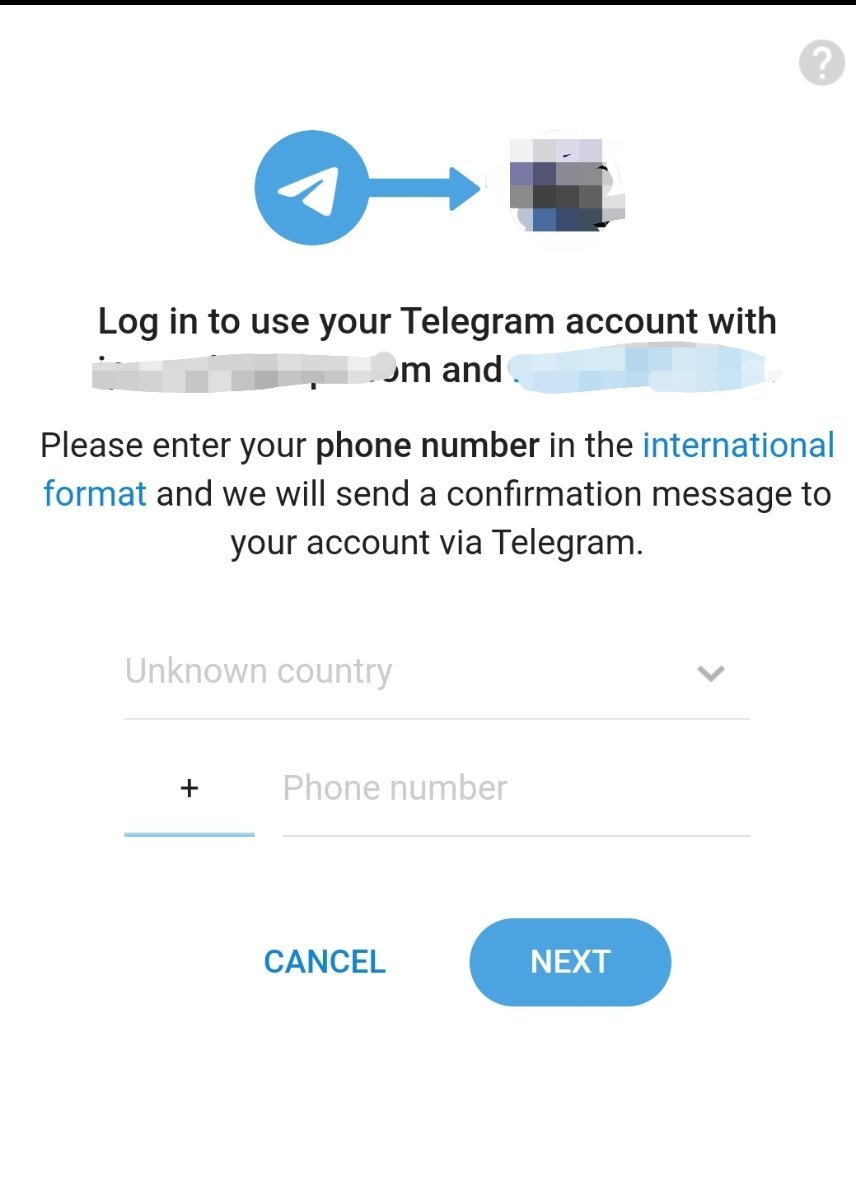
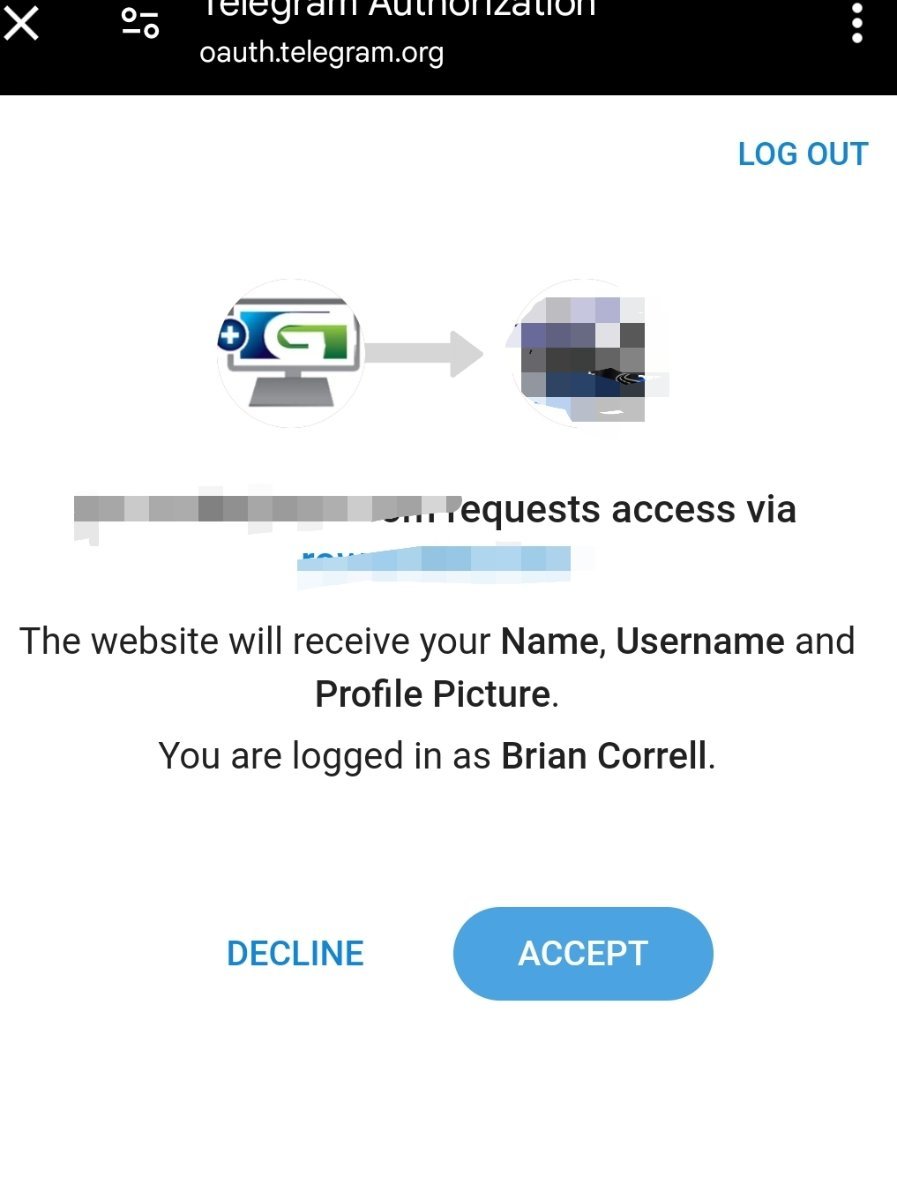
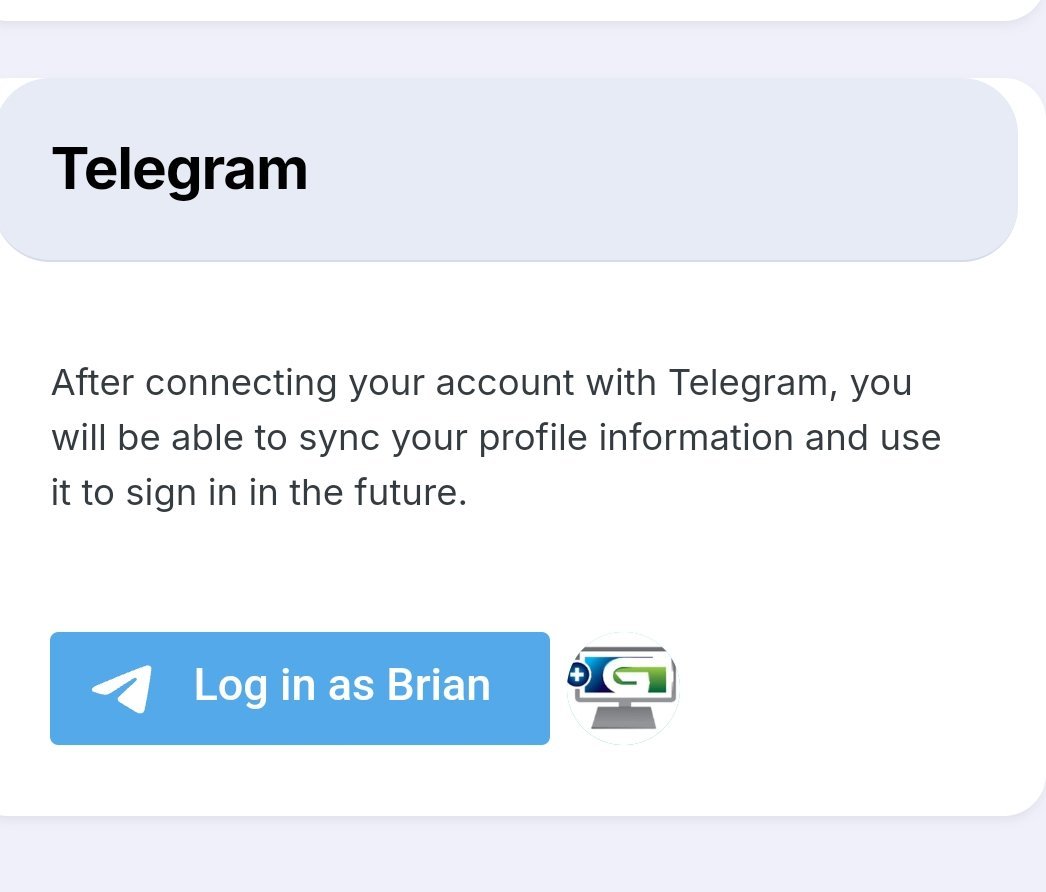
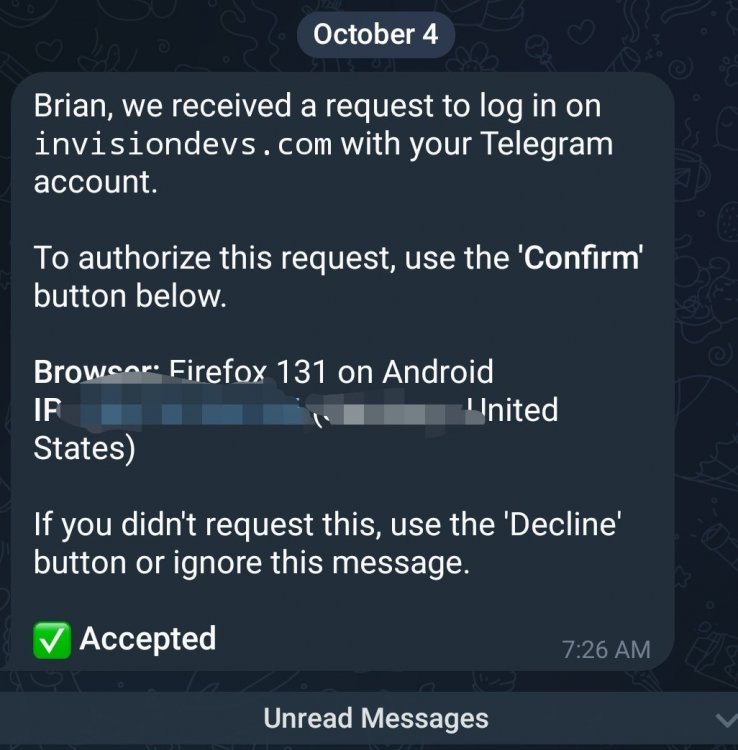
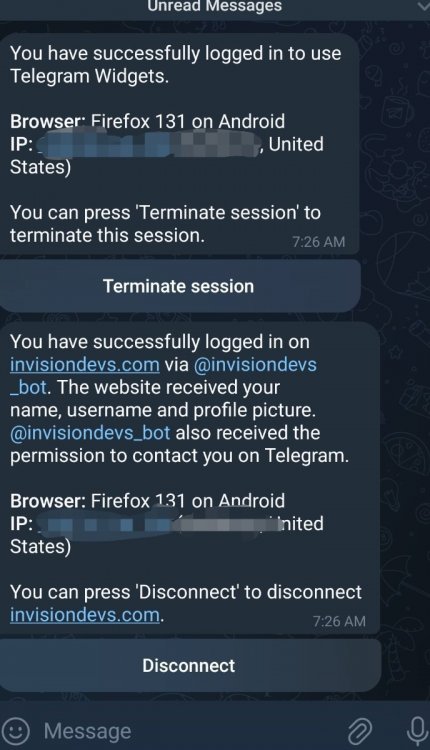
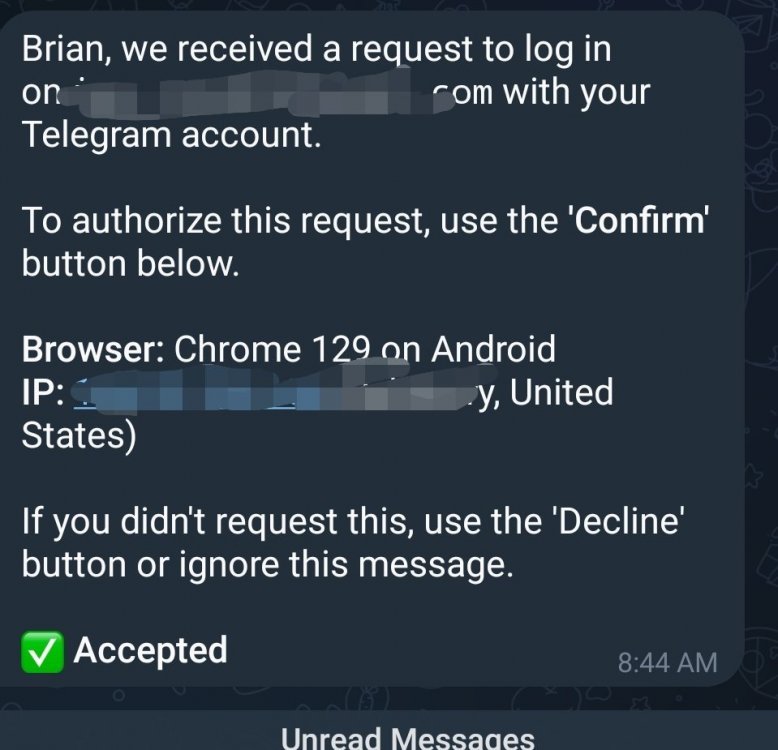
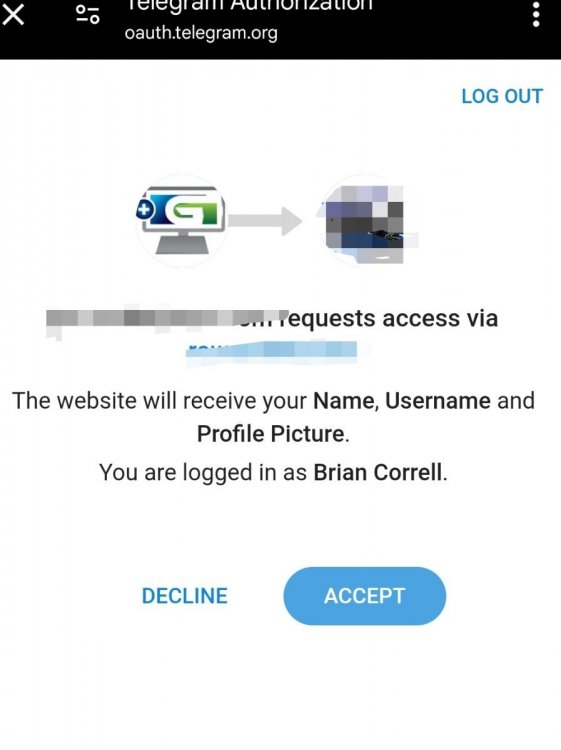
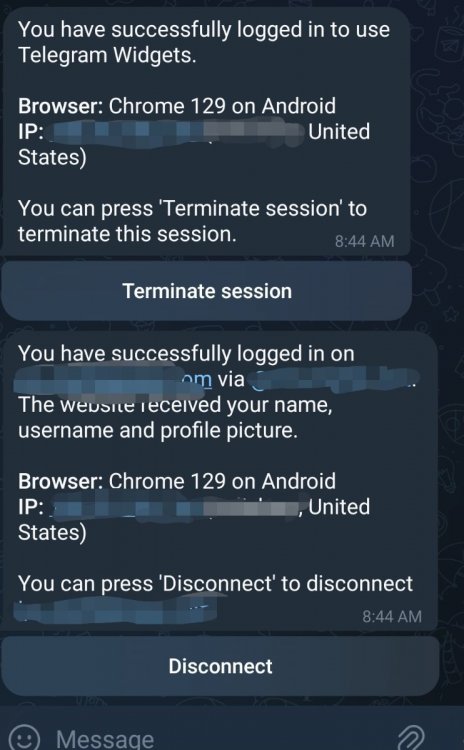
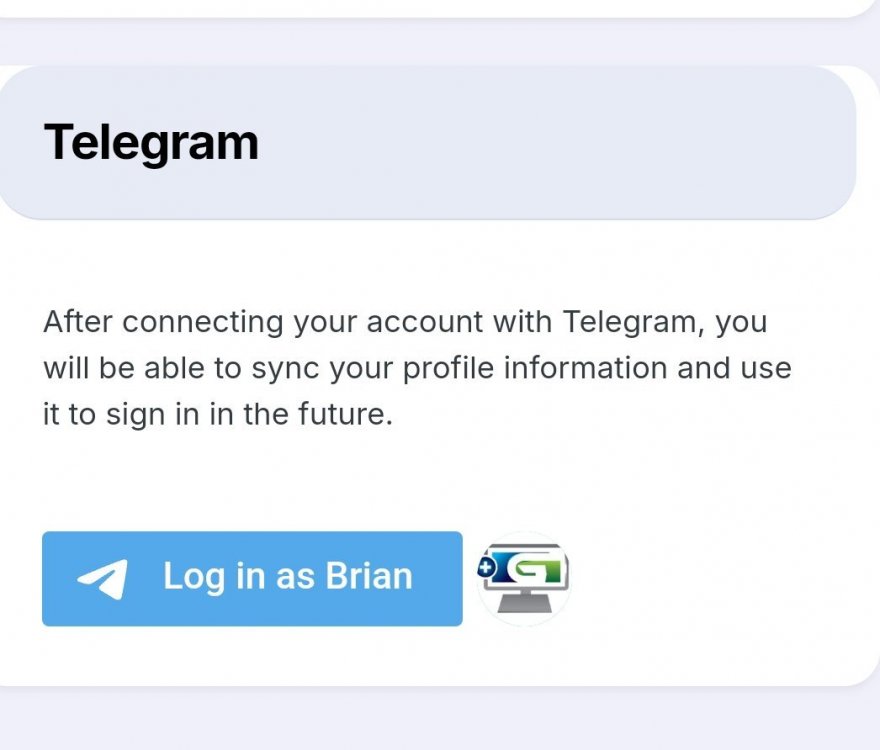
makes no sense . i can login on your site . the steps are exactly same as mine . except on mine i get the NOT from telegram error . my site as soon as i click this button i get the Not from telegram error . the link in the address bar at that point looks like . https://subdomain.mydomain.com/applications/telegramlogin/interface/telegram/auth.php?key=16783efwertyuiopasd31a71be03f123&id=3819612530&first_name=Brian&last_name=Correll&username=telegramusername&photo_url=https%3A%2F%2Ft.me%2Fi%2Fuserpic%2F320%2FMoFrm-TfM-t5q9_rDXAeWYZg14zL6K3mj7FSIA01JPc.jpg&auth_date=1728047208&hash=dafa2940c12973b93594ec4c32876dd1c2b2d1769b2ab347a1cec69ad1b57a09 not sure what it could be . like i say removing those 3 lines from auth.php makes it work .
-
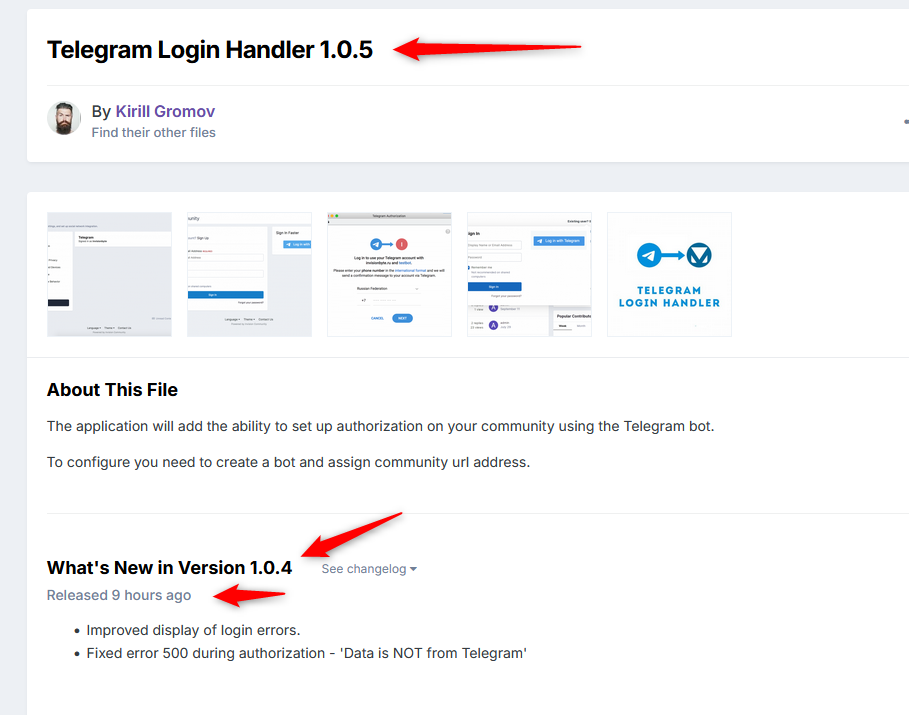
maybe it has something to do with changelog version not matching the update version .
-
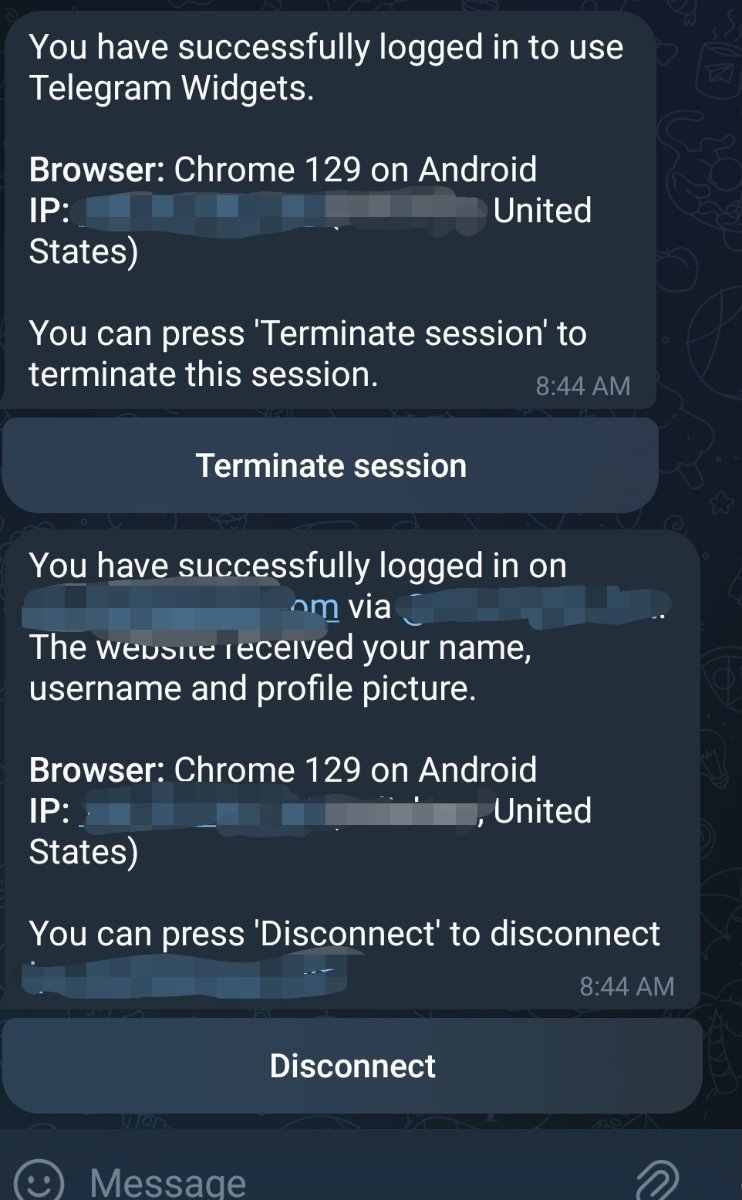
uninstalled , disconnected in telegram and terminated in telegram authorization . Nothing changed . the error looks same and all .
-
commented out those 3 lines and it logs in fine .. but im sure this is to keep someone from faking the telegram login from another site . so i will disable till i hear how to fix .
-
i dont know exactly how to read this line of code in auth.php but it would seem that the "data not from telegram" error comes from this line because something is not egual to 0 if (strcmp($hash, \IPS\Request::i()->hash) !== 0) { throw new Exception('Data is NOT from Telegram'); }
-
i have noticed that the return url has a shortened version of telegram domain . could it be that the t.me domain was not being used when you wrote the script. i can see the error above says "data is not from telegram" photo_url=https%3A%2F%2Ft.me%2Fi%2Fuserpic%2F320%2FMoFrm-TfM-t5q9_removedforsafgetyg14zL6Kxxx01JPc.jpg
-
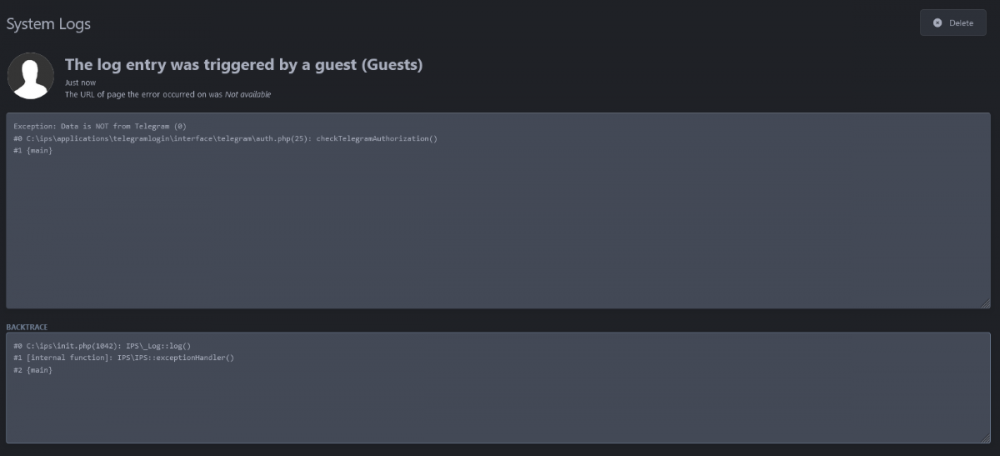
No errors in php.log log_errors is on error_reporting is set to E_ALL & ~E_DEPRECATED & ~E_STRICT is the script php 8.1.29 compatible ? the system log in ips shows
-
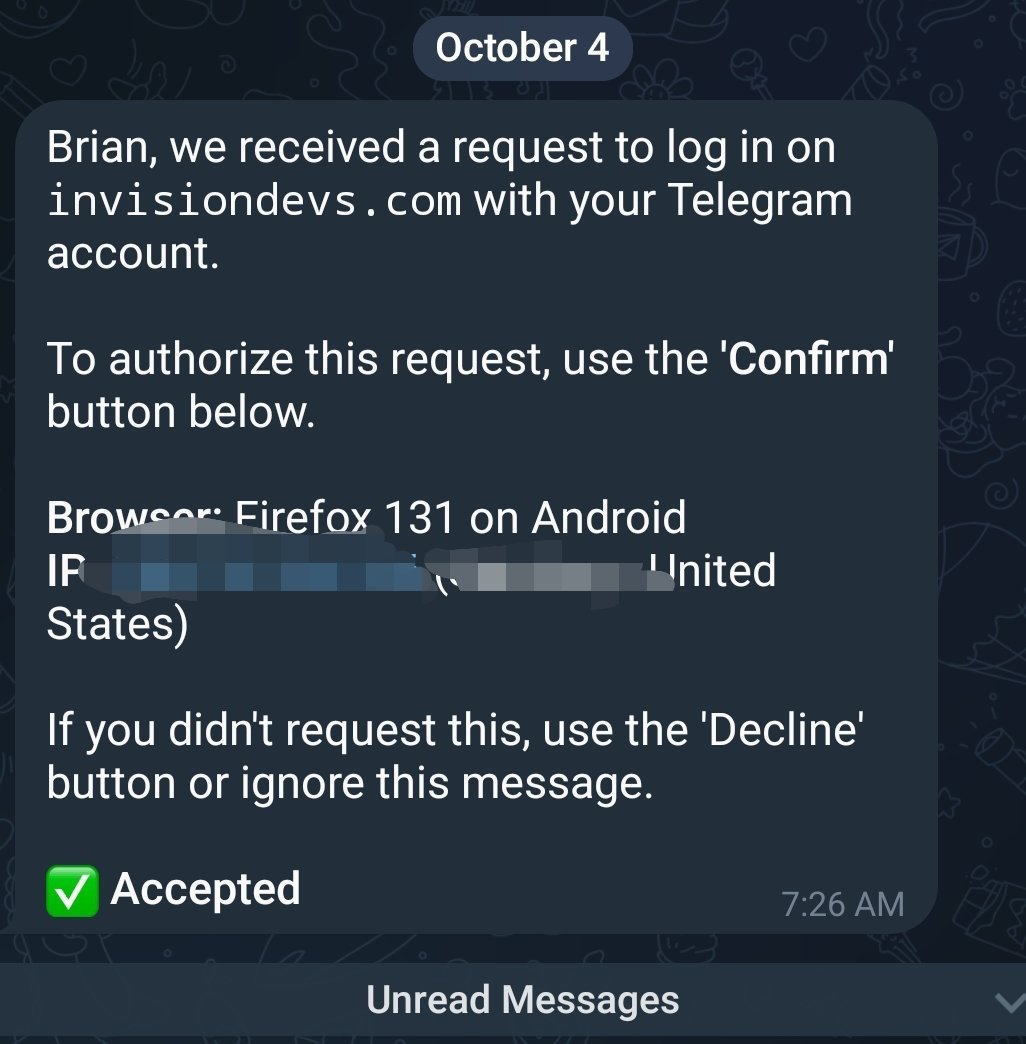
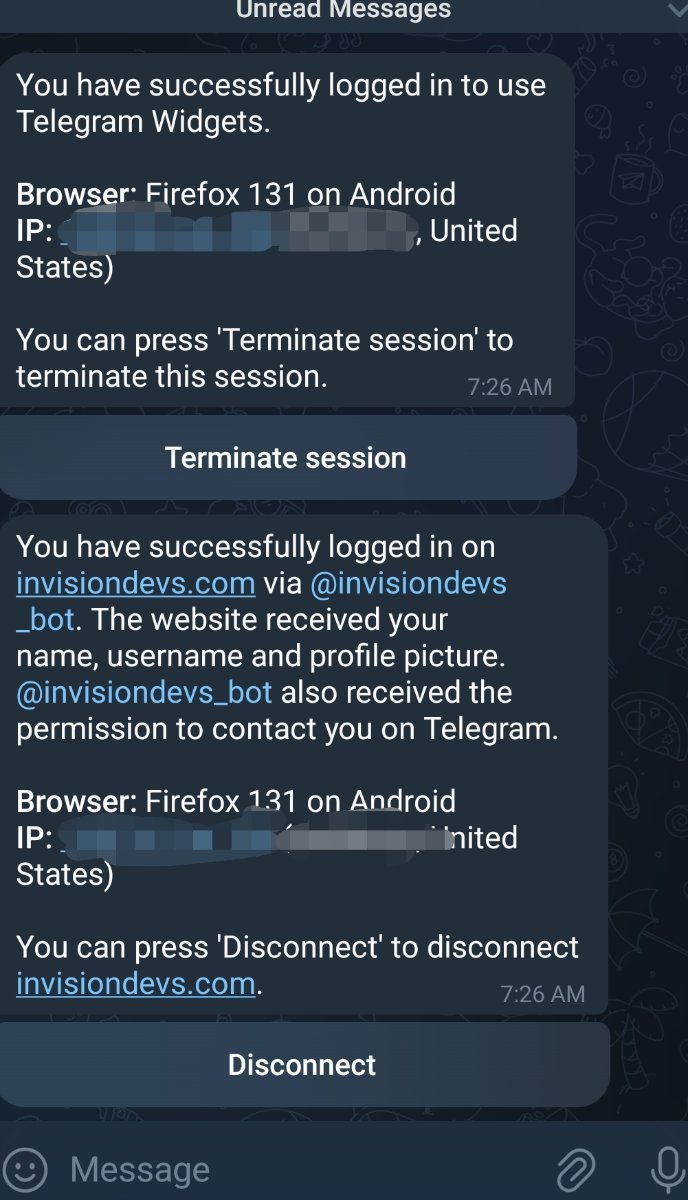
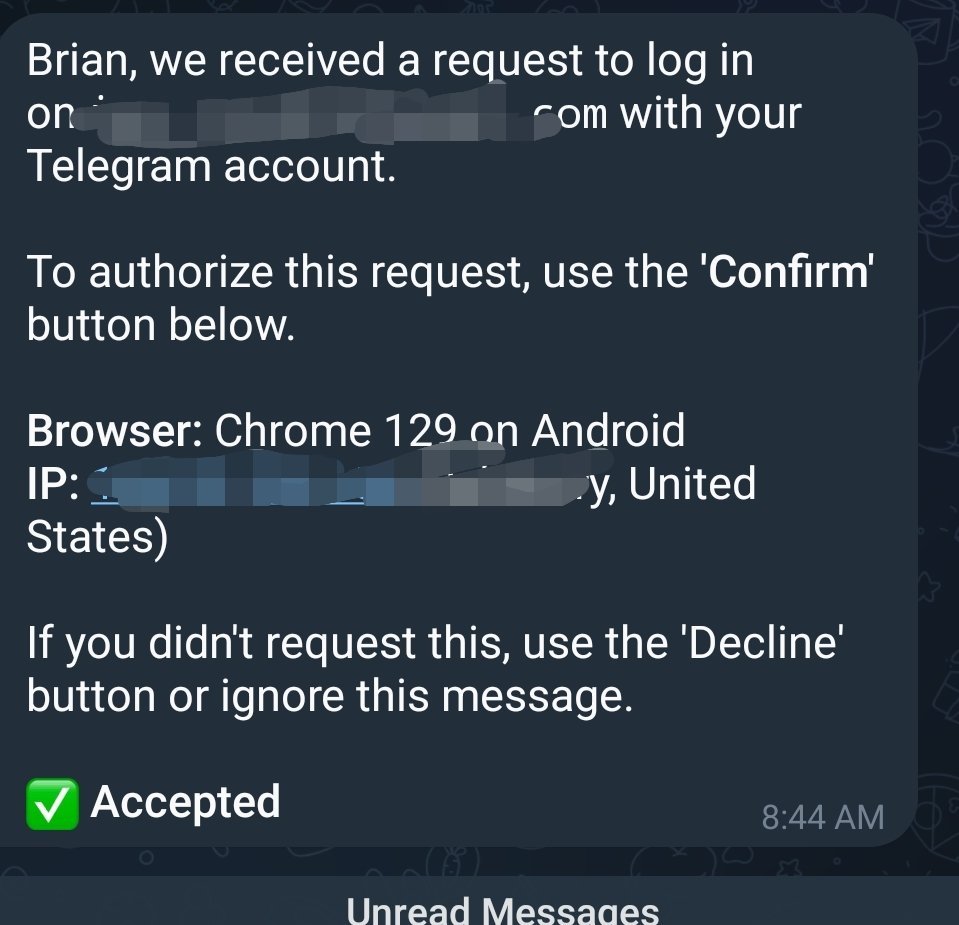
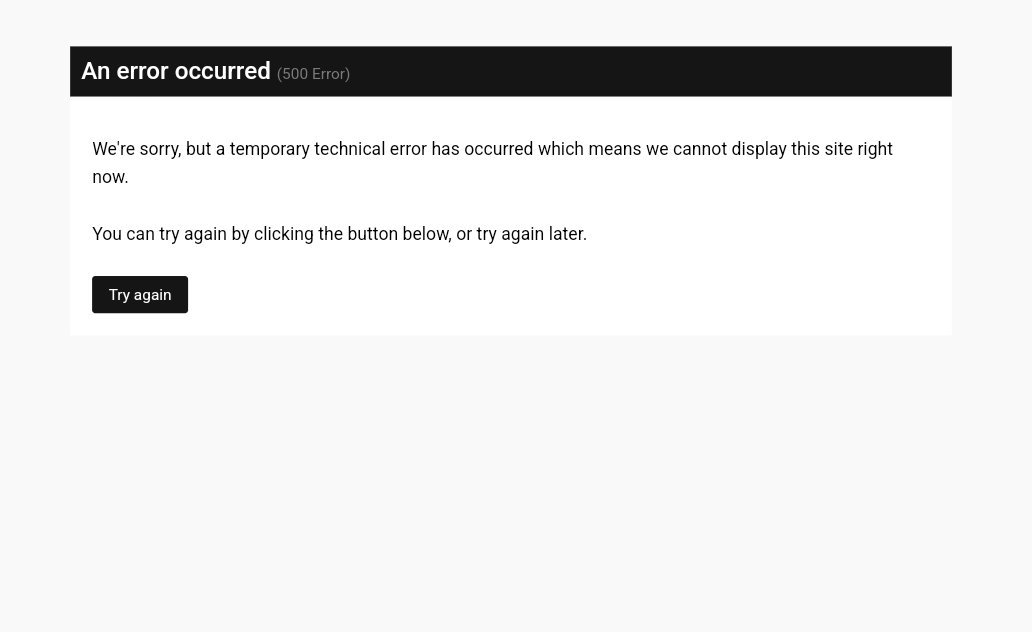
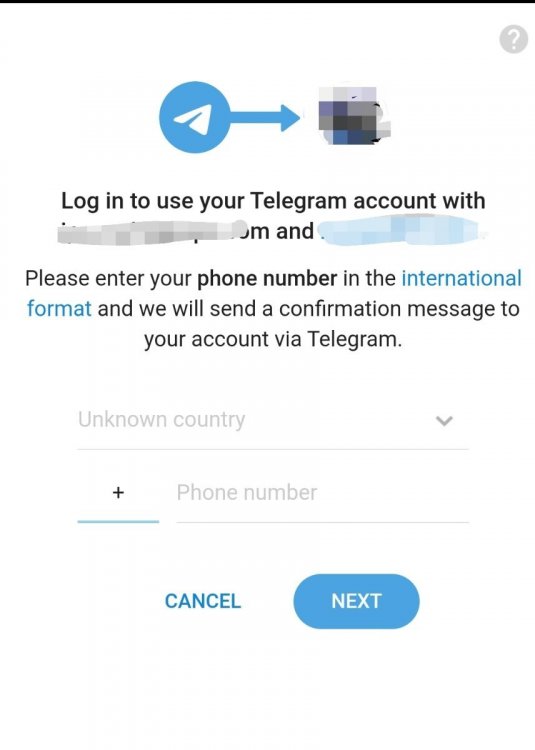
allows me to login but on redirect it shows this i get 2 confirmations in telegram that someone is login ( me ) then this in browser .
-
anyway you can add the ability to have a submit new idea button in the widget ?
-
could not make it work . the setting panel is there . but could not find anywhere about setting up the domain for the shortened links or a place on the front end to actually use it .
-
can you explain this ? not understanding what it does .
-
So whats the change log for 1.0.5
-
I would like a simple cash app integration . when someone chooses cash app display my Barcode they scan with there phone and pay and when redirected cashapp informs the return url its paid .