Kirill Gromov
Administrators
-
Joined
-
Last visited
Everything posted by Kirill Gromov
-
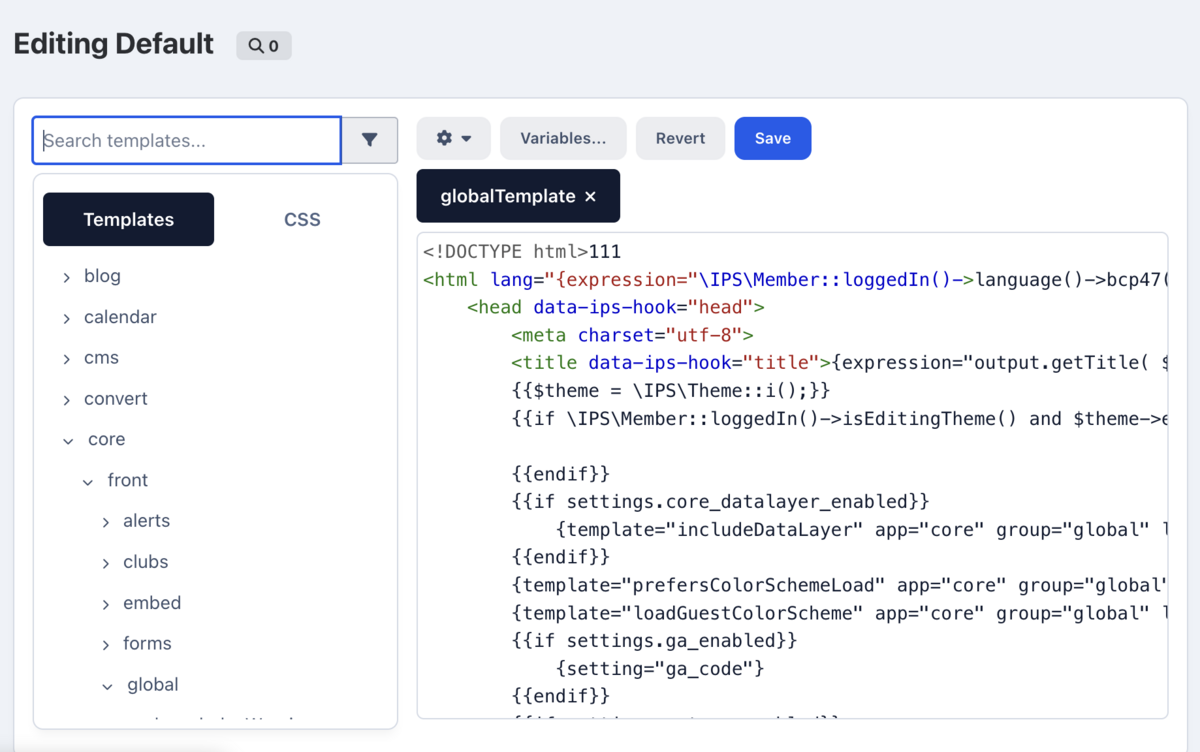
Where exactly do you want to display the RAW HTML block using my app?
-
The application cannot force IPS to do something it does not do, it is just an HTML editor.
-
Hello. 1) No, It doesn't change the code directly in the editor. It uses its own editor to modify the post's HTML content. 2) For security reasons, only administrators can have the button. This works for database records too. What's ATF?
-
Hello, there are no such plans yet.
-
You should go to the gateway settings and you will see new settings there.
-
Hello. You must update the app to the latest version.
-
-
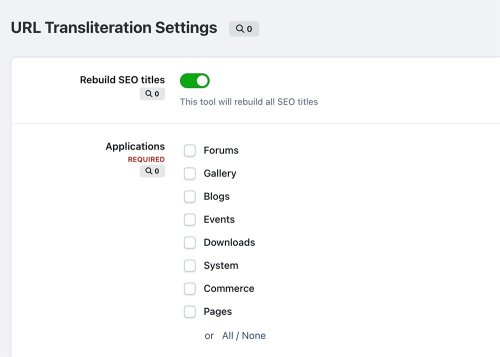 Hello. Sections for forums?
 -
Hello. Most likely, the webhook is blocked on the Cloudflare side and cannot reach your server.
-
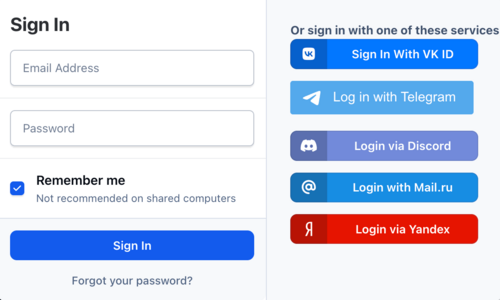
Yandex Login Handler The application allows you to set up authorization via Yandex account. File Information Submitter Kirill Gromov Submitted 02/11/26 Category Free apps for Invision Community 5 View File
-
The application allows you to set up authorization via Yandex account.Free
-
Hello. For what?
-
Hello, yes, it works on IPS 4.7!
-
Hello. No, it won't be, its development for version 5 is not planned yet.
-
Hello. What's your Ideas vote log settings?
-
Hello. Global > Buttons
-
Hello. Unfortunately, such functionality is not planned.
-
https://github.com/RangeMachine/BTCPayGateway
-
Hello. Only IPS5 for now.
-
No, the main development is complete.
-
Hello. No, it's impossible without a hook system, which isn't in IPS5.
-
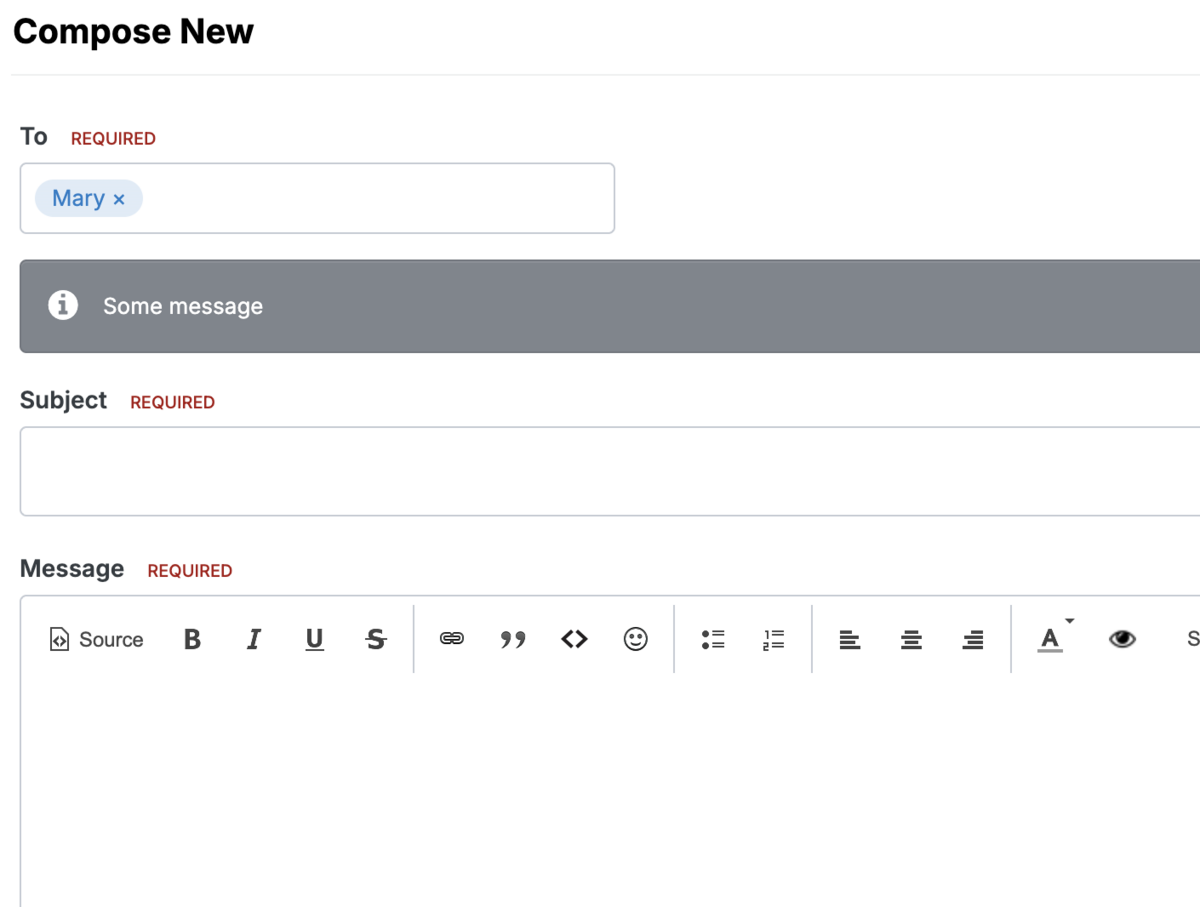
No! It only informs during PM writing.
-
Yes!
-
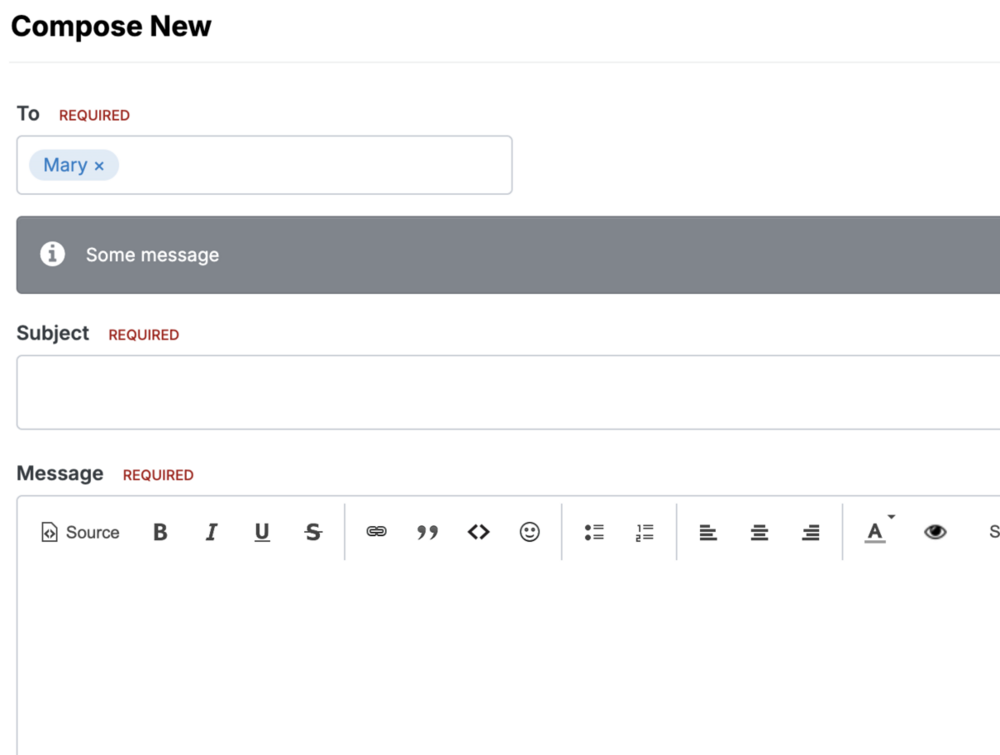
Hello. This app adds an informational message on the private message composing page, not on the already sent message page.
-
It is no longer relevant