
Kirill Gromov
Administrators
-
Joined
-
Last visited
Everything posted by Kirill Gromov
-
-
-
-
-
Hello. I think yes, in the near future
-
Hello, no, no plans yet
-
 Steam Login Handler for Invision Community 5Free
 -
Steam Login Handler Steam Login Handler for Invision Community 5 File Information Submitter Kirill Gromov Submitted 02/17/25 Category Free apps for Invision Community 5 View File

-
Hello. In css you can add: .ipsList--csv > li { line-height: 2.52; }
-
Hello. I think yes, 1 week
-
Hello. Process payments
-
I'm afraid for version 5 we can no longer enter the registration process.
-
But why don't you want to use the plugin from zayed.solutions?
-
Fixed version has been uploaded!
-
Hello. How should the IPS know if the mailbox is real or not?
-
Hello. Do you have any errors in the error log?
-
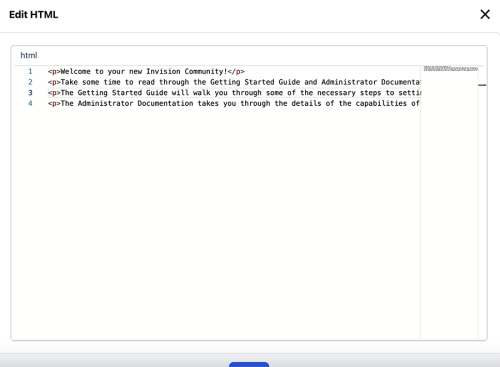
Edit HTML of posts This application allows selected users or groups to change the HTML code of forum posts. File Information Submitter Kirill Gromov Submitted 02/07/25 Category Free apps for Invision Community 5 View File
-
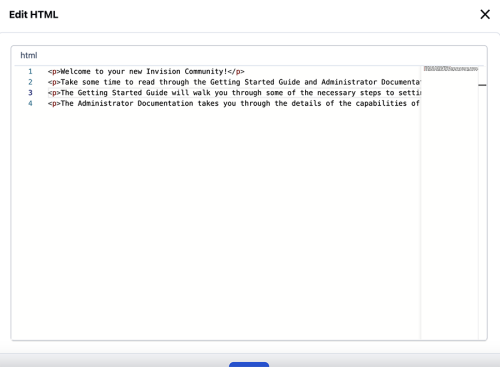 This application allows selected users or groups to change the HTML code of forum posts.Free
- 1 review
-
-

-

- 3
-
-
StopForumSpam StopForumSpam - application to prevent spammers from registering on the forum. When registering a new user, the application checks the email, IP address and/or username, and if this data is in the spam database of the service https://www.stopforumspam.com/ - it bans the account. File Information Submitter Kirill Gromov Submitted 02/02/25 Category Free apps for Invision Community 5 View File

-
 StopForumSpam - application to prevent spammers from registering on the forum. When registering a new user, the application checks the email, IP address and/or username, and if this data is in the spam database of the service https://www.stopforumspam.com/ - it bans the account.Free
 -
Hello. It’s a custom theme. Made by us.
-
Hello. There are no such plans yet
-
Hello. Unfortunately, we do not work with social networks for several reasons: 1) Their APIs change frequently and we need to constantly monitor this. 2) We do not have access to the listed networks because our government blocks them.
-
Стф you send me the acp access?
-
Now the URL is correct and if you write the /start command to the bot, it will send a message!